SAI Apk (Split APKs Installer) Mod Apk: SAI is a small, open-source installer built for modern Android packaging. It reads split sets and big bundles, puts the pieces together, and hands the job to the system installer. If you’re side-loading from trusted sources, SAI makes it feel effortless.
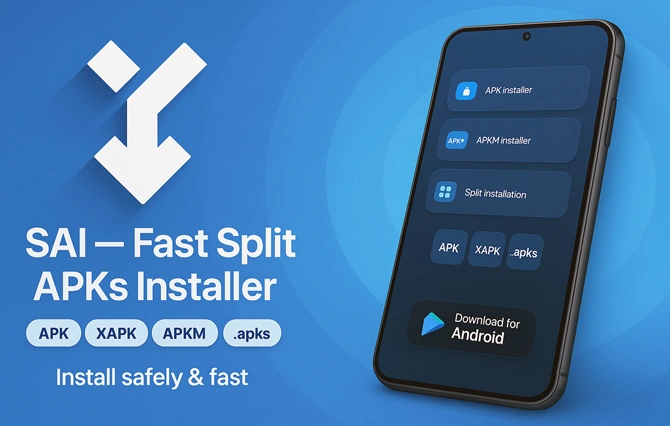
SAI Key capabilities
- Installs split packages that the stock installer can’t process
- Works with .apks, .xapk, .apkm, and regular .apk files
- Handles large games and multi-ABI/DPI/language variants
- Optional backup/restore so you can archive apps and bring them back later
- No root required; clean interface focused on the install flow
Practical example
You can install apps downloaded as APK or APKS outside Google Play — for example, the 1xBet APKs installs cleanly through SAI and runs normally on Android.
How to use SAI
- Allow installs from unknown sources for SAI (Settings → Apps → Special access → Install unknown apps).
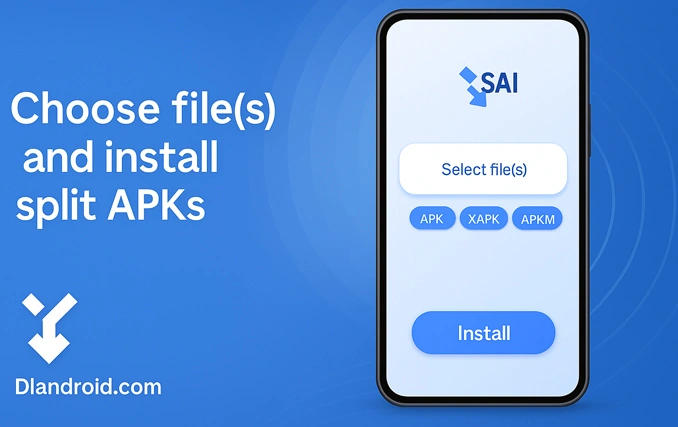
- Open SAI and tap Install.
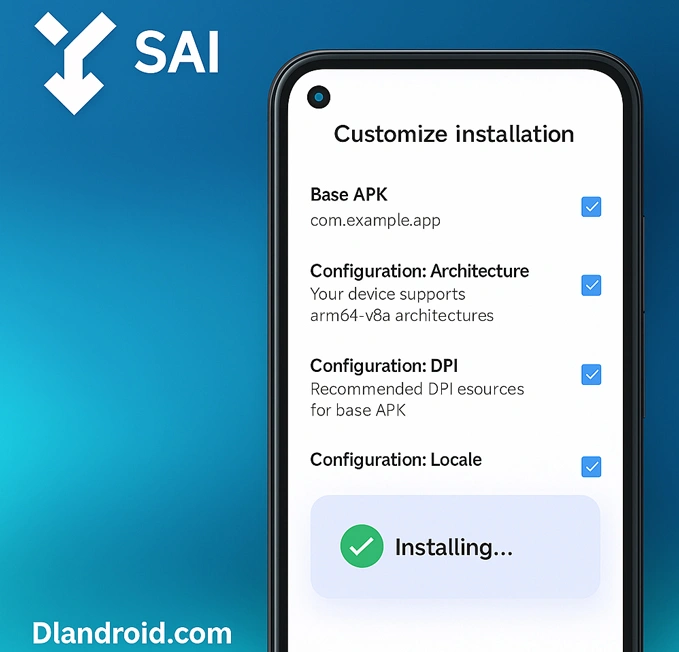
- Pick your package: open the archive (.apks/.xapk/.apkm) directly, or — if you have loose files — select the base APK plus every required config split (ABI, DPI, language).
- Confirm the Android prompt. SAI passes the set to the system; the app appears on your launcher when it finishes.
Formats, explained quickly
- APK: a single app package.
- Split APKs: one base APK plus small “config” APKs (CPU, screen density, language).
- APKS / XAPK / APKM: container archives that bundle those splits for easy side-loading.
- AAB: Play’s publishing format; many third-party sites convert it to APKS/XAPK for side-loading.
Tips for large bundles
- Keep the archive intact; feed the whole .apks/.xapk/.apkm file to SAI.
- Grant file access when prompted so SAI can read and unpack safely.
- Ensure enough free storage; bundles temporarily expand during install.
- On first launch some titles download extra data — this is normal.
Backup and restore
Open SAI → Backup to export installed apps (including their split sets) to local or cloud storage. To restore, open the saved package through SAI and install it again — no re-download required.
Compatibility and safety
- Works best on Android 5.0+.
- Some custom ROMs ship broken install APIs; any third-party installer may fail on those builds.
- Download from sources you trust, verify file integrity, and keep adequate free space before starting.
- SAI does not bypass hardware or OS restrictions; it simply installs the package correctly.
Quick troubleshooting
- App not installed: re-download; corrupted archives are common. If using loose files, include the base APK and all splits.
- Parsing error: the app targets a newer Android version than your device.
- Stuck at 0%: toggle SAI’s storage permission off/on and retry from SAI’s Install screen.
Side-load with confidence. SAI keeps modern Android packages simple, transparent, and reliable to install.

-3.jpg)

Yes
Great work love you guy’s
Don’t forget to follow the instructions almost wasted a couple of hours