
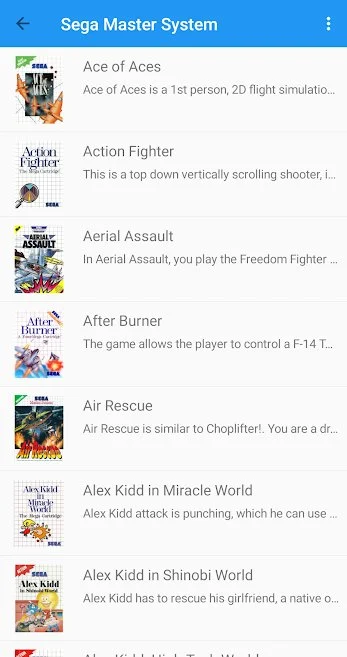
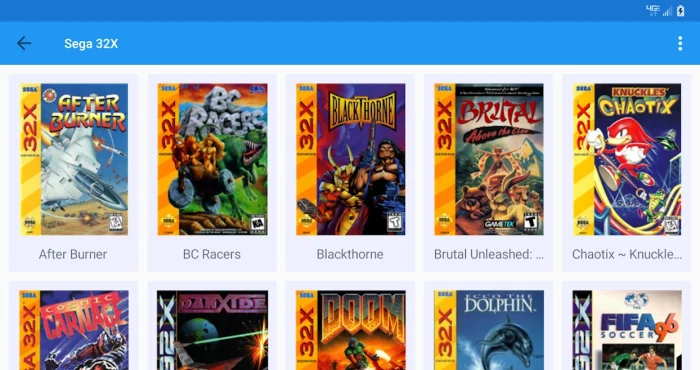
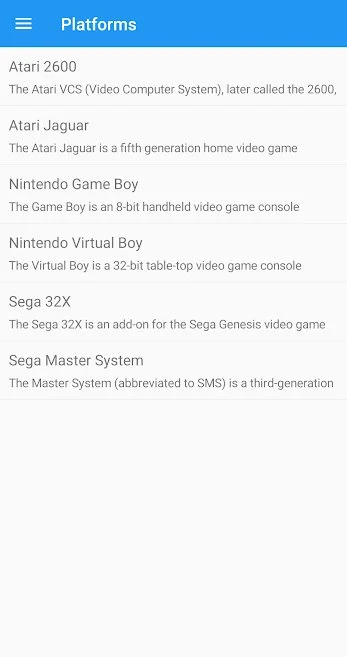
LaunchBox brings games from several systems into one Android library. An entry can show the game’s name and artwork and open a compatible emulator when you select it. The payoff is clearest when you have games spread across several folders and would like to browse them by platform from one screen.
Exporting a Windows library
The Android app originally relied on Export to Android in LaunchBox for Windows. You would prepare the collection on the computer and transfer the exported data to the Android device. That made sense for people who already maintained their games and artwork in LaunchBox on a PC.
Importing on Android
Unbroken Software added an on-device importer to the early Android releases, and the current app exposes that workflow through Import Games. Select a platform and the corresponding folder, and LaunchBox matches recognized titles to entries in its Games Database. This is useful for an Android handheld whose collection has never been arranged on a computer.
Artwork and matching entries
Artwork and titles make the game list easier to scan. In LaunchBox Mod Apk, matching a game to the right database entry brings its cover art and details into the collection. If the displayed title is wrong, the publisher’s current guide describes correcting that match with Edit Metadata.
Handing a game to its emulator
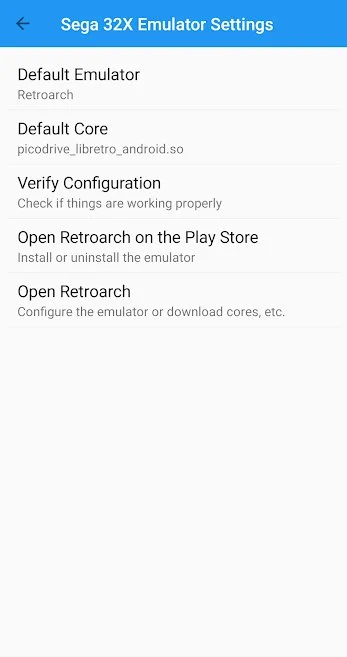
The Android library opens a game in the emulator configured for its platform. The current app can install supported emulators such as Dolphin through Manage Emulators. For a GameCube library, for example, set Dolphin as the Default Emulator in the platform’s settings and run Verify Configuration to check that LaunchBox can use it.
Libraries that make the most of it
LaunchBox suits people arranging their own games across several platforms or carrying over a curated Windows library. The time spent matching covers and configuring emulators is easier to justify for a collection you browse often. If you only open one or two games in an emulator you already use, a separate library adds another screen to that routine.


Leave a Reply