
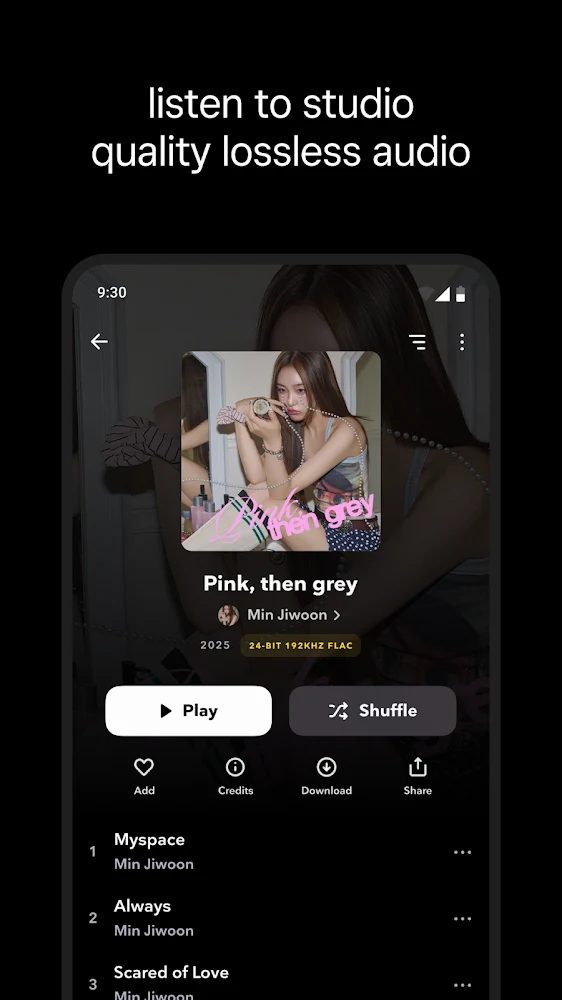
Try an album you already know if you are comparing TIDAL Music Mod Apk with the official streaming service. In TIDAL Music, begin with a recording whose quieter passages are familiar. Play the tracks in order and open Now Playing to check the format TIDAL is using. If you want to return to the album rather than start a new search each time, save it to My Collection.
On TIDAL’s official service, a subscription includes playback without ads, curated playlists and offline listening. The Android app has settings for how you stream those tracks and how you save them for later.
An album and its neighbors
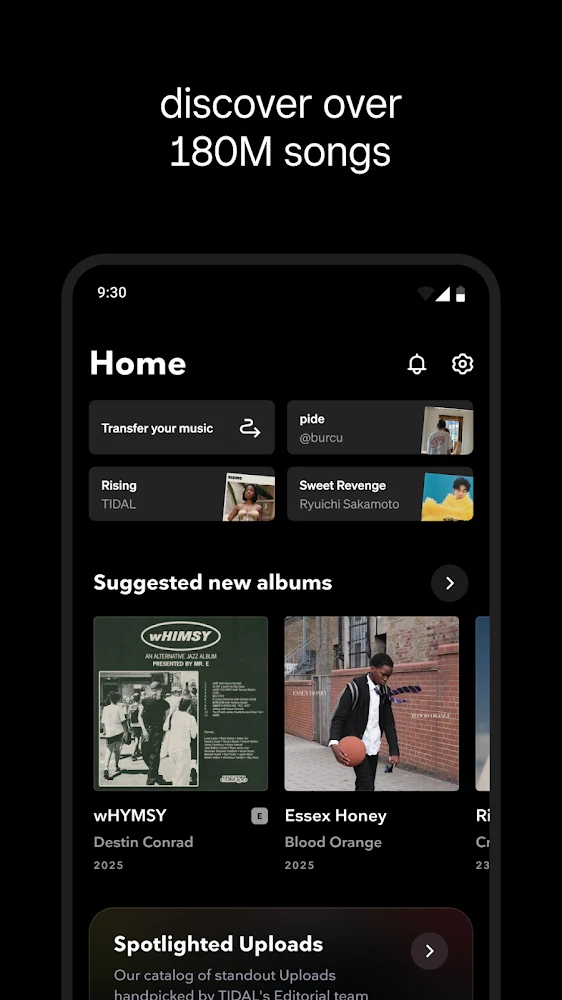
Keep a record in your collection when you want to return to it in its original order. Create a playlist if you want to pull a few tracks from several releases into one queue. TIDAL also has mixes shaped by your listening preferences and playlists assembled by its editors. A mix is useful when you want the next song picked for you after you have spent some time filling out your favorites.
Low, High and Max
The audio setting determines what the app requests. Low uses compressed audio to conserve data. High streams lossless FLAC. Max can use HiRes FLAC when the track is available in that format. A record available in ordinary FLAC can still play with Max selected, because the service uses the best format it has for the particular track.
Wi-Fi and mobile settings
Set a quality level separately for Wi-Fi and mobile data in Audio & Playback. This lets you keep Max for a home connection and switch to Low on mobile if you are trying to stay within a data allowance. A change takes effect from the next track, so advance the queue if you want to check the new setting immediately.
Albums saved for offline listening
An album or playlist saved for offline playback appears in the Downloaded area of My Collection on Android. The app has a separate quality setting for these copies. Choose it before saving an album to keep storage use predictable. Apply a new setting to an existing offline copy by removing that copy and saving the album again.
The format badge under the track
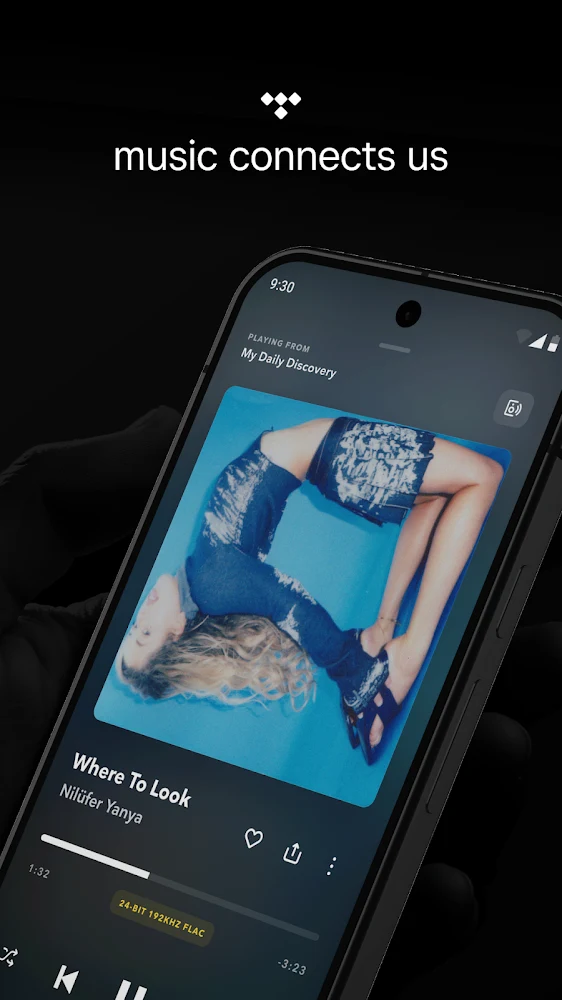
Open Now Playing and look beneath the progress bar to see the format for the track that is actually playing. Tap the badge to see more detail. For a FLAC stream at High quality, that includes the sample rate and bit depth. Checking the badge is especially useful when two tracks on the same playlist are available from TIDAL in different formats.



Good
Has anybody had a good experience with this apk so I can confirm and install it without worrying of it containing junk or malware
Can’t use premium features,still needs to connect to credit card
How do you install this zip file?
Use sai for install