
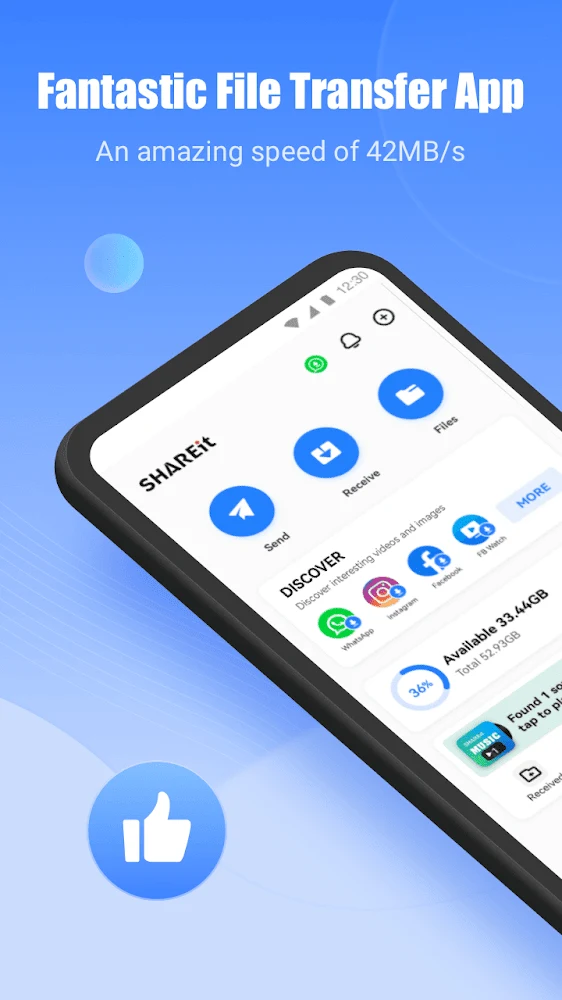
Android’s Quick Share starts from the system Share menu. SHAREit Mod Apk uses its own send and receive screens to identify the two devices. Between your own phones, that matters when one device already has the file and you want to recognize the device that will receive it.
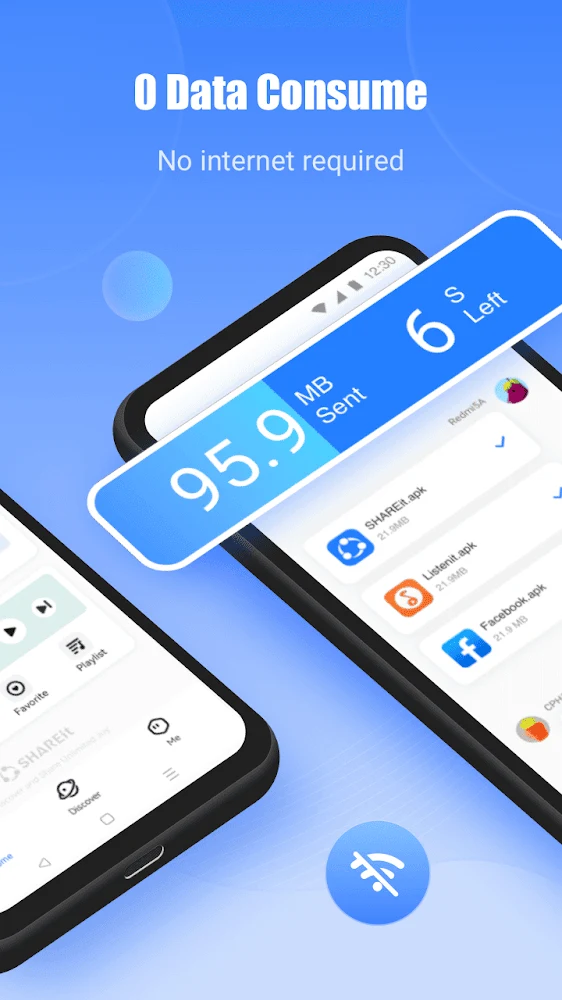
Suppose you have a folder of trip photos on one phone and want just the pictures from the first day on another. Select that group on the sending phone and leave the rest of the folder where it is. The selection screen matters more than the full camera roll when photos from different days happen to look similar. The publisher confirms that a single transfer can hold several files, or whole folders. Choosing just the first day’s pictures avoids copying more than you meant to send while still keeping them together as one selection.
A small transfer between nearby devices
The sender and receiver have different roles in the publisher’s file-sharing flow. Set the device with the original files to Send and the device that should get the copies to Receive. The confirmation step is a useful moment to look at the selected device and the files again. If several devices are visible nearby, use a name you recognize and confirm it on the receiving screen.
The developer also documents a browser pairing option called WebShare. The computer browser displays a QR code for the phone to scan, so you can use a browser on a computer you control as one end of the transfer. This is a separate pairing route from the nearby phone’s Receive screen.
For a first phone-to-phone transfer, open Transfer History on the receiving phone after sending a single photo. If you need the folder path to find the copy outside SHAREit, the publisher points to Storage Location under Me and Settings.


great