
Play! runs PlayStation 2 games on Android from disc images you’re entitled to use. Its library is a good place to start if you want to try one game before moving a larger collection to your phone. Pick a title you know well enough to recognize when a menu responds late, a sound drops out or a cutscene gets stuck.
Adding a folder to the game library
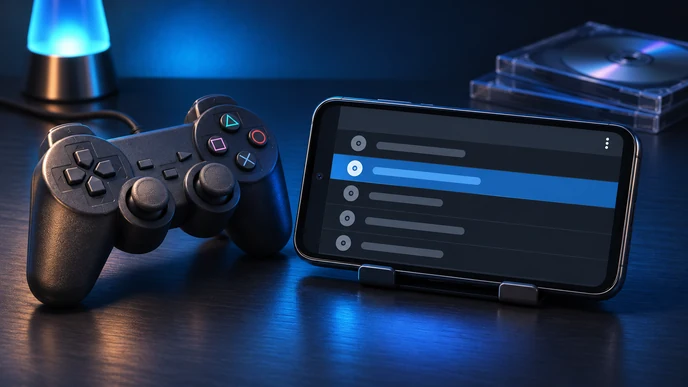
Keep your disc images in a folder you can reach through Android’s file picker. Open the Play! menu, choose Add Folder and grant access to that folder. Once the scan finishes, choose a game from the library. Play! implements the console’s system functions internally, so setup needs no separate BIOS file.
If a game is missing after you move its image, check which folder Play! has permission to read. Add the new location and use Rescan Storage after copying in more games. The Recent view is handy when you’re returning to the same title over several short sessions.
Compatibility beyond the title screen
The project’s compatibility tracker separates games that reach an intro from ones that get in-game or are considered playable. Look up the exact title and, when the report gives one, its region. Give more weight to Android reports that identify the emulator release and device. A result from a different setup has less value when deciding whether to move a particular game onto your phone.
Try something beyond the opening menu before settling on a setup. In a racing game, drive part of a lap and listen to the engine while turning or braking. In an adventure, load a room that uses effects you’ve seen on the original console. If movement or sound feels uneven, try lowering the internal resolution factor and revisit that same section so you can compare it.
The virtual pad and save states
The touchscreen pad gives you a way to try the game on the phone straight away. Check the controls you’ll need together, such as holding an analog direction while pressing an action button, before you settle into a longer session. The emulator menu can save and load a state to revisit a short sequence. Use the game’s own save option for longer-term progress whenever it’s available, particularly if you plan to change emulator releases.

Leave a Reply