
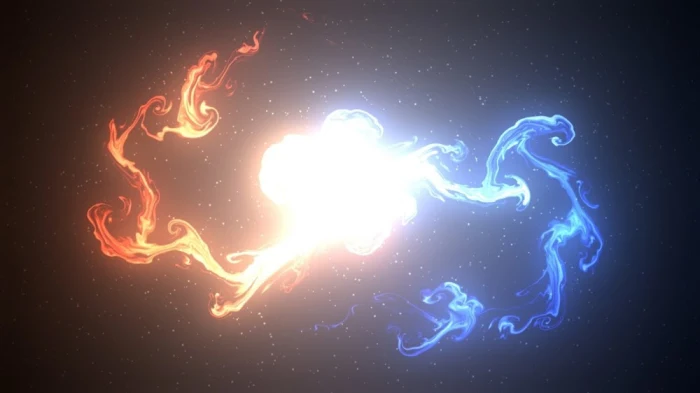
You want to make an abstract image, but a blank canvas feels like too much planning for a spare minute. Magic Fluids starts with a touch. Move a finger across the Android screen and watch color spread into swirls through a running fluid simulation. There is no fixed outline to fill in. What you see depends on where your fingers pass and what the flow is already doing in that area.
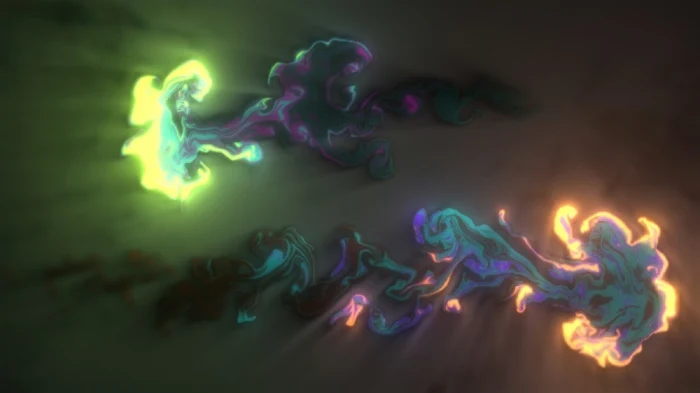
Start with a smoke preset and try a slow pass across one corner. Let it continue moving after you lift your finger. If you add a second stroke while the first one is still visible, the two movements can become part of the same pattern. The app supports multitouch, so you can also bring a second finger in from the opposite side and watch the colors move between those two paths.
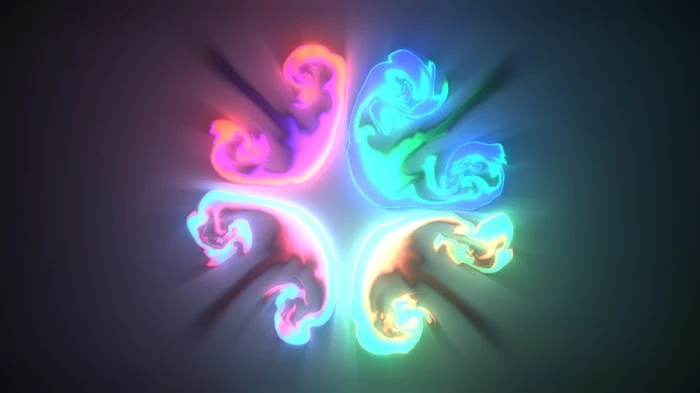
Switching from smoke to liquid changes the character of the scene. The app also lets you change the colors and add effects such as glow or texture. In Magic Fluids Mod Apk, a saved preset is useful after you find a combination worth using again. The preset keeps the settings for the flow, while each touch can produce a different arrangement. A useful starting point is keeping the same color choices and changing only the type of flow when you want to see how smoke and liquid differ on the screen.
Keeping a frame or setting a live background
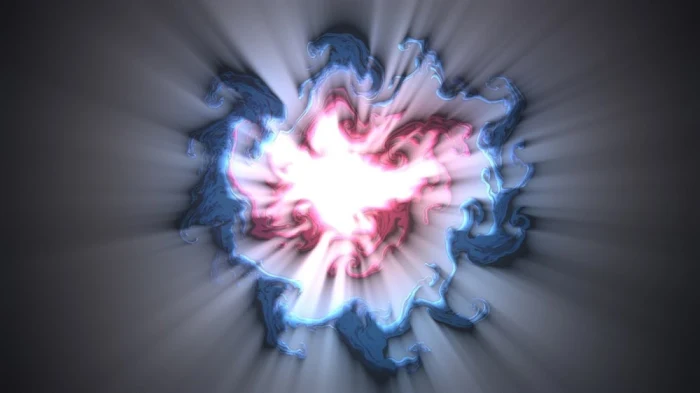
When a spiral forms, pause the animation before taking a screenshot. That keeps its edges where they were while you capture the frame. Resume the simulation and the same colors can move into another shape, using the settings you just chose. The Android live wallpaper uses the moving simulation behind the home screen. Drag across a clear part of the background to send a new trail of color through the scene. The screenshot keeps the frame you saved while the wallpaper can keep changing as you use the phone.
The publisher includes multiple quality settings because the work of drawing a moving fluid scene can vary by device. For wallpaper use, the phone or launcher must support Android live wallpapers. If the live scene stutters on the home screen, use a lower quality setting or keep the simulation inside the app for the times you want to interact with it. Check the wallpaper preview on your device to see the effect behind your own icons before keeping it as a background.



Wonderful!