
There is a moment before practice when a familiar guitar chord suddenly sounds wrong. Guitar Tuner – Simple Tuners gives you two ways to check it on Android. You can sound one string into the phone’s microphone and watch the dial, or play the app’s reference notes and compare them by ear. Both approaches start with checking a string on its own.
Reading the needle without chasing it
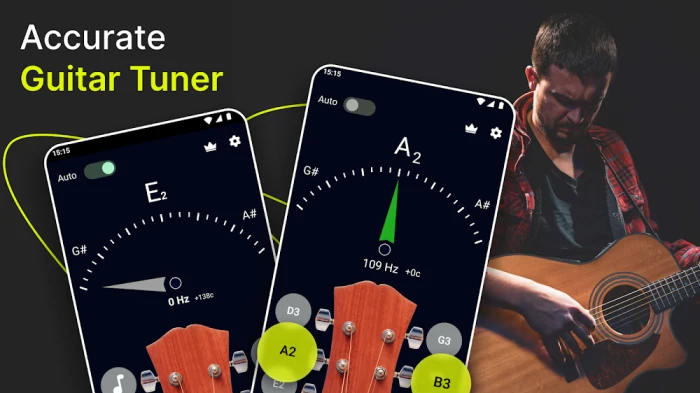
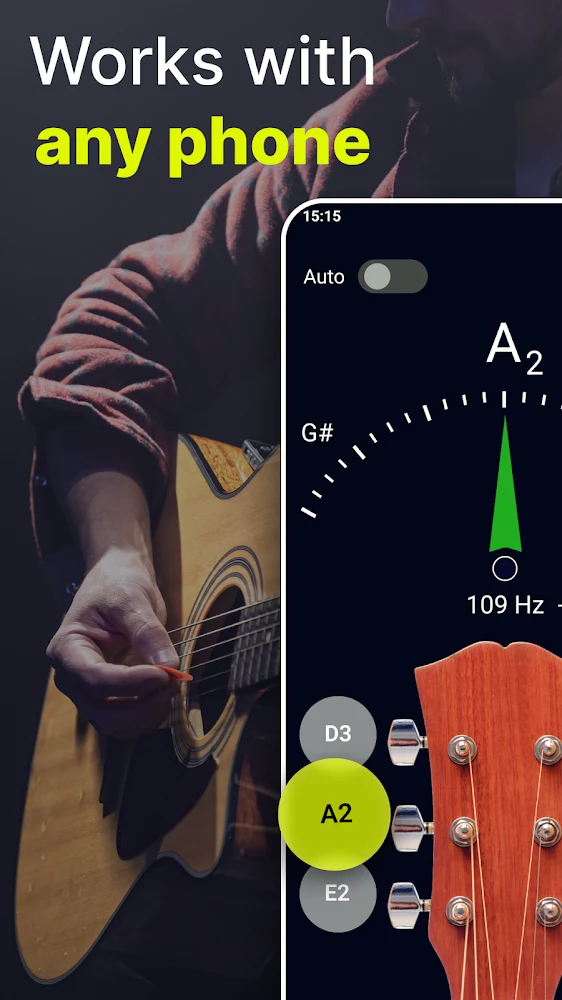
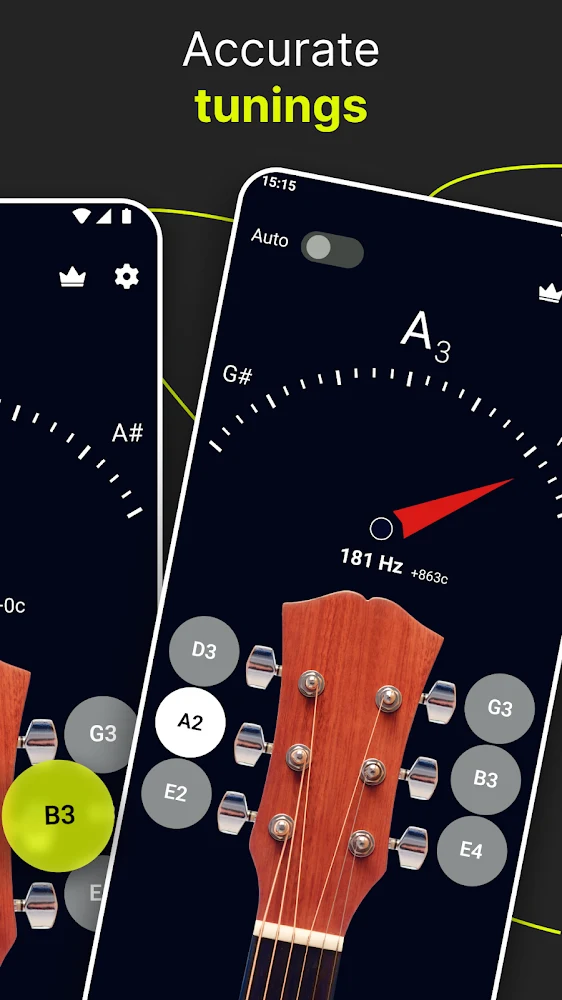
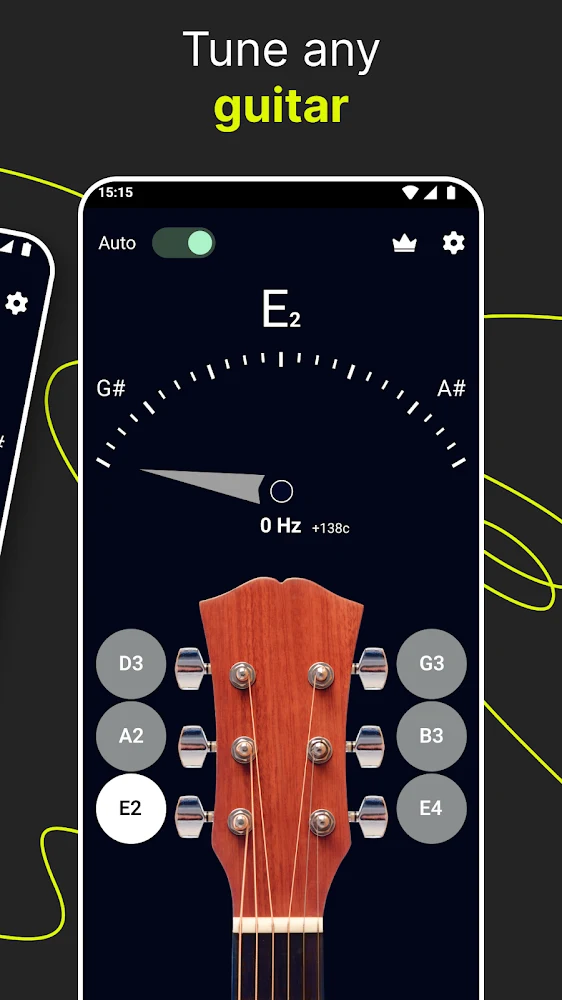
Start with the illustrated headstock on the visual screen. The string labels sit next to the pitch needle, so you can see which note the app is tracking. With Auto on, the app tries to identify the string you sound. Turning Auto off lets you select a string yourself. Keeping an eye on that label is useful when the pitch of a loose string is far from where it should be.
Read the string label before following the movement of the needle. A fresh pluck gives the microphone another sample while the note is still clear. Once you can tell which string is being detected, turn its peg a little and sound it again. The point of the dial is to see whether the next reading is closer to the target. It can be easier to read a fresh pluck than to follow the last flicker of a note that is fading away.
The publisher also shows string selectors on the visual screen. A freshly replaced string can be far enough from its intended pitch that it is helpful to know which target you are working toward before relying on automatic detection. If you need to choose the target yourself, switch Auto off and tap the string on the illustrated headstock. Check the displayed note before turning the peg further.
Matching the reference notes by ear
The sound option in Guitar Tuner – Simple Tuners Mod Apk makes a useful second pass after checking the dial. Play a reference note and listen to the same string on the guitar. Listen for the pitch difference between the two notes as you switch from the reference to the guitar. This is especially helpful while learning which open string you are hearing in a chord, because the pitch is first presented on its own.
For the first check, turn Auto off and select E2 on the illustrated headstock. Pluck the low E string while that note is selected and watch the needle move. When you turn Auto back on and sound a different string, the app tries to change the label. That shows which target was chosen by you and which one came from the microphone reading.



Leave a Reply