Guitar Tuner Guru listens to a string through your Android phone’s microphone and shows whether the note is sharp or flat as it rings. Its string detection mode is the most useful part when you are tuning several strings in succession. You can make an adjustment at the guitar and see the reading change without turning each check into a separate setup step on the phone.
String detection and the live pitch reading
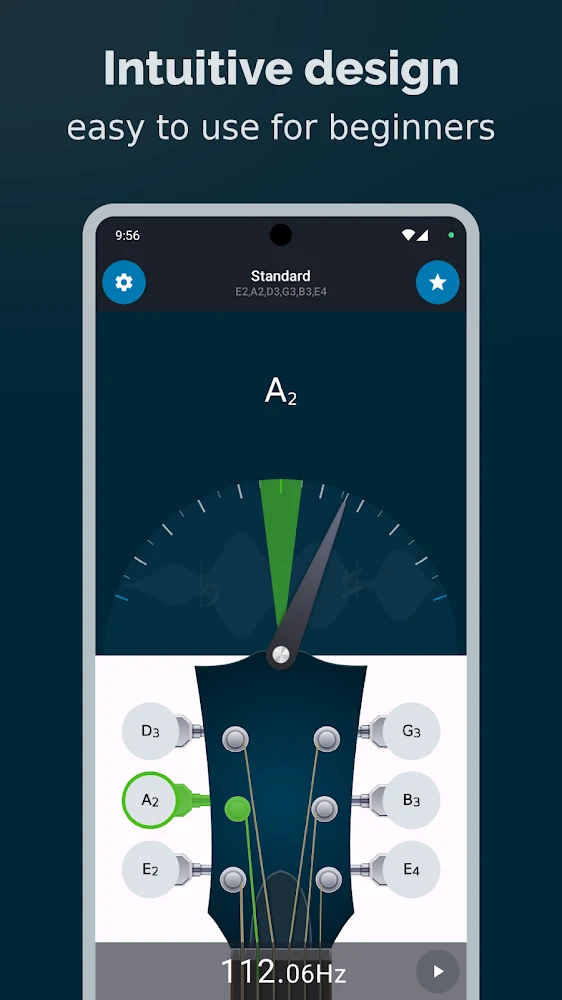
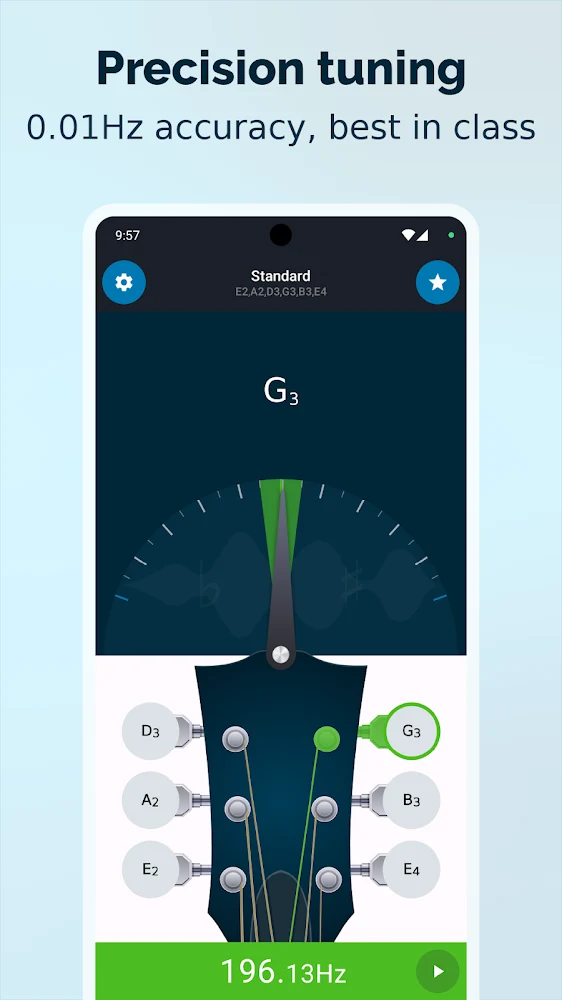
Choose the instrument and tuning before sounding the first string. On a six-string guitar in standard tuning, the preset tells you which notes the strings should reach. Pluck one string and let it ring on its own while you look at the reading. A flat note is below its target and a sharp note is above it. A small turn of the tuning peg helps you see which way the pitch is moving before you make a further adjustment.
The tuner uses the phone’s microphone for acoustic or electric instruments. Keep other strings from ringing while you look for a steady reading. If an unplugged electric guitar is too quiet for the phone to hear clearly, try a quieter room or put the phone closer to the instrument. A newly replaced string may be far from its target note. The chromatic display shows the pitch the phone is picking up, so you can check how far that reading is from the named string in the preset before turning the peg again.
Guitar presets and chromatic tuning
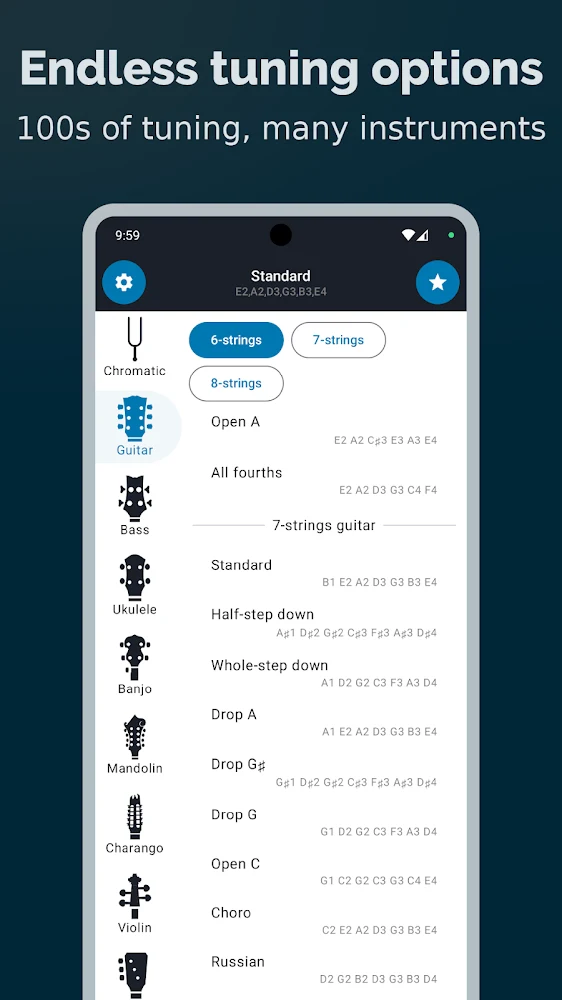
The instrument menus cover six-, seven- and eight-string guitars, several bass configurations and instruments including ukulele, banjo and mandolin. An open or drop tuning gives those menus a practical role. If a song calls for Drop D on a standard six-string guitar, selecting its named preset puts the low D in context with the five strings that keep their usual notes. DADGAD and Open G are there for arrangements that use a different set of open strings.
The chromatic display in Guitar Tuner Guru Mod Apk is useful when the required notes do not match a built-in instrument preset. It identifies the pitch it hears and lets you bring the string to the note you already have in mind. You might use it to check a plucked note on an instrument outside the preset list, or to check a single guitar string while keeping an unusual tuning written down nearby. If you are following a specific tablature, the tuning written with the music should determine the note targets.
Reference pitch and instrument samples
The app includes recorded instrument samples for tuning by ear. Play the target note, listen to how your string compares, then check the live reading after making an adjustment. Hearing the difference is a useful exercise when you want to recognize what a slightly flat string sounds like on its own. The reference sample is also helpful when you are trying to remember which of two neighboring notes you are aiming for.
The reference frequency is a different setting from the arrangement of notes on the instrument. The publisher documents a choice such as A at 432 Hz. Use the reference that matches the rest of the instruments in the session. If another player is tuned to a different reference, the same named open strings may still sound mismatched when you play together. Changing the reference in the app changes the target the displayed tuning is measured against.



Leave a Reply