
Set the phone where it can hear the instrument, open an exercise, and start playing. Yousician Mod APK is an Android music-learning app that checks pitch and timing through the microphone or a connected input. Its lessons cover guitar, piano, bass, ukulele, and singing. It is not a virtual instrument: you play or sing for real, and the exercise reacts to what the phone hears.
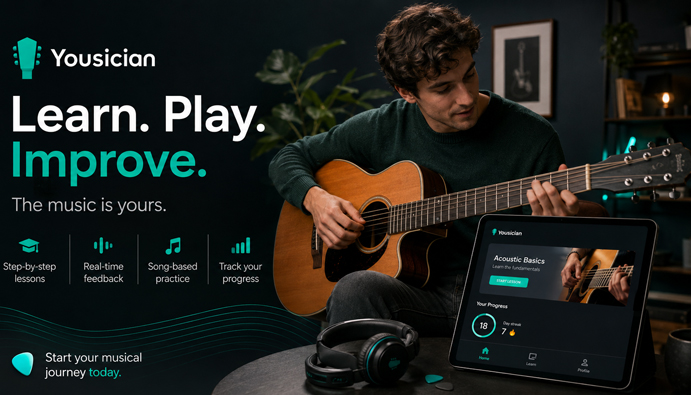
With a recorded lesson, a beginner may finish an entire exercise without noticing that one chord arrived late. Yousician shows the miss before the passage has disappeared from the screen. A piano key played at the wrong moment or a vocal line outside the target pitch receives a similar response.
The microphone cannot tell how a sound was made. It will not spot a bent wrist, unnecessary tension, or poor finger placement. A passage may receive a good score even while the player is using awkward fingering. Problems like these still require a teacher, a mirror, or a separate technique lesson.
The Part of the Song That Keeps Falling Apart
A beginner can follow the missions in order and leave the next choice to the course. A returning player does not have to clear every early task first. Guitar missions are open for browsing, so rhythm work, barre chords, lead playing, and ear training can be reached directly.
Tab may be the easiest way into a first guitar exercise. Later, the material can be shown with standard notation or both together. Piano has a similar transition from visual note layouts to sheet music. Staying with the beginner display forever may make each exercise easier to follow while leaving sight-reading untouched.
When two bars keep collapsing, replaying the whole verse wastes most of the next attempt. Loop markers can surround those bars, and the tempo can be lowered without changing the selected passage. In guitar exercises, Wait to Play holds the music until the expected pitch is heard. The fingers get time to find their position before rhythm is added back into the task.
Piano players can temporarily remove either the left- or right-hand part. This reveals which pattern is causing the breakdown without the other hand competing for attention. Once each side feels familiar, both parts can be restored for a complete run.
After the difficult section holds together, Play mode keeps the music moving and scores the entire attempt. It will not pause after every mistake. A high score reflects the pitches and timing detected by the app, but says little about posture, expression, or how relaxed the playing felt.
When the Right Chord Is Marked Wrong
Before changing the fingering again, check what the phone is hearing. On guitar and bass, tuning is the first place to look. Audio from the backing track can also spill into the microphone and compete with the instrument. Headphones keep most of that sound away from the input.
An acoustic guitar or ukulele can be played near the Android device without extra equipment. An electric guitar or bass must be loud enough for the microphone to pick up. Heavy distortion and other effects may interfere with chord recognition, so a simple amplifier tone is the better starting point. A compatible audio interface can send the instrument signal directly to the device.
An acoustic piano is heard through the microphone. A digital piano or MIDI keyboard can instead report each key press through a direct connection. On Android, a wired setup may require an adapter, USB host support, and enough power for the attached equipment. Bluetooth MIDI removes the cable but may add enough delay to put the visual response behind the performance.
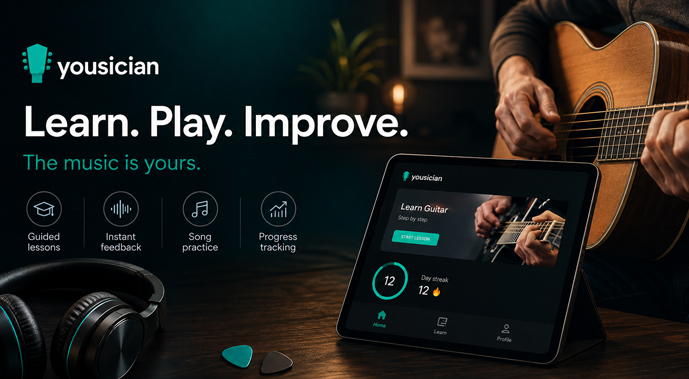
When the markers appear after the key or string was played, audio calibration should be checked before repeating the exercise. Driver and buffer controls are also available on Android. The input activity indicator quickly shows whether the selected microphone or interface is receiving anything at all.
Yousician ties paid access to the user account. Premium covers unlimited lessons for one chosen instrument, while Premium+ includes all five instruments and popular songs. This APK is described as a mod, but no confirmed list of changes was supplied. There is therefore no basis for promising access to every lesson, song, or paid option.


Leave a Reply