
WolframAlpha Classic is useful for students and other curious readers who need to check what a number represents before using it. If you want to compare a measurement in gallons with a figure in liters, the unit matters as much as the arithmetic. A computation should make the conversion legible and identify the quantity that went into it.
A conversion result for a measurement on imported equipment is only as useful as the interpretation above it. Enter the quantity alongside its units and read the sections in order. WolframAlpha Classic Mod Apk shows the interpretation before the result, so you can confirm which measurement system went into the answer.
A calculator or a reference query
Google Calculator handles numerical expressions and common scientific functions. It works well if you already have the numbers and simply need to divide them. WolframAlpha can compute from words and units. When the input is a quantity, its results can show related units that help you compare it with the units on a second label.
Imagine comparing two containers sold in different markets. A calculator can multiply a figure by a conversion factor you supply. WolframAlpha accepts the original quantity with the requested target unit and reports a result in those terms. Write out U.S. liquid gallons or imperial gallons when the label specifies one, since the two are different measures.
Examples, favorites and history
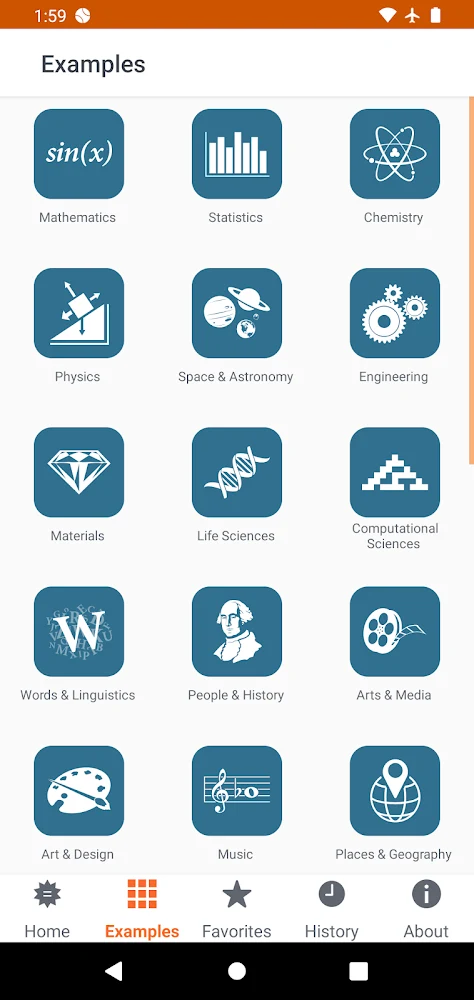
The Examples area is useful when you are unsure how to phrase a query. Start with a working form under a topic such as units, then change the values to match your label. The app’s history is where you can return to a past calculation, such as an earlier conversion whose target unit you need to check again. Favorites can save a conversion you expect to repeat, including the full unit names you entered to avoid ambiguity.



Leave a Reply