
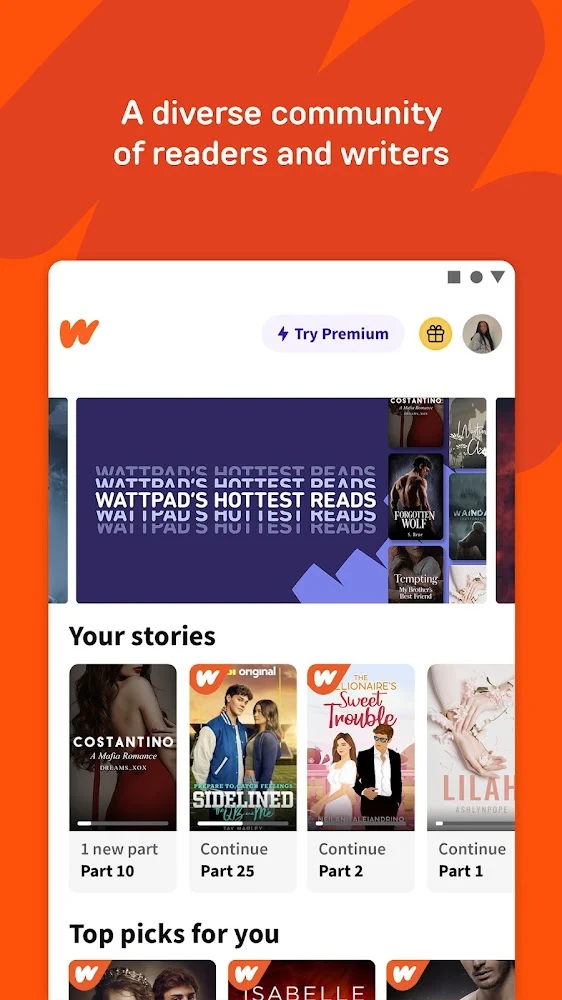
Wattpad is useful when a friend sends you the title of an unfinished mystery and you want to keep it alongside the serial you already follow. Its library holds the stories you want to come back to. The same Android app has a writing area for original stories that you want to publish in parts.
Following a story
Library and reading lists
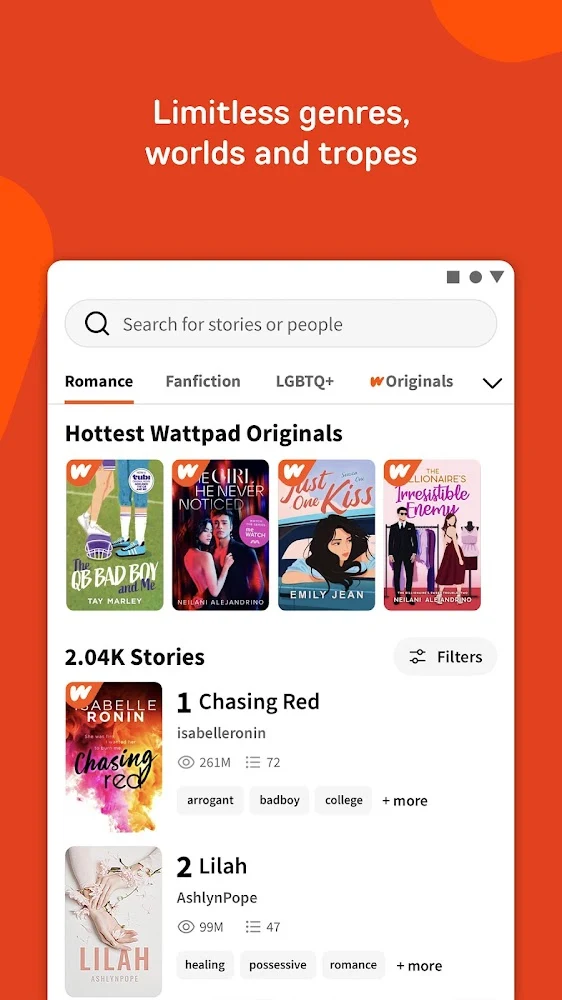
Browse by genre when you want another mystery, or search for a title your friend has already named. Save the serial in your library if you plan to keep reading it. A reading list in Wattpad Mod Apk serves a different purpose. It can hold a set of recommendations, such as the mysteries you would suggest to a friend who wants to try the genre. The official app also supports chapter alerts, so an ongoing story can let you know when another part is published.
Reading on another device
Wattpad supports picking up a story across devices through your account. For a time when you expect to be offline, the Android app can make eligible stories available for reading on that device. Prepare them while you have a connection. Wattpad’s official Premium plan lists ad-free reading and unlimited offline stories among its benefits.
Publishing a story in parts
Writers can publish their own stories from the app. Think of each part as the piece the reader will see on that visit. If your mystery opens with the arrival of a letter, the first part can establish who found it and make clear why the discovery matters before you move on to the next scene.
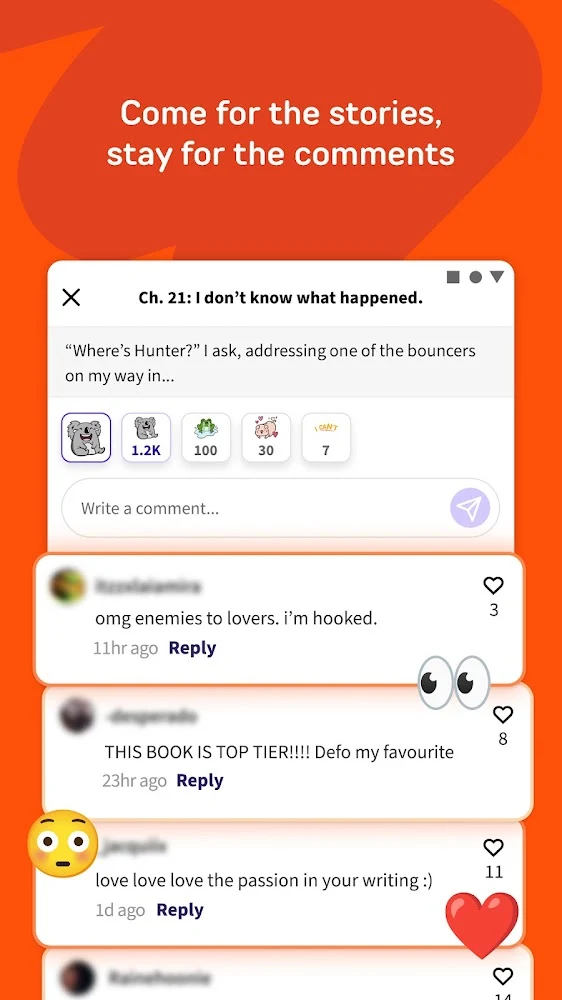
Once a part is published, readers can comment while they read and vote for stories they enjoy. A comment tied to a passage can tell you which moment prompted a reaction. On a longer serial, that conversation can continue part by part as readers reach different points in the story.




Leave a Reply