
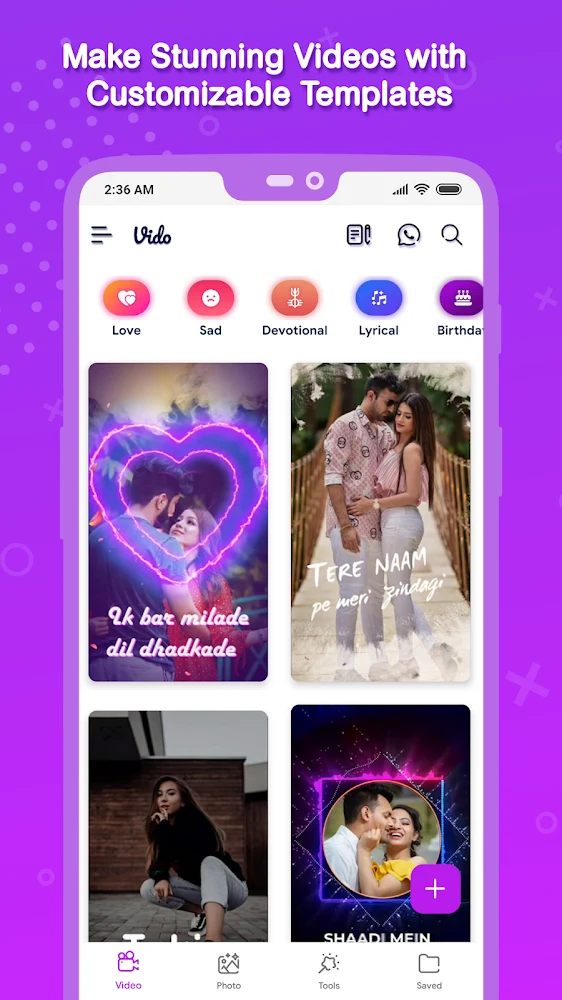
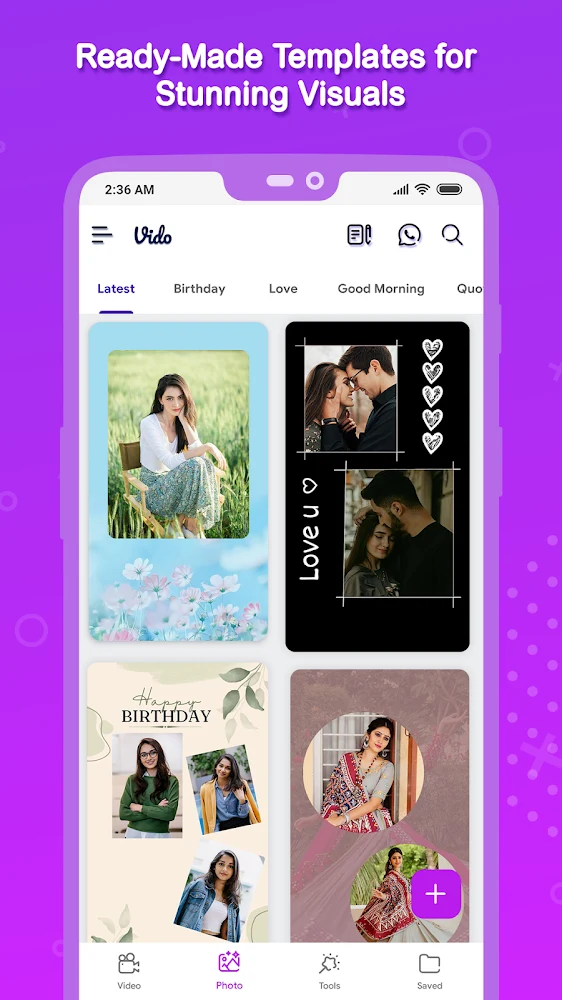
The first screen in Vido : Lyrical Video Status Maker gives you templates for turning photos and short clips into a video status. You can start by choosing a song for a lyrical photo sequence, or pick an occasion first and look for a design that fits it. For a birthday, that might mean an opening photo, a few pictures from the year and a short message to close the clip.
The template you choose determines the starting look of the video. A lyrical status features song lyrics over your photos. The Particle and Wave Beat options put moving shapes or waves over the image, which can suit a clip where the effects and music are the focus. The library also includes anniversary, Magical and MV templates. Smart Search helps you look across the available status videos when you have a subject in mind.
From template to preview
- Pick a template. Choose a lyrical, occasion or particle design from the library and load it before adding your media.
- Add your photos or clips. Select the files you want to place into the template. A photo sequence can use still portraits, while a template that takes video can incorporate short scenes from the event.
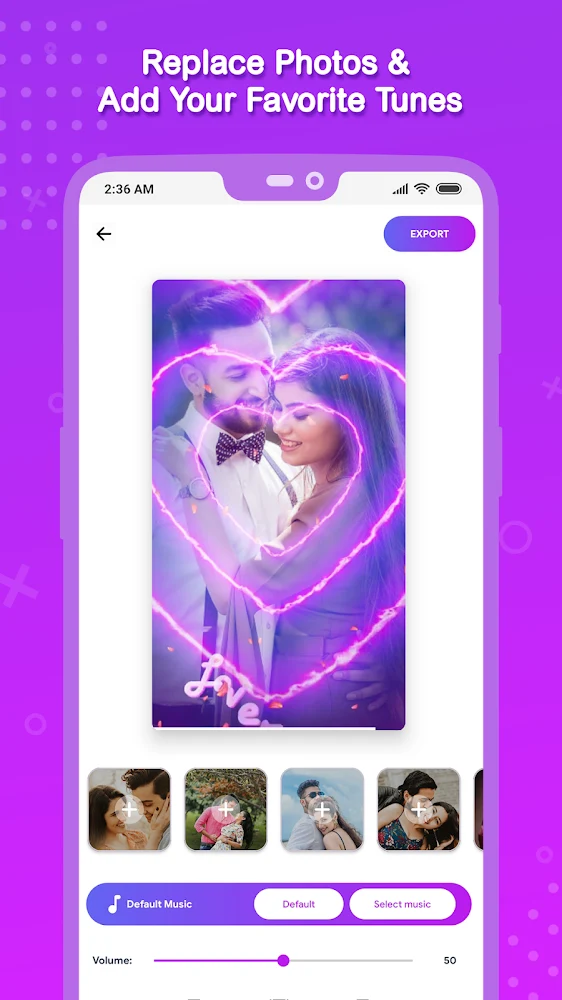
- Play the preview. Tap Next to see the selected material with the template’s music and effects. This is where you can see how the movement and text sit over each picture.
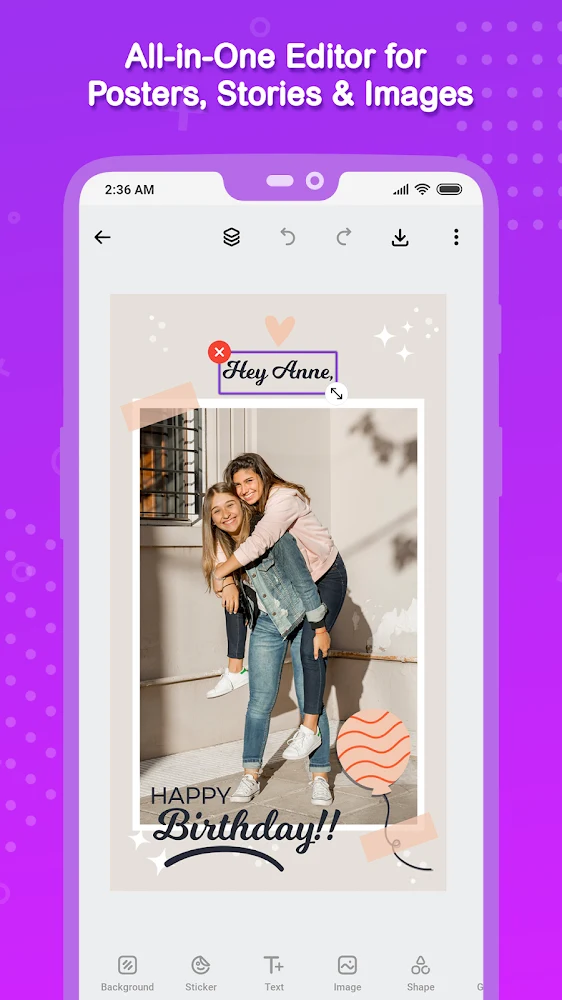
- Make the final edits. Swap an image, change the music or revise the on-screen text before you save the result.
In a lyrical design, you might use a simple photo so the words stay easy to read when they appear over it. Vido : Lyrical Video Status Maker Mod Apk also covers photo-based particle designs, where the movement supplied by the template can carry a still image through the shot. You can preview the effect before committing the clip to your gallery.
Export creates the finished status in your device gallery. Quick Share then lets you pass it to a social app. The gallery copy is useful when you’re making an anniversary status a few days early and want the finished clip ready to share later. Vido also includes a separate WhatsApp status tool that handles still images, GIFs and videos.
A template supplies the timing and effects, but needs photos or clips from your device before Next can build the preview. If you are preparing a lyrical status, the words in that preview will only be as easy to read as the contrast between the text and the selected photos.


Leave a Reply