
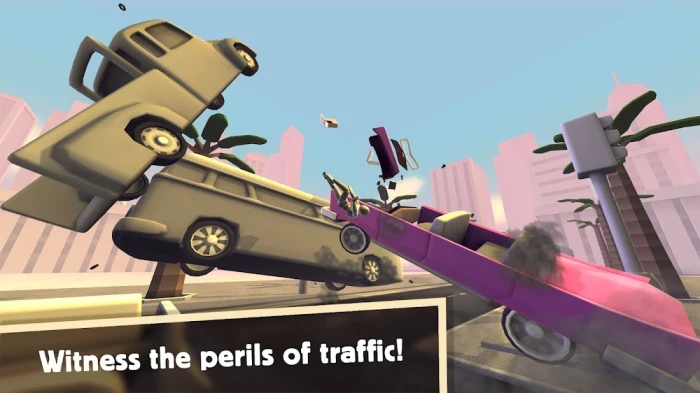
The first run in Turbo Dismount puts a ragdoll named Mr. Dismount into a three-dimensional stunt scene. You choose a vehicle, set up the scene and start the simulation. The game takes over the movement once the run begins. What happens next can be funny precisely because the little crash test rarely looks as tidy as it did in your head. A clean-looking route can become a chain of comic mishaps when the moving parts meet.
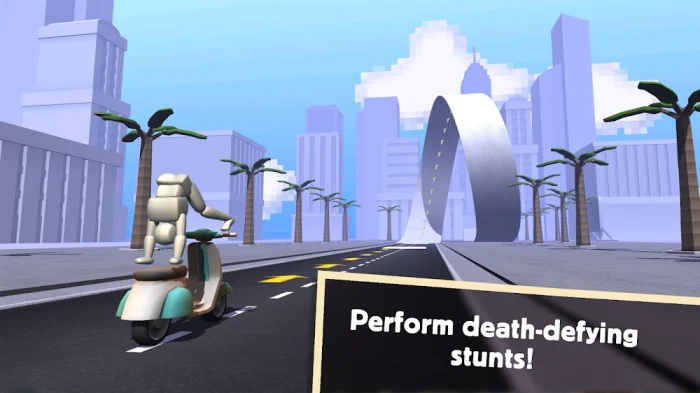
Secret Exit built Turbo Dismount around the setup and the replay. The camera lets you see the result unfold, then the slow-motion replay makes room to notice the small events that passed quickly on the first viewing. This entry takes the ragdoll physics of Stair Dismount and brings vehicles into the scene. The levels put the character around cars, trucks and even a skateboard.
Pose, obstacles and the next run
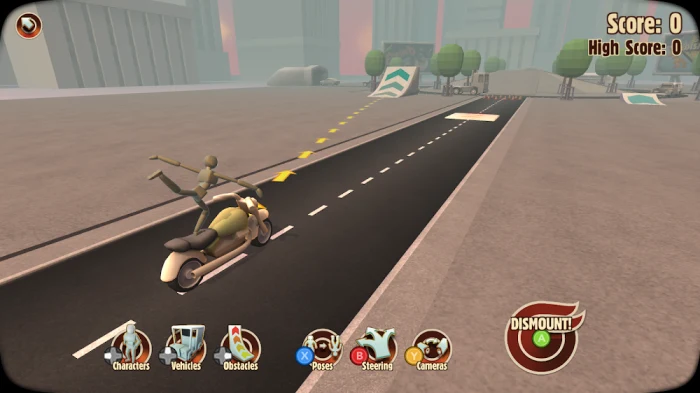
The controls in Turbo Dismount Mod Apk let you repeat a scene and change one element at a time. A scene can look very different depending on the object Mr. Dismount starts on and the obstacles already placed on the level. These are the choices that make another pass feel like a different gag.
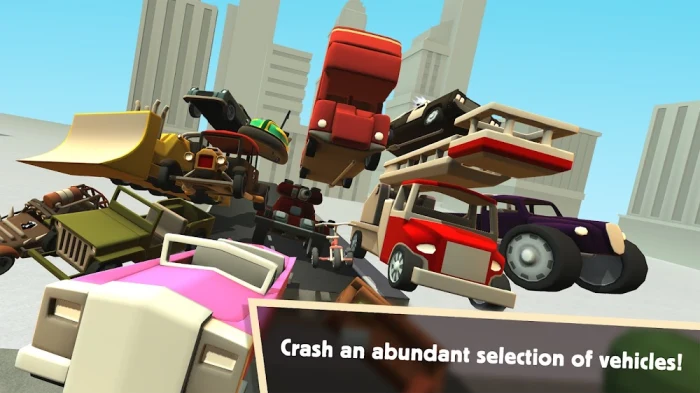
- Vehicle choice changes the shape of the scene. The skateboard leaves the ragdoll out in the open, while construction equipment fills more of the picture.
- Level and obstacles set the stage. Adjusting obstacles gives the same route a different feature to watch for when the run reaches it.
- Character and vehicle artwork can be personalized with your own photos. That makes it possible to recognize the same character or vehicle across a set of replays.
- Slow-motion replay reveals the order of the animated events, which is easy to miss while everything is moving at full speed.
The large vehicles and the smaller choices give a scene a different silhouette before anything happens. On a first run, the biggest movement tends to catch your eye. On the replay, details such as an object still moving in the background can make the same result read differently. You can return to the setup and make a change whose effect you can recognize on the next attempt.
Watching the replay before changing the setup
It is easy to move to a new level when you have seen the end of a run. Staying with the first scene for a replay can show you something the end result alone hides. A turn in the vehicle’s animation or the point where the ragdoll moves away from it may happen earlier than you thought. With the replay slowed down, the events become easier to read in sequence.
The game also records achievements and leaderboard results. Two runs can be compared by their scores. The replay shows which parts of the scene moved earlier or later. Those are different reasons to go back to a setup. If the part you enjoy is the timing of a particular animation, it can be worth revisiting a run even when the score is already on the board.
On your next slow-motion replay, watch the first object that moves out of its starting position and follow it instead of watching Mr. Dismount the whole time. You may see the moment the rest of the scene starts to change. Then replay it while following the ragdoll and see how that earlier motion leads into what you noticed the first time.


Leave a Reply