
You have a game on your Windows PC and a Cardboard viewer in a drawer. The missing piece is a way to put the picture in the viewer without moving the game off the computer. Trinus Cardboard VR connects the two through your Android phone. The PC runs the game, and the lenses put the phone’s display in front of you. The phone’s gyroscope supplies the movement data when you turn your head.
A phone-only Cardboard experience runs its own content on the handset. A session with Trinus Cardboard VR Mod Apk depends on a matching PC server, with the phone acting as the display and providing motion data from its sensors. The computer still has to run the game and deliver the picture on time. A delay can originate in the game on Windows or in the delivery of its frames to the phone.
Wireless freedom and a wired connection
On a local Wi-Fi connection, the phone can move without a cable pulling on the viewer. Picture quality over Wi-Fi depends on how steadily the network can deliver each frame. Trinus documents a smaller image and stronger compression as options when the wireless link struggles. The result can be softer, but it may be easier to follow than a sharper view that falls behind each turn.
USB tethering is the other documented connection. It keeps the phone physically tied to the PC and can deliver a steadier picture on a compatible setup. Some phones need a suitable Windows driver for tethering. If the view lags on Wi-Fi, try the same still scene over tethering. Smoother turns point to a difference in frame delivery on that setup. If both views stutter, check whether the original game is already doing so on the PC.
Image format and headset fit
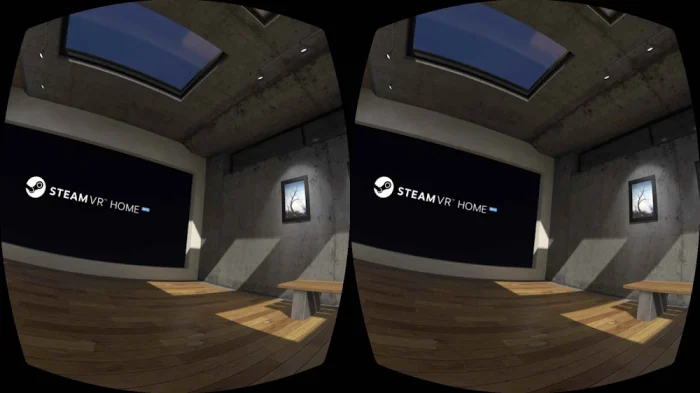
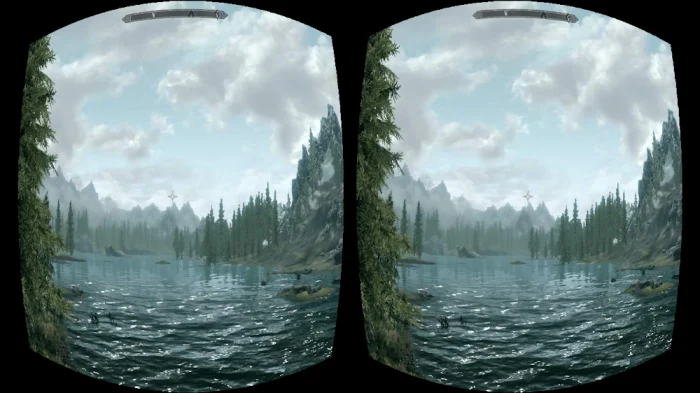
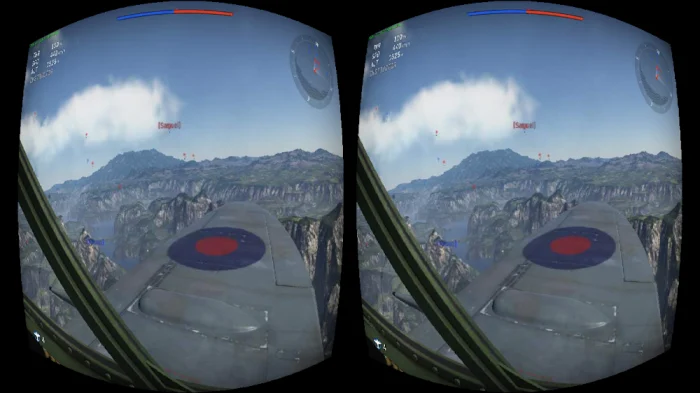
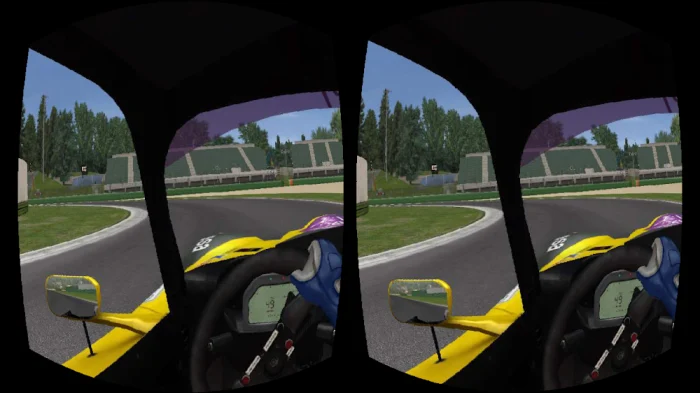
For a standard PC game, the app’s conversion mode provides a view for a phone headset. SteamVR content uses its own mode and compatibility depends on the game and the hardware. A title built around tracked hand controllers can have input requirements that a phone in a viewer alone cannot meet.
The lens profile and distance between the two eye views affect what you see through the Cardboard lenses. Choose a profile for the viewer you have. Check the center and edges on a still scene before looking around a fast one. If the direction slowly shifts while you hold the phone still, the developer documents sensor calibration and drift-control settings.
The documented setup needs a Windows PC, an Android phone with a gyroscope, a compatible phone viewer and a local connection between the two devices. SteamVR support is limited to supported hardware and software combinations, so start with a game you can play using the controls you already own.



thnsk
thank you