
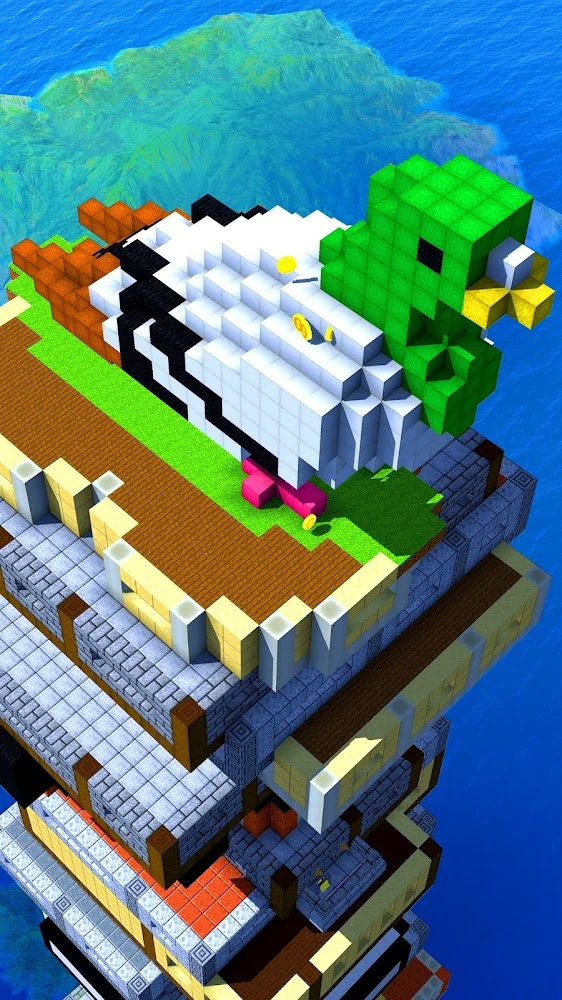
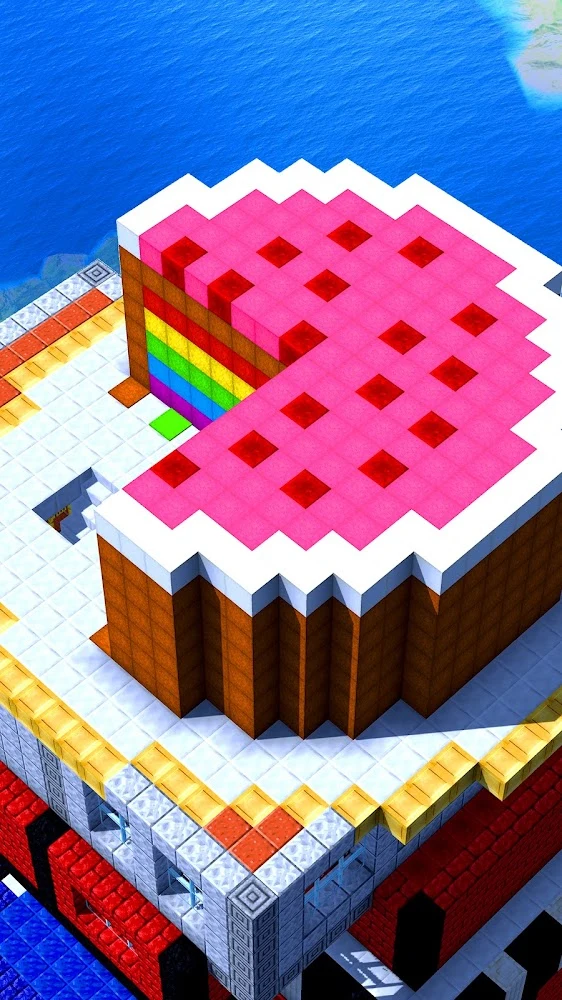
A floor in Tower Craft can have a different shape from the one it rests on. A rounded section can sit above a straight-sided row of rooms. You decide how those shapes fit together while the height of the whole building sets the score.
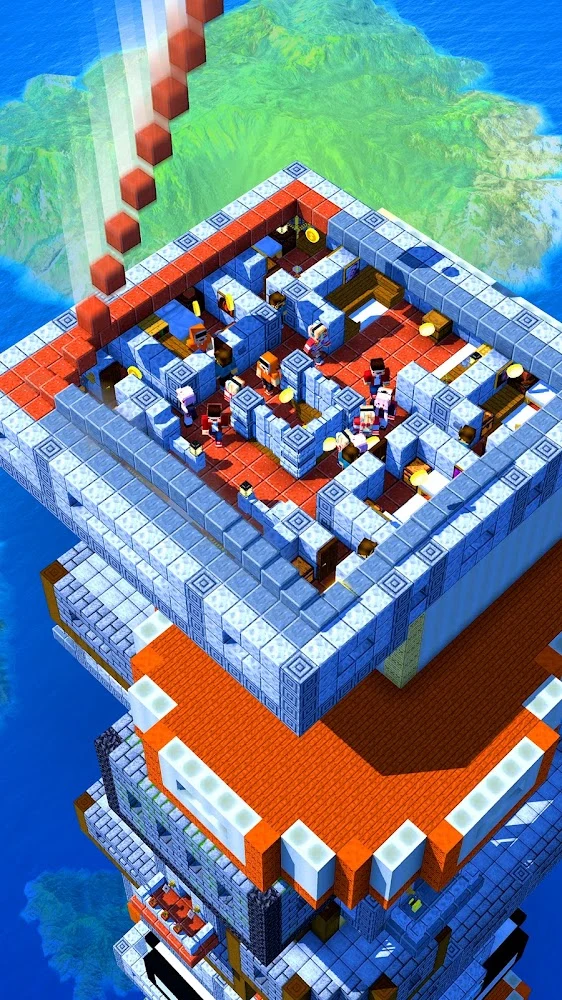
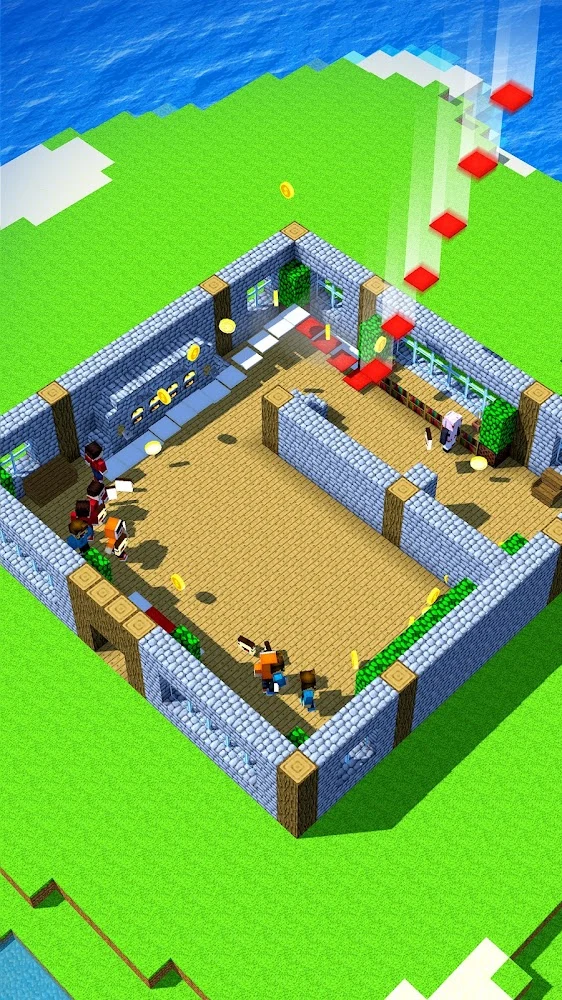
The first tower is small enough to make its outline easy to see. Early taps raise the structure from a few blocks into a row of floors. Look at the shape the game offers for the floor in view. Its profile will help you recognize that part after you have built several floors above it.
Materials can change how two floors read even before they have very different shapes. A plain lower floor can leave a brighter upper section easier to spot. Compare the two while the tower is still short enough to see clearly. The next choice is how quickly you want to raise it.
Cash and the next stretch of building
Building cash pays for improvements in Tower Craft Mod Apk. Some upgrades speed construction. Others change how much progress comes from each tap. When you expect to spend the next stretch tapping, a stronger tap helps raise the current section. Look at how it changes the time you spend on one floor before committing cash to your next improvement. An upgrade affects how soon another level appears. Its outline still comes from the shapes and materials you selected. Check the height display as a new level goes up, even when you repeat its shapes and materials from the row below.
Height is also tied to the game’s score. Once you have a few contrasting floors, look at the change in height and the change in appearance as separate results of the same work. A player who enjoys the build itself can give time to a small detail on the floor in view. A player following the score can put more of the session into raising the tower.
At that point, it becomes easier to see what you want from the next floor. A room that looks good close up might disappear into the larger shape once the tower grows. The same material can read differently at that scale, especially when a narrow layer sits just above a wider one. Blocks that stand out from the side can make the overall profile easier to recognize. The official gallery includes bold examples that use clearly different shapes on nearby floors, such as a rounded surface above a wall with a straight outline.
From a low tower to imagined locations
The game’s setting expands as you build. The publisher describes towers reaching the clouds and projects set in space or on Mars. The same concern with selecting floors still applies when the setting changes. A tall construction can be an enjoyable place to repeat a pattern you learned on a smaller one, or to give the next section a shape you can see from a distance.
One detail to try on a higher build is giving just one floor a distinctive material or outline. The game lets floors have their own designs, so a clearly different level above a group of similar ones can mark the point where your plan changed. Continue building above it for a while. When you look down the tower again, that one floor gives the larger shape a place your eye can return to.


Leave a Reply