
Termux:Boot Mod Apk
Use:
Click on the launcher icon to start the Termux.Boot application. The app will now be launched at boot.
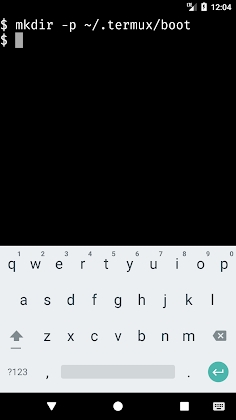
– Make the directory /.termux/boot/
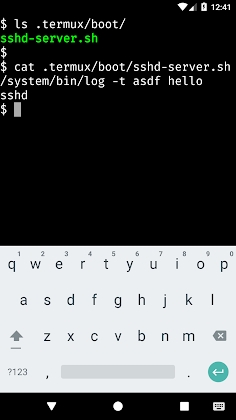
Place scripts that you wish to run in the directory /.termux/boot/
Multiple files will be processed in an orderly fashion.
If you wish to prevent the device from going to sleep, you might want to start termux-wake lock as a first step.
Example:
To start an sshd server and prevent the device from sleeping at boot create a file at ~/.termux/boot/start-sshd containing the two lines:
termux-wake-lock
SSHDH
Get involved in the Termux Google group:
https://termux.com/community
Issues to report:
https://github.com/termux/termux-boot/issues



Leave a Reply