TeraBox: Cloud Storage Space is an Android cloud-storage app for copying photos, videos, documents, and other files from a crowded phone to an online account. A Terabox Mod APK depends on that basic workflow: files are uploaded, organized online, and opened or shared from there. It does not add physical capacity to the handset. If a transfer has not finished, deleting the original can remove the only complete copy.
The official service advertises 1 TB of free cloud space for a registered account. That can hold a large personal archive, but it does not move the archive instantly. Sending a full gallery uses bandwidth and time, while opening a large item later also needs a connection unless a local copy was downloaded in advance. The useful question is not only how much will fit. It is which files you may need while away from the device.
The first decision is what not to upload
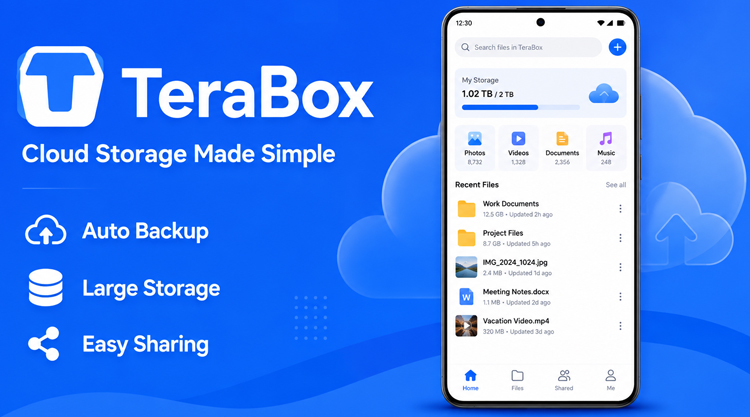
After a trip, selecting hundreds of new photos by hand is easy to postpone. Automatic photo backup can place new camera images in the transfer queue as they appear. Android has to grant access to the chosen media, and each upload must finish. Check the queue and open several cloud copies before erasing the originals. A pending filename is not yet a backup.
A phone used for both work and personal tasks rarely needs every folder copied online. Finished videos, receipts, or a semester’s documents may belong in the cloud; screenshots, temporary downloads, and repeated exports may not. Manual selection keeps that clutter out. Similar filenames can also remain as separate items, leaving an edited document beside an older copy rather than replacing it. A date or project name is more useful than another file called “final.pdf.”
Changing phones exposes another boundary. TeraBox can hold the files covered by the options you enabled, but cloud storage is not a complete Android restore. App data, device settings, and sign-ins need their own migration method. Finding your photos in the account does not mean the rest of the old phone has been reproduced.
The real test comes when the phone is not in your hand
Suppose a project folder is needed on a laptop while the phone is elsewhere. Signing in to the same account provides access to the uploaded copy, and a clear folder name can lead to it quickly. Photo grouping helps narrow a long camera history, while filename search is useful for documents. Neither method gets much help from names such as IMG_1048 or Document(12). Rename important material before upload instead of depending on search to understand it later.
Cloud preview is enough when you only need to inspect a photo or confirm that a clip is the correct one. The built-in player can open a stored video without restoring its entire folder to the phone. Loading time and playback quality depend on the connection and the limits applied to the account. For a presentation, trip, or any situation where interruptions matter, save the required file locally beforehand.
A share link avoids pushing a large attachment through email or a messenger. The recipient opens the stored item from the link, so the sender does not have to transmit another full copy. Do not treat that link as permanent. An expired or replaced link stops leading to the file, and removing the source item breaks the route as well. Deleted cloud files remain recoverable only while they are inside the recycle bin’s retention period.
Some jobs can stay inside the cloud account
A recorded lecture already stored in TeraBox can be sent to its transcription tool without first passing the file through another app. The returned text is a draft. Names, figures, technical vocabulary, accents, and noisy speech require a human check. Paper pages can also be scanned, recognized as text, and managed as a PDF rather than left as unrelated camera images. These are online services, and their availability depends on the signed-in plan.
Direct import from Dropbox and OneDrive removes the phone from the middle of a cloud-service move. Start with one folder rather than the entire archive. Compare the number of files at both ends and open a few images, documents, and videos before continuing. Do not stop at the completion message; confirm that the destination copies can actually be read.
The package label cannot change every server rule
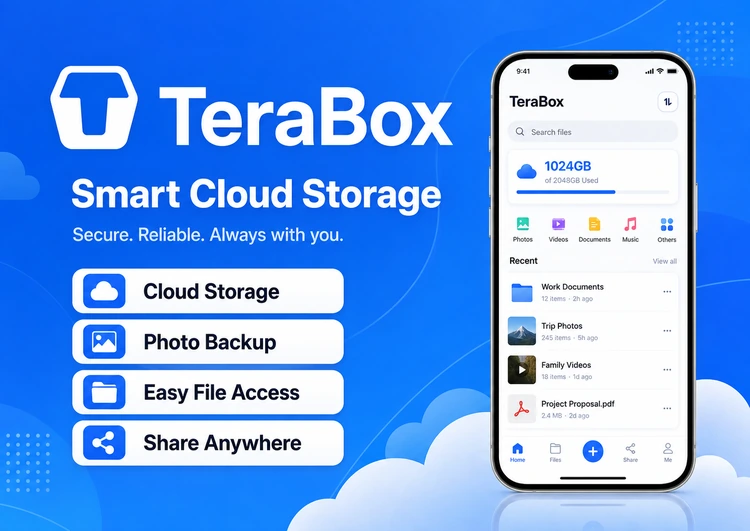
The download information identifies this release as Premium but does not describe any other modification in detail. That label alone does not prove that the account receives a larger storage quota, faster transfers, or access to every paid online tool. Those limits may be enforced on TeraBox’s servers and attached to the signed-in account rather than the installed client. Open the account screen and examine the tool you actually need before relying on a specific Premium benefit.
TeraBox handles account credentials and may request access to personal media or folders, so read its Android permission prompts before granting them. Allow only what is needed for the material you intend to upload. Keep a second copy of irreplaceable photos and documents, and wait for the transfer queue to finish before clearing them from the phone.


Leave a Reply