
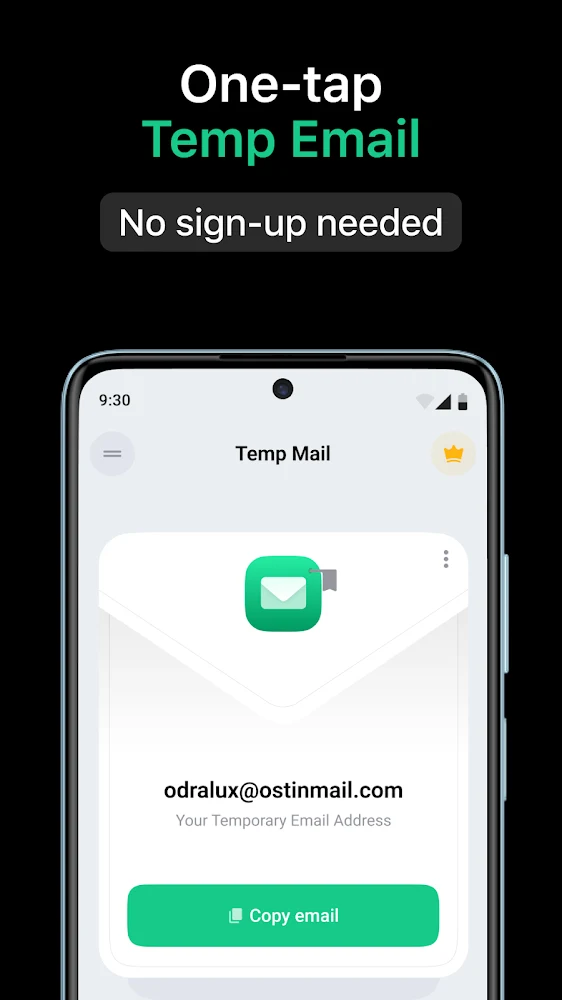
A short-lived inbox suits someone collecting a single non-sensitive notice and keeping it separate from everyday correspondence. Temp Mail gives that kind of message its own place for a brief stretch. A public event might offer a one-off update without needing a regular conversation afterward. The Android app creates an address without registration and opens a separate inbox for it. That address serves a short task while the notice is still available.
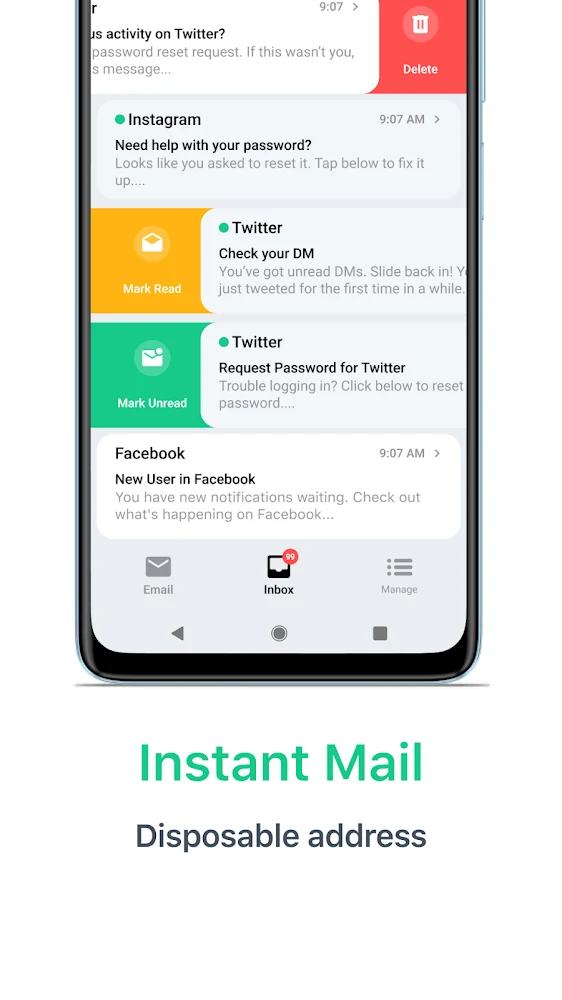
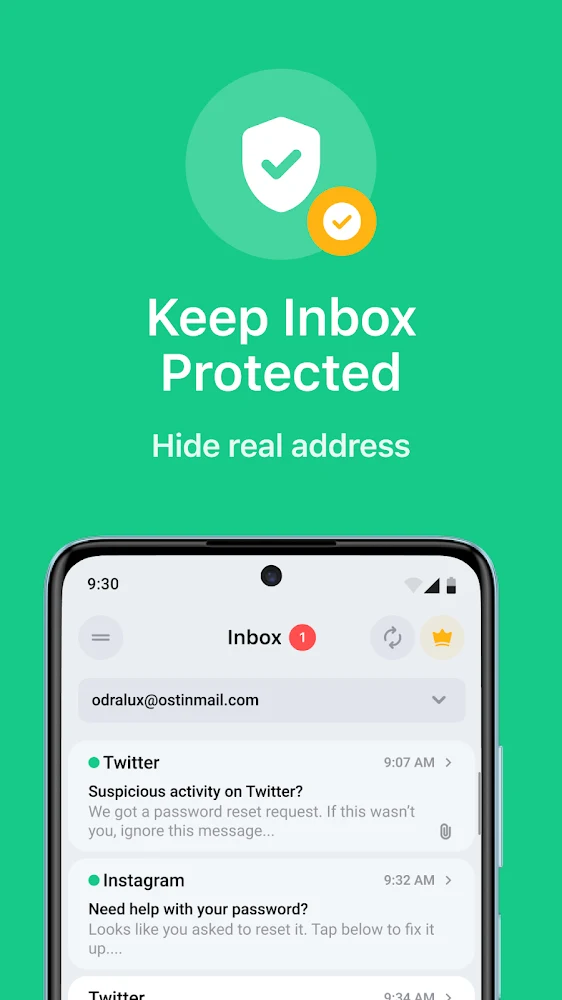
Open the temporary inbox and copy the generated address. Once a message arrives, you can read it in the app or get a push notification. The app receives attachments and can save the original message in EML format. An attachment saves the individual item, such as a test image. The EML copy preserves the message itself with its attachments, which is useful if you want to inspect how the sender put the test together later.
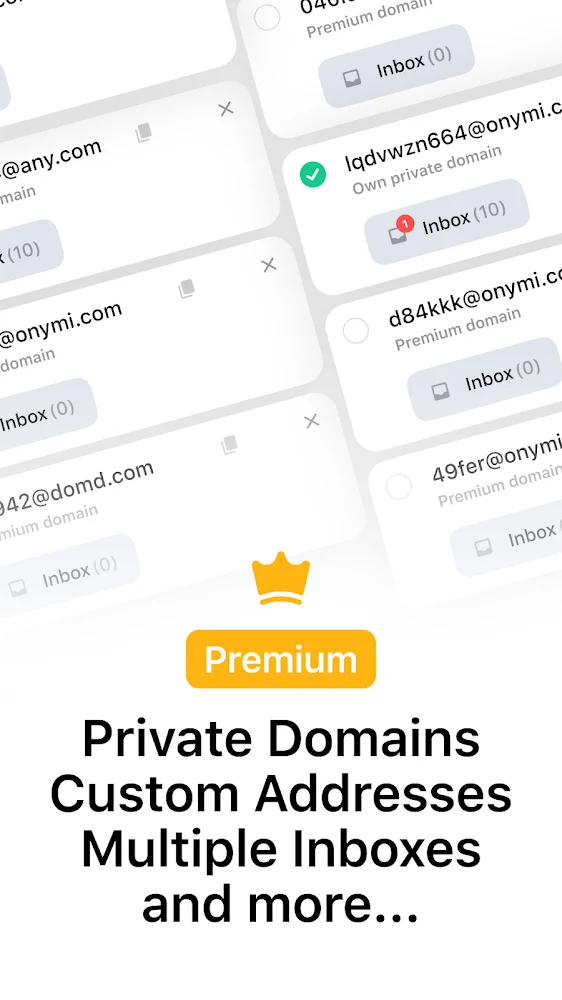
Temp Mail – Temporary Email Mod Apk describes Privatix’s incoming-only service. A reply or a conversation belongs in a regular mailbox. Privatix’s terms give free mail a retention window of up to two hours. Once messages or domains are removed, the service cannot restore them. The service’s terms treat messages in the public inbox as public content. Use an inbox you control long-term for account recovery, receipts you may need later or sensitive correspondence. The official subscription offers multiple inboxes, but those addresses are still intended for temporary use.
For a first session, send a non-sensitive test message from an address you control and watch for it in Temp Mail. Save an EML copy while it is visible if you want to compare the original message with how the app displays it. That check makes the difference between viewing a message in the temporary inbox and keeping your own copy clear before you rely on the app for a short task.


Leave a Reply