
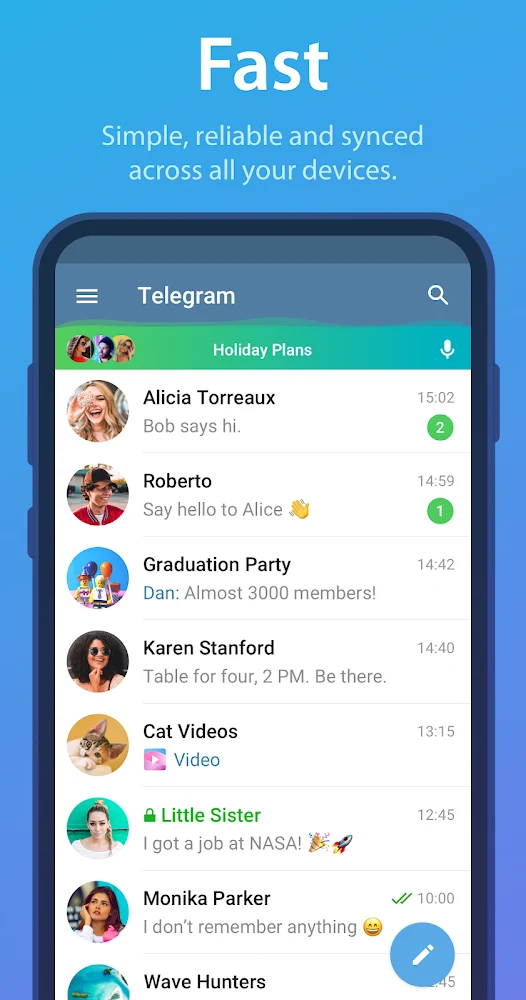
Telegram is useful if your conversations follow you from a phone to a laptop, or if you help run a community that shares documents as often as messages. The messenger stores regular chats in the cloud, so you can pick up a discussion from another signed-in device even when your phone is offline. You can also set up a group for conversation or a channel for announcements.
Everyday conversations
Cloud history on another screen
A chat you started on Android can carry on from a tablet or computer. The same history is there, including documents other people posted. In the standard app, a single upload can be up to 2 GB. If media from busy groups starts filling your phone, Telegram’s cache controls let you clear local copies and open the cloud copies again from the chat.
Topic threads and channel posts
A group can use forum topics to keep several discussions together without sending every reply into the same feed. A club, for example, can keep questions about an upcoming event in one topic and equipment requests in another. Use a channel when a small set of publishers needs to send updates to subscribers.
Secret Chats on one device
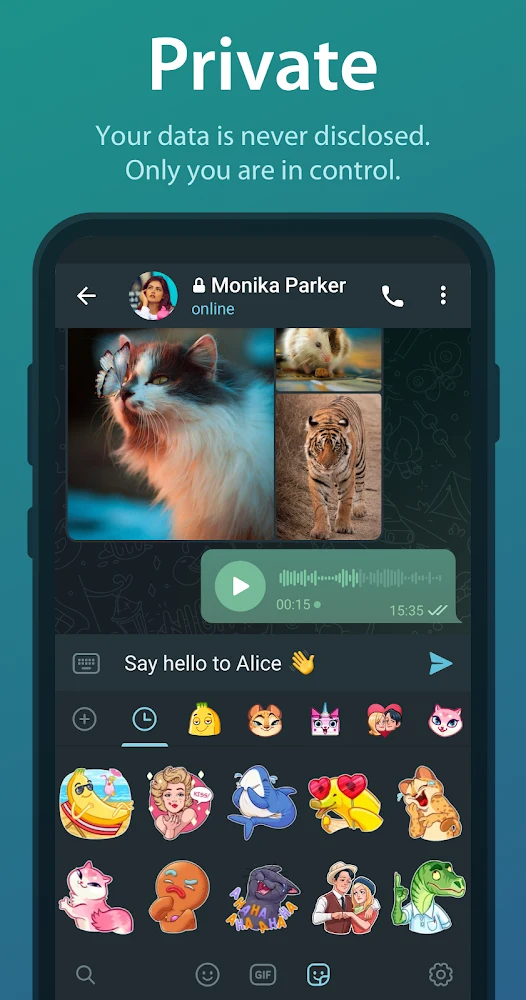
A move to a second phone is a useful way to understand the privacy distinction in Telegram Mod Apk. In the official app, the conversation stays end-to-end encrypted and tied to the two devices where you start a Secret Chat. An optional timer starts when the message appears on the recipient’s screen. When the timer runs out, the message disappears from both devices.
Telegram suits people who want a shared conversation history across screens and organizers who need both discussion and broadcast tools. It is a poor fit if you require end-to-end encryption across every group or hope to carry a device-specific Secret Chat to a different phone.



Leave a Reply