
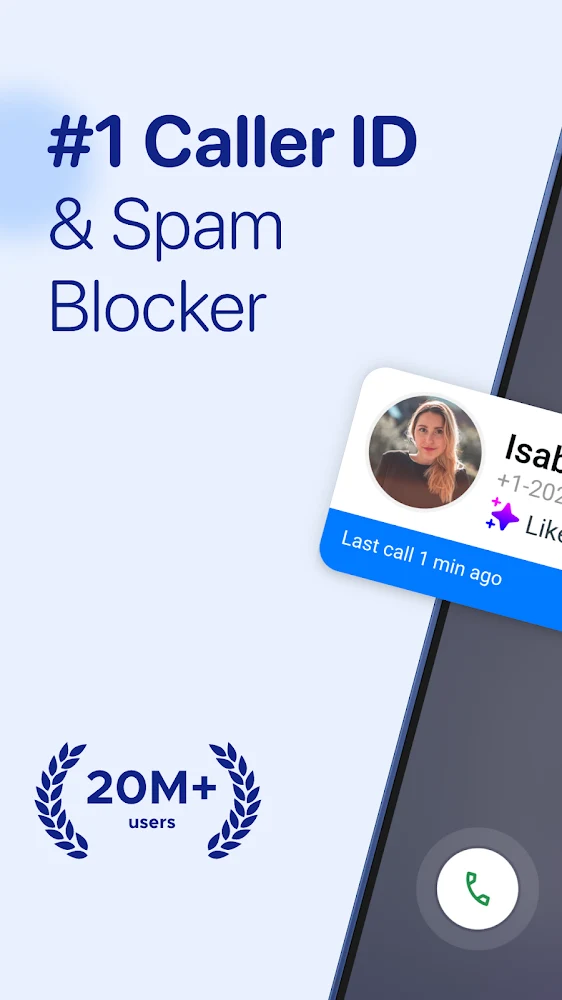
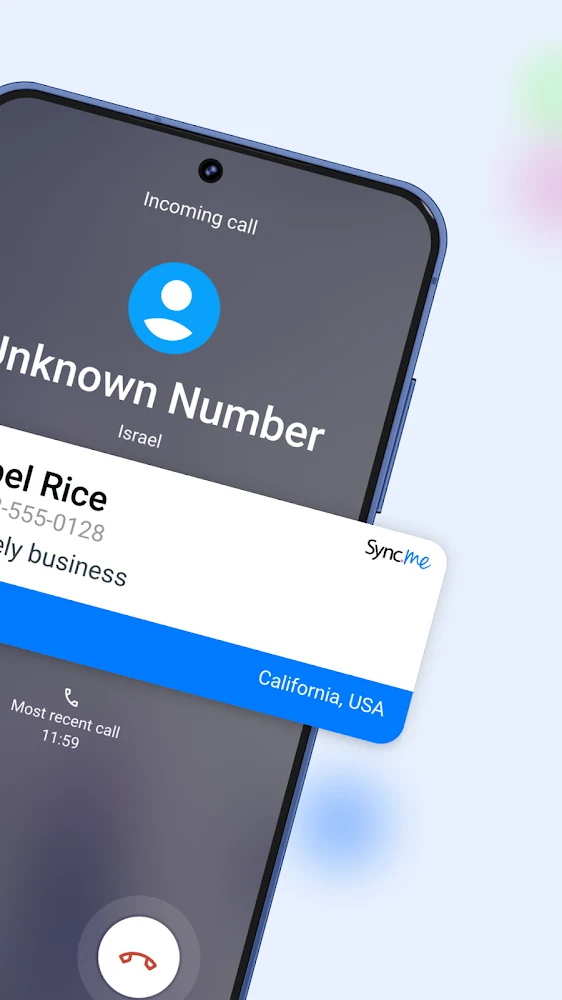
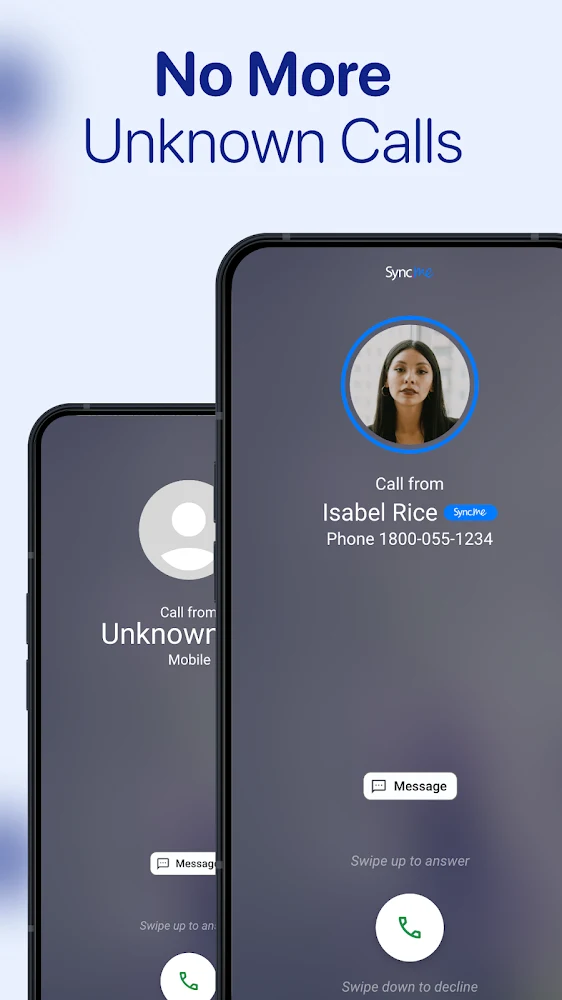
The first call you see with Sync.ME Mod Apk active may arrive from outside your address book. If a label is available, it can appear during the ring, before you decide whether to speak. A suggested name and a spam flag are separate clues.
The Android call and message controls have separate jobs. The ringing screen depends on the label or spam information available for the number, while the text filter reviews the messages that actually arrive in your inbox.
Labels on an incoming call
A label can help when you expect an appointment reminder or a delivery and have yet to save the number. It can also be a clue that a call has been reported. If the caller says they represent a service you use, look up the service in an app or address book you already trust before discussing anything personal.
Decisions about repeat calls
The app offers a personal block list and can flag or block known spam. An individual block makes sense for a number you recognize from repeated unwanted calls. Automatic screening has a wider effect. A spam flag reflects reports associated with a number. Treat it as one piece of context if you are waiting for a call from somewhere new. Before relying on it, consider whether you regularly receive calls from new clients, couriers or appointments. Those calls often come from outside your address book.
Separate screening for messages
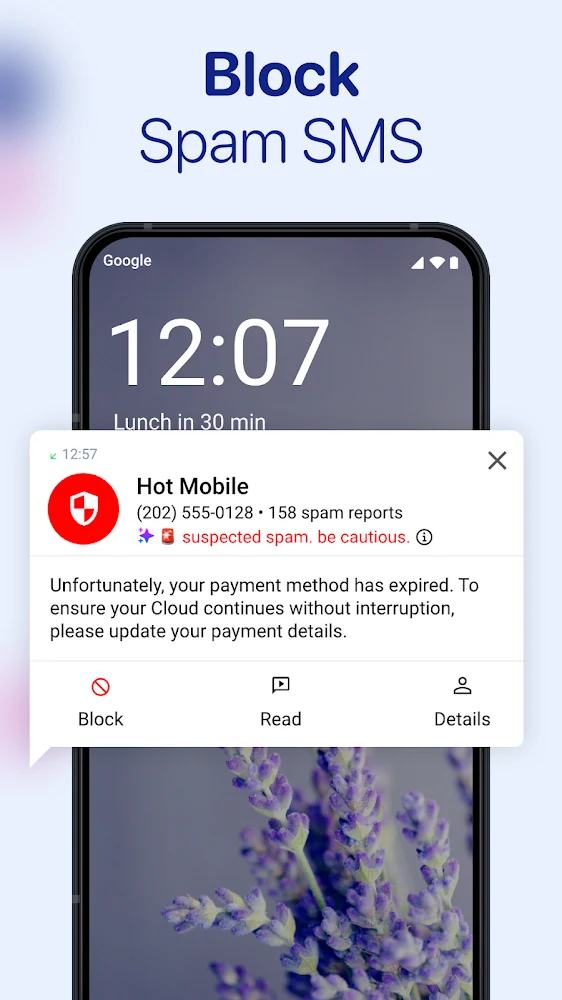
Text screening applies to the messages your own phone receives. The app describes spam filters and alerts for suspected phishing. A message that asks for an urgent payment or a login code is easier to assess from the service’s own app, account or contact page. A suspected phishing flag in the message list is a reason to make that check before opening the link.
Permissions and the address book
Availability varies by device, selected permissions and subscription. The developer offers address book features such as contact backup and duplicate cleanup. Review its privacy policy and your Android permissions before enabling them. Turning on contact sync is also a decision about which address book information the app can process. If you simply want help deciding which calls to answer, use the features you need for that job.
A fit for your phone
Sync.ME is most relevant if incoming calls from unfamiliar numbers frequently interrupt you and you want a label to help triage them. If you rarely get unwanted calls or want the simplest setup, see whether your phone’s existing blocking controls already cover the numbers you mean to silence.



Leave a Reply