
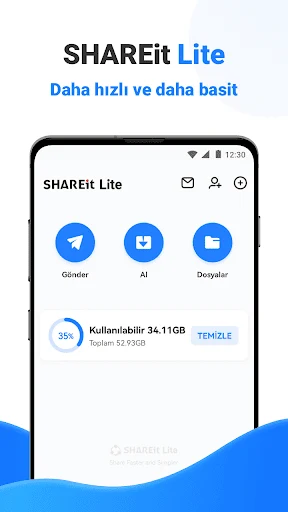
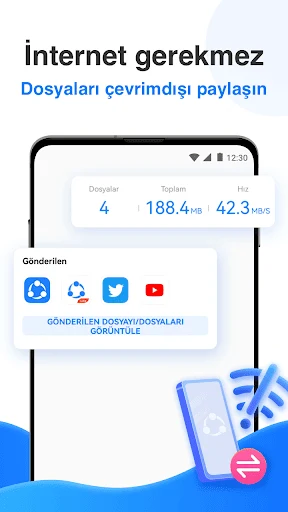
An entire folder can be the item you send in SHAREit Lite – Fast File Share. SHAREit Group presented Lite as the smaller option alongside its main SHAREit app. Folder sharing still lets you send several kinds of files as one bundle. That’s useful when a project lives in a folder with its spreadsheets, PDFs, and reference clips, and the person sitting next to you needs the same bundle. With SHAREit Lite Mod Apk, a nearby transfer can run offline. Choosing the folder includes the reference clips beside the documents. Selecting only the documents as a batch is another way to handle the same project if the other person already has the videos.
Sending a folder, a few clips, or an app
A whole folder makes sense for files you’ve already collected in one place. For three clips recorded on different days, the Videos tab in the SHAREit Lite walkthrough offers two ways to find them. It shows recently added files together, and its Folders view lets you browse videos by the app they came from. Word documents, Excel spreadsheets, PDFs and ZIP archives are among the items the Lite listing identified as transferable. The Lite channel describes photo sharing without compression, which matters when a picture contains fine text that the recipient wants to zoom in on.
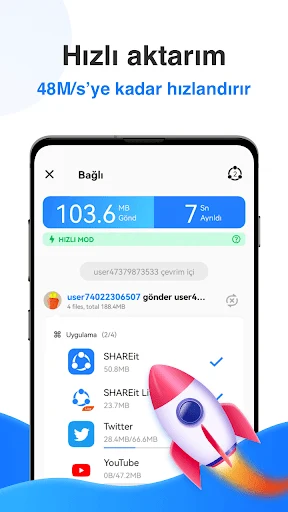
Installed apps have their own tab in the Send screen. In the Lite walkthrough for app sharing, the sender picks an app from the Apps tab and confirms the selection before the two phones connect. A developer could use that screen to share a test app they own with a second Android device before checking it away from a desk. The videos and apps walkthroughs then lead to the same pairing choices.
Pairing with a QR code or a device avatar
After the sender chooses the files, the other phone opens Receive. The Lite walkthroughs show the sender scanning the receiving phone’s QR code or tapping its avatar when it appears.
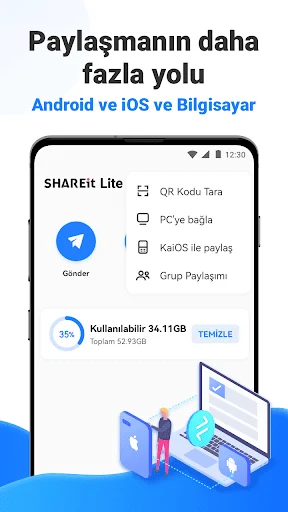
The QR and avatar choices apply to two nearby Android phones. Lite also supported transfers from Android to an iPhone and to a computer. That means the group’s folder could come from a phone and finish on a Windows or Mac desktop, where the person receiving it would open the files in their usual apps.
Opening a received file or making an MP3
Lite’s File Manager handles what happens after a handoff. The listing describes opening, moving, and deleting received items. For a set of meeting documents, you could look through the received files, move the spreadsheet you’ll keep working on, and delete a duplicate PDF from the same delivery. The app also lists a file preview and a video player. When two files have similar names, opening their previews can help you identify the copy you intend to keep.
The video-to-MP3 tool makes a separate audio file from a video. A recorded lecture is a straightforward use for it when the spoken explanation is what you want to revisit. With a clip that shows a demonstration or diagrams, the video player keeps those visuals available while you watch.
Cleaner has a broader role than File Manager. The listing describes options for removing junk, deleting unwanted photos and videos, and uninstalling apps. The file manager’s move and delete controls apply when you’re sorting a particular handoff. Cleaner’s options apply when you’re clearing space across the phone. Lite also had a documented ad-free variant.


Leave a Reply