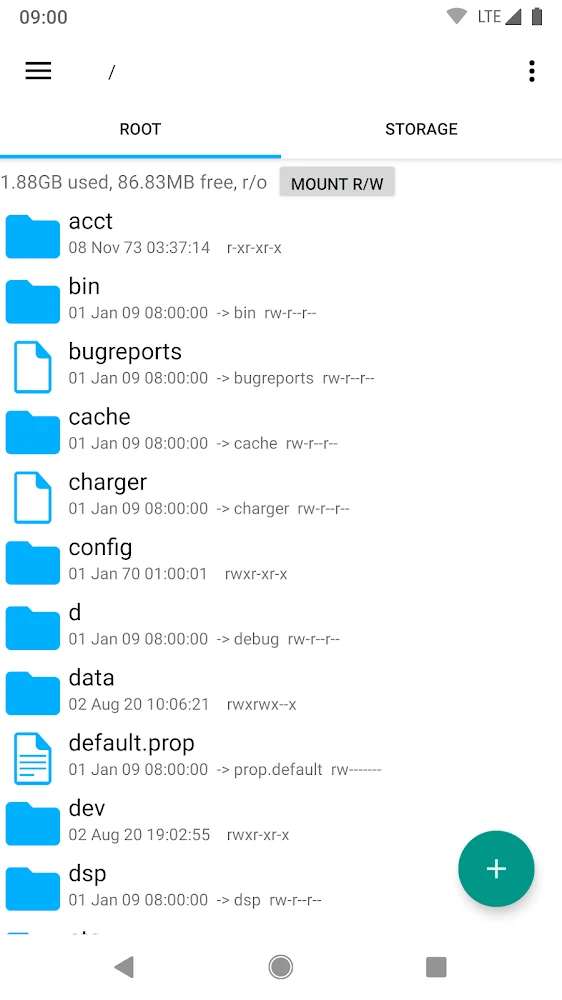
Root Explorer organizes files on Android storage, from a folder of reference photos to the archives you keep on an SD card. The official Speed Software app also serves users who already administer a rooted device. For everyday file management, its tabs help you keep two locations in view as you sort material you own or have permission to manage.
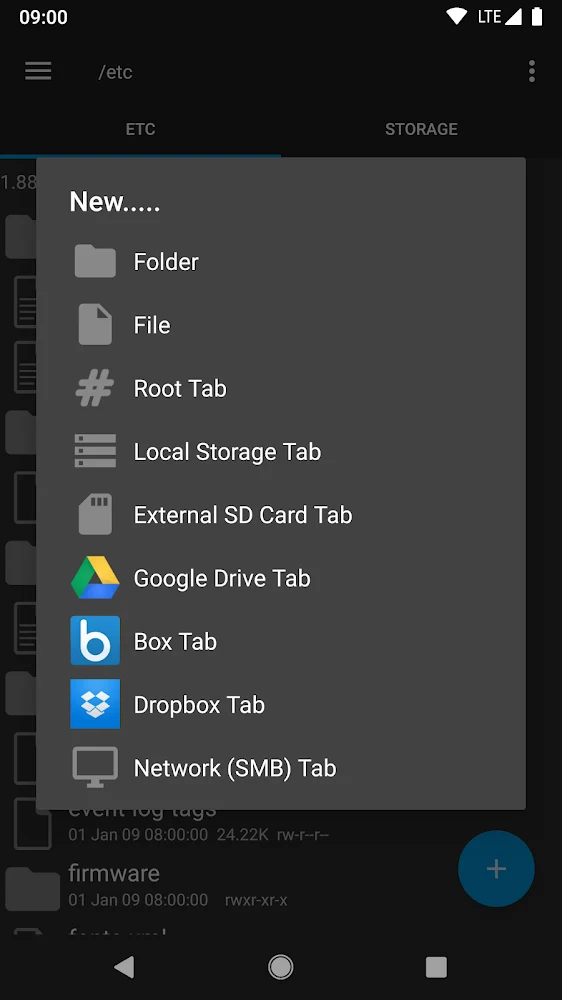
Tabs are a good starting point in Root Explorer Mod Apk. Leave a project folder open in one tab and an archive folder in another. As you work through the source folder, you can switch to the second tab to check what is already there, then return without opening the same folders again.
Finding and sorting files
Search within your storage
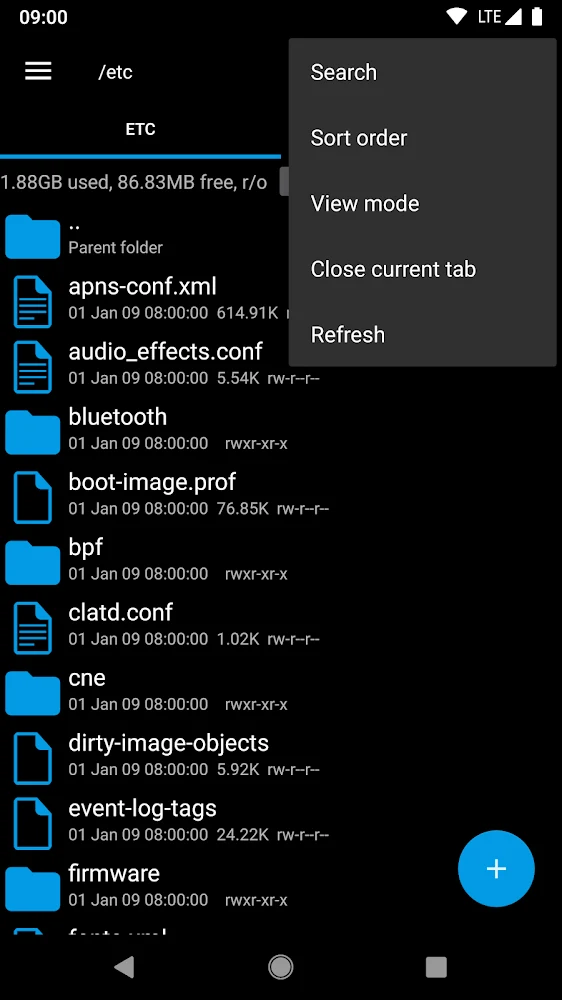
Search is useful when you know part of a file’s name and have several folders to look through. For a folder of photographs, image thumbnails help you distinguish files with similar names before opening them. Once you have found the right items, multi-select lets you handle a batch together.
Open a file in another app
Use Open With when a file belongs in a particular reader or editor. For example, after finding a set of meeting notes among your own folders, you can hand the document off to your preferred reader. The file manager handles locating the document, and the reader handles the document itself.
Working with archives
Root Explorer can create and extract ZIP and TAR/GZIP archives. It can also extract RAR archives. If you receive a compressed folder of your own project files, use the archive tool to unpack it into a working folder. To put a finished set away together, group those files in a ZIP archive and keep the originals where you edit them.
When a working folder is buried several levels deep, create a shortcut to it. Root Explorer supports shortcuts as well as bookmarks, so the folder you need at the start of the day can have a direct way in while its files stay where you put them.

Leave a Reply