
If your phone spends the night on a charger, that can be a convenient time for a change of scenery. Resplash draws photographs from Unsplash and can rotate your Android wallpaper when the phone is connected to power or on Wi-Fi. You can also browse the photos yourself and set one from inside the app when you find an image you want to use right away.
A rotation that fits your routine
Open Auto Wallpaper and choose Featured as the source for a changing selection of photographs. Set an interval, then decide whether to use any of the conditions. A charging requirement can delay the change until you plug in. If you have enabled more than one condition, the phone has to meet them together. That can explain why a background stays put after the interval you chose. The app needs an internet connection to fetch the next Unsplash image.
If you already use Muzei Live Wallpaper to handle changes, Resplash can supply its images. Install Muzei separately and select Resplash as an image source there. To run a schedule from Resplash itself, use its own Auto Wallpaper settings.
Keeping the subject in frame
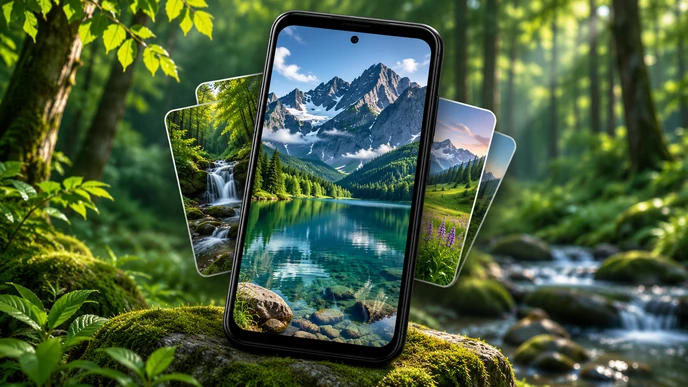
Look through the curated collections or search for a scene you want, such as a forest road or a foggy harbor. Portrait photographs usually give you more room to keep the original composition on a tall display. For a wide shot, try one whose subject sits near the middle. If you want a lock-screen photo, a clear patch at the top of the frame can leave space for the clock. Set the photo from inside Resplash, or save the original first if you want to crop a copy separately.
The image details are worth a look if you want to learn from a shot. When a photo includes EXIF data, compare its focal length or exposure with what you would use for the same scene. A blurred waterfall, for example, is a useful starting point for exploring what a longer exposure can do in your own photos.



Leave a Reply