
You move a music collection from a laptop to your phone and find one album split into three entries. The songs are all there, but the artist field varies from track to track. In PlayerPro Music Player Mod Apk, open the folder you copied and edit the tags that determine how those songs appear elsewhere in the library.
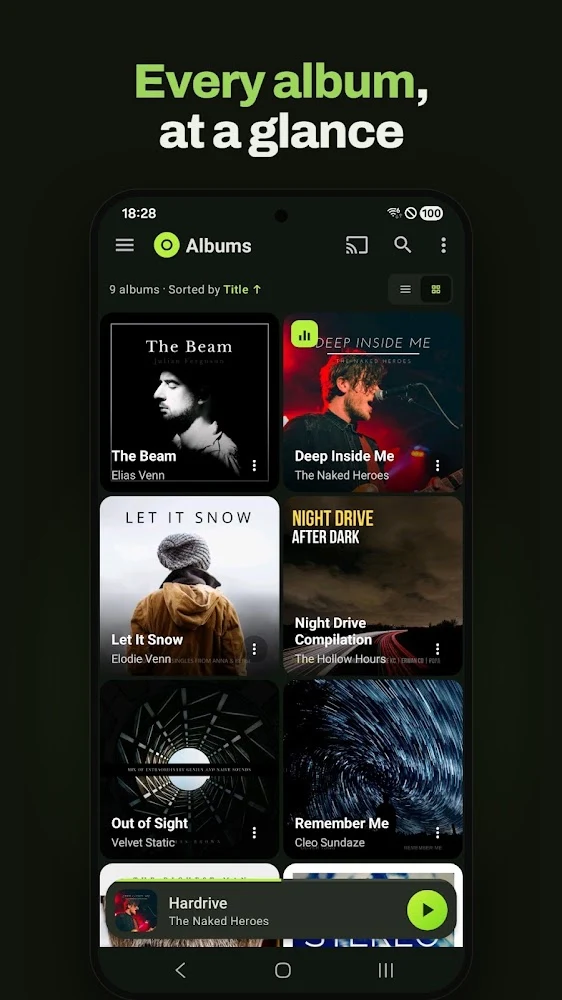
Keep the folder view open if you remember how the collection was filed. Browse by composer if you know the name on a classical recording but cannot recall the performer. After you correct the artist tags on the tracks that belong together, look for the album under that artist. PlayerPro can display embedded artwork in the grid, which is useful if you recognize the original cover sooner than the album title. The list is handy for long titles that need more room.
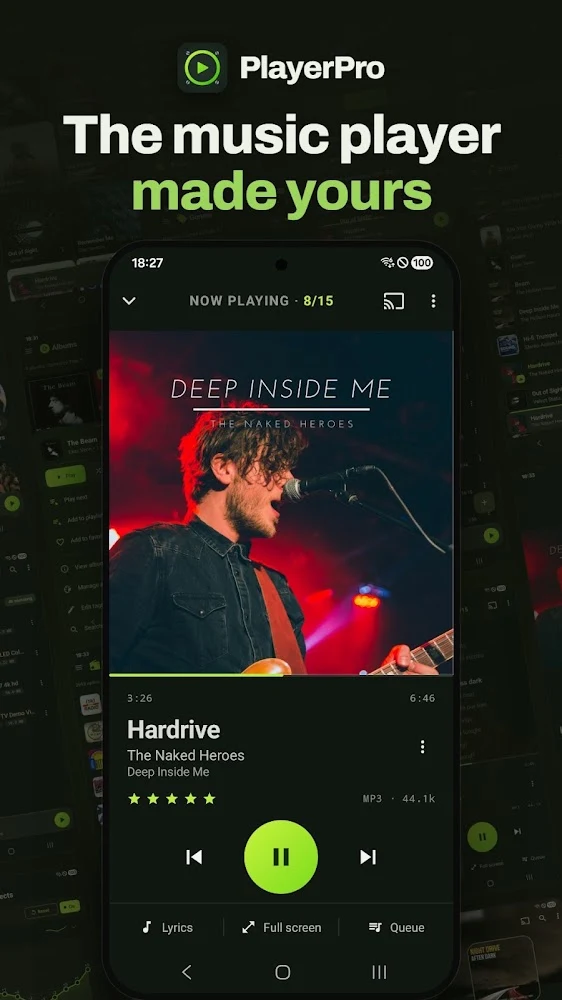
The corrected tags can also feed a smart playlist. Its editor accepts rules based on year, rating, or when a track was added. A Recent additions rule updates what appears as you copy more records. For a separate playlist of your highest-rated songs, use the stars you assign in the player as the criterion. If you usually skip or pause from the home screen, a PlayerPro widget can put those controls there.
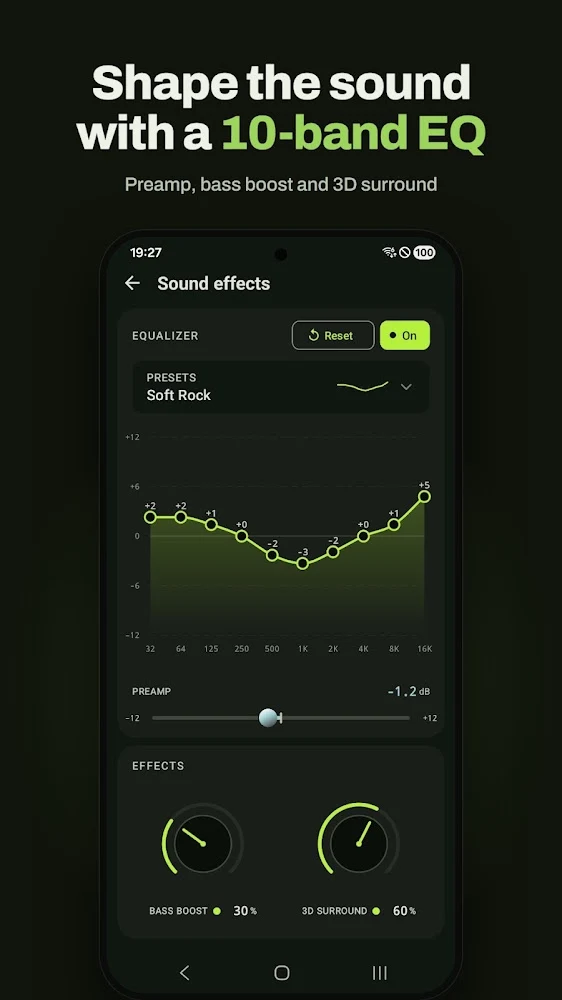
Once the collection is organized, you can work on how it sounds. The player includes a five-band equalizer. BlastOn’s optional DSP Pack adds a ten-band equalizer, gapless playback and crossfades. Gapless playback is useful for a continuous DJ mix split at track boundaries. It lets the original transition carry through as one numbered track ends.
PlayerPro suits listeners who keep their own albums or mixes on Android and want a say in how they are filed and played. If your usual session begins by searching for music you have never added to your collection, an on-demand streaming catalog fits that habit better.

I like this app, very nice website