
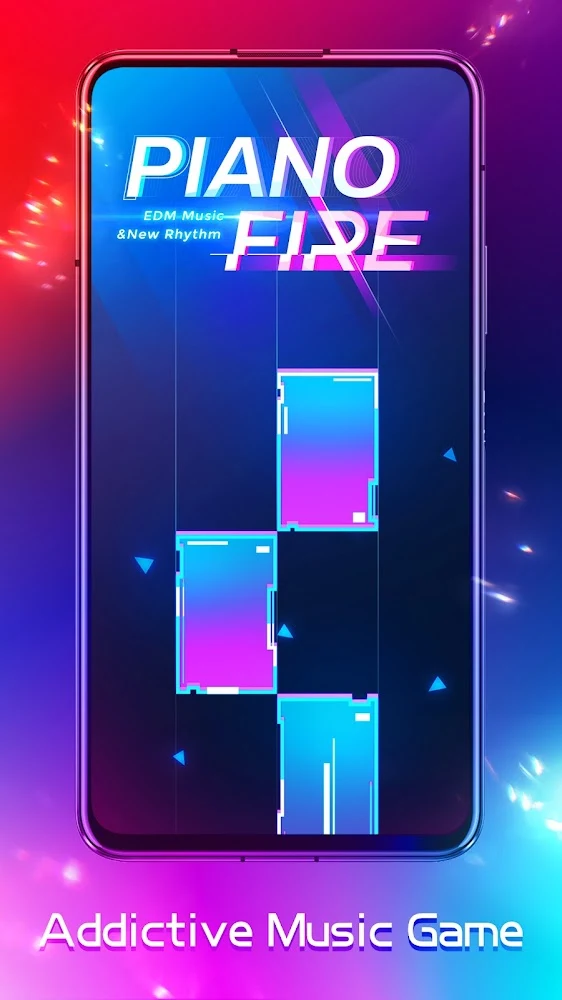
Piano Fire: Edm Music & Piano is for players who hear a beat and want to tap along. The rhythm game turns piano and EDM tracks into a stream of music tiles. Follow the melody on the screen and keep hitting the right tiles as they arrive. The same controls apply when a faster track leaves much less time to pick out the next note.
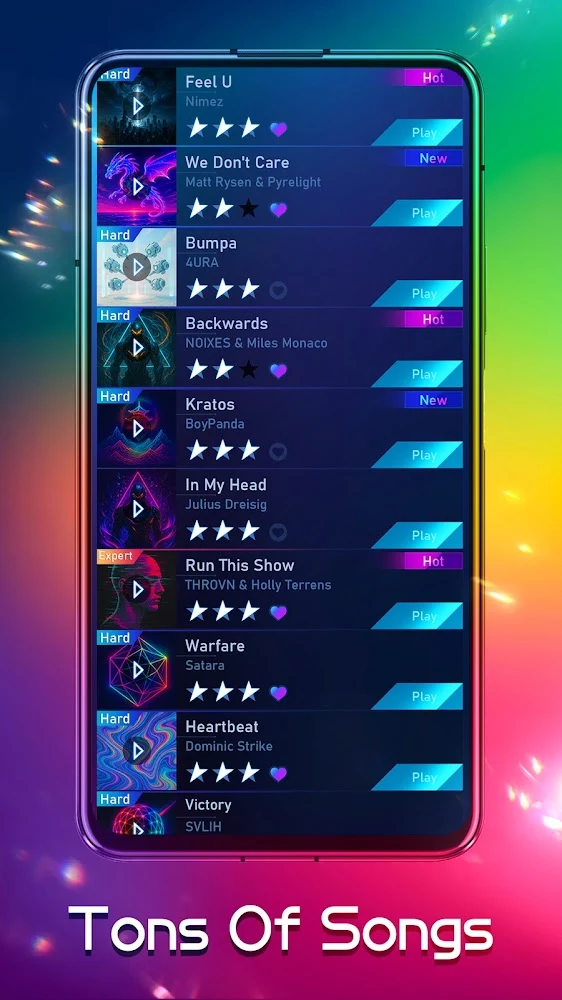
The song screen in Piano Fire: Edm Music & Piano Mod Apk lets you move between tracks and albums in different styles. An EDM track puts the beat up front, while the piano parts give you a melody to follow as the tiles arrive. Picking another song changes the rhythm of the run. You can choose a familiar melody when you want to hear how the taps fit the music, then switch to a faster song when you want to test your timing.
Reading the tiles
- Follow the melody. Tap each music tile in sequence. The sound that goes with each hit lets you hear the part of the track you are playing.
- Watch for the next tile. On a high-speed song, the harder part is picking out the music tiles quickly enough to hit them all.
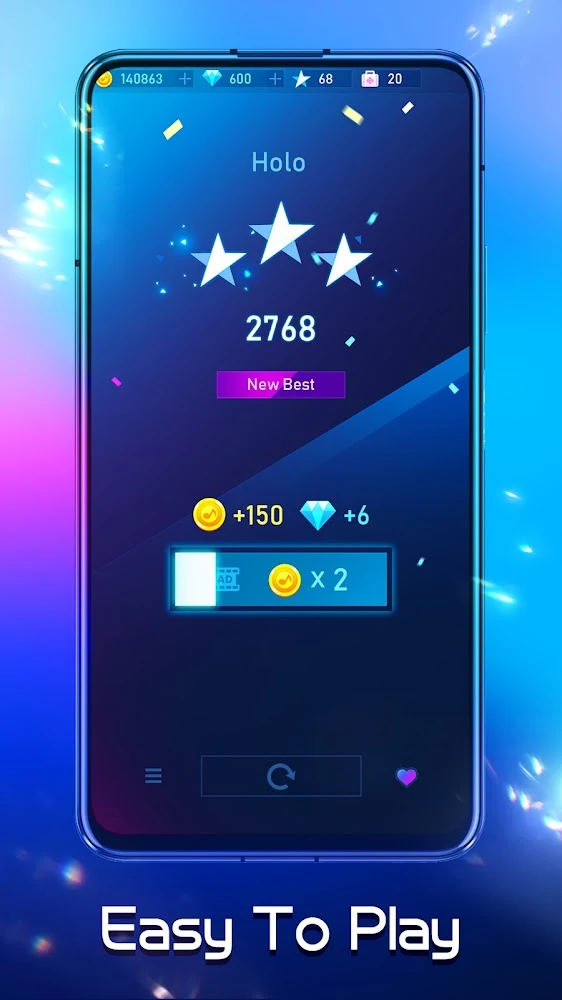
- Read the result. The score screen shows a point total and stars for that song, so you have a result to compare when you replay it.
The game offers solo play online and offline. Its basic loop is short enough to fit a song into a break, but a faster track can take repeated runs before the timing feels familiar. Switching between styles keeps those retries from turning into the same sequence of taps over and over.
Piano Fire suits someone who wants short solo rhythm runs with a song as the goal. A player looking for keyboard fingering or sheet-music practice will want a lesson app, where notes correspond to piano keys and playing technique is part of the exercise.



Leave a Reply