
Peafowl Theme Maker for EMUI is a theme editor for Huawei and Honor phones. It brings icon packs, wallpaper and interface color controls together so each part of a theme can be tuned separately. The developer’s current listing describes support for EMUI and MagicOS and includes a gallery of ready-made themes. The DLAndroid file entry is marked Pro.
Shape and color are separate choices
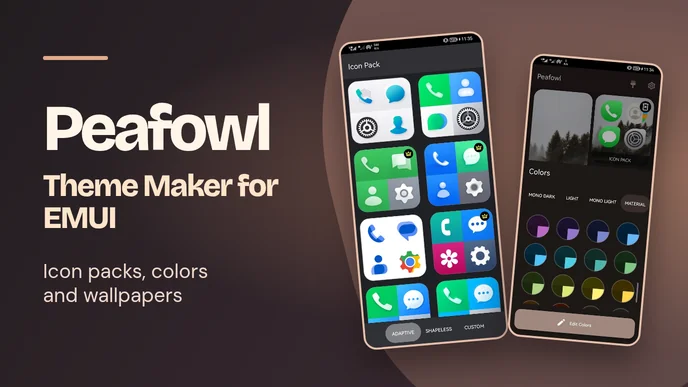
The icon editor handles adaptive shapes as well as shapeless packs. A pack can set the look across a theme, and individual icons can be replaced when a set misses an app or one design feels out of place. Peafowl also supports importing a pack of your own. In the publisher’s screenshots, the app shows groups of icons together in a preview, with the theme palette and wallpapers visible in the editing workspace.
The color picker changes accent colors, and the interface colors can be adjusted by hand. That gives a preset room to change without starting over. A wallpaper can come from the built-in gallery or from a file on the phone. Light and dark options are available, so the same wallpaper can be paired with a different interface palette.
Farsroid links to the same Play listing and documents a professional edition. Its release notes also mention fonts and mods. Those give you more ways to change the look of a theme alongside its colors and wallpaper.



Leave a Reply