
Package Disabler Pro (Samsung) APK Mod – Control Bloatware On Galaxy Without Root
Package Disabler Pro (Samsung) APK Mod gives Samsung users a clean way to turn off pre-installed apps and system packages without rooting. It relies on standard device-admin permission, so you avoid risky edits while gaining control over background services, auto-updates, and what appears in the launcher. The result is a lighter One UI, fewer wakelocks, and better standby on many Galaxy models.
Core Capabilities On Samsung Without Root
Inside the app you can search any package, open its details, and toggle it off or back on later. Disabled items stay hidden and cannot update through Google Play or other stores. Filters help you move between user apps, system components, and your disabled list; a quick batch action lets you restore everything to stock when needed. Power users, parents, and IT teams use it to cut clutter, prepare demo devices, or keep a focused home screen for work and study.
Safe Setup And Backup Workflow
Install the APK, open it once, and grant device-admin access. Start small: disable two or three obvious extras, reboot, and confirm calls, notifications, and payments still behave normally. When you are happy with the changes, export your disabled list to storage or the cloud. Keep the file so you can import the exact same setup after a reset or OS upgrade. If a feature stops working, open the Disabled view, re-enable the related entry, and restart the phone. For special sessions—recording, long gaming, or VR—you can temporarily turn off services you do not need and bring them back later.
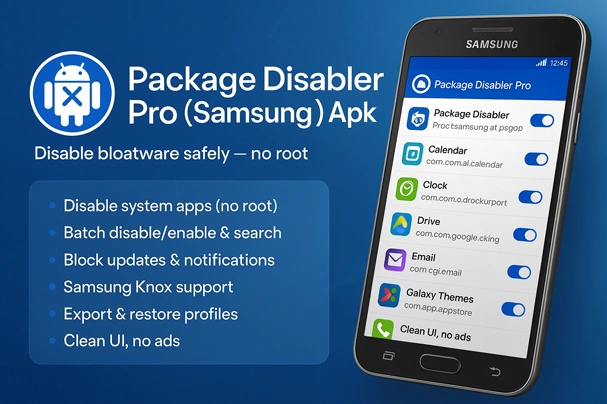
Compatibility, Risks, And Revert Steps
This tool is designed for Samsung devices only. Behavior varies by model, firmware, and One UI/Knox rules; some builds limit which packages can be managed. Rooted phones may block or alter device-admin functions, so a non-rooted setup is recommended. Major updates often expect stock apps to be present; if an OTA fails, re-enable core packages, finish the update, then import your saved list again. Move slowly, avoid core services, and keep recent backups of both your data and the exported list. To remove the app or undo changes, first revoke its admin access in Settings → Security → Device Admin Apps and then uninstall normally.
Latest Build Notes
Recent versions improve stability on newer One UI releases, speed up large package scans, and make batch operations smoother on devices with long app lists.
Disclaimer
You are responsible for what you disable. Disabling critical components can break system features. Test changes in small steps and keep backups so you can revert quickly.
-3.jpg)
-3.jpg)

Ivepurchased this app on Google play. I’m having trouble installing and getting it to work. I want to download it from here as I like and need the functionality. Please assist. I will repurchase if necessary.
please get the latest version from play store
Not working after few minutes later theme enable automatic
Pls slove this
heisenberg where i can find new update? this apk wont work on my s8 please share thanks
try this:
https://dlandroid.com/ccswe-app-manager-samsung-apk/
Note 9 failed to validate key..
Note 9 is Not working
I upload new apk try it
hi, update v16. Not working your updated app
I fixed it
Get update 15.0
updated