
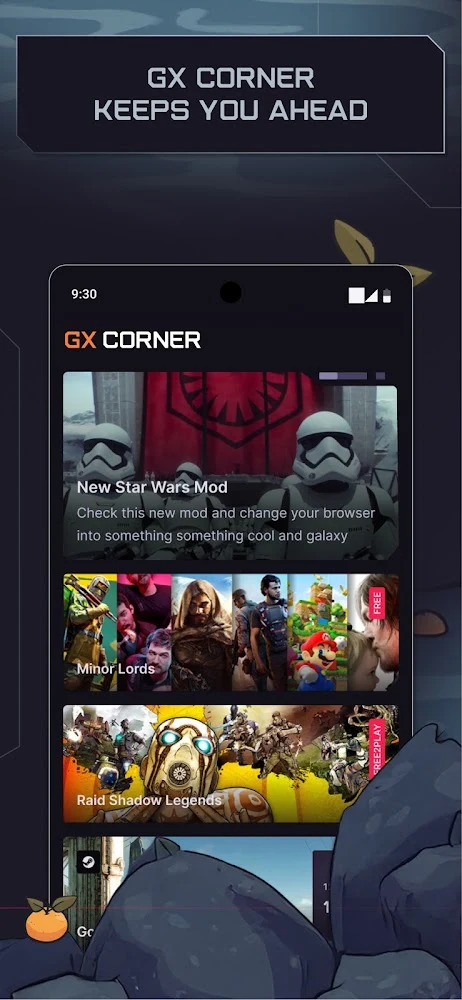
An ordinary bookmark keeps one game’s news page handy. The GX Corner calendar in Opera GX: Gaming Browser Mod Apk follows new releases from several series without turning every publisher’s page into a separate bookmark. The games feed sits alongside the pages you normally browse on your phone.
A release date belongs in GX Corner when you are following the calendar. A link you want to read later still belongs with the rest of your browsing. Opera GX handles both on the same screen, with colors and button placement you can set for the way you hold your phone.
News, appearance and navigation
- Check GX Corner for release dates and news. The calendar is useful when you are following more than one game and need to tell which date belongs to which title.
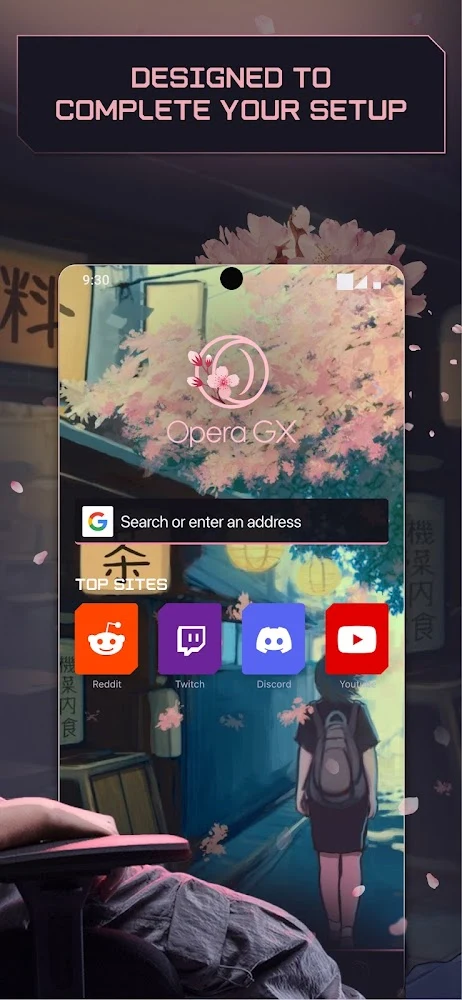
- Change the browser’s colors with a theme. A different shade can help you tell the phone browser apart from other apps in a similar style.
- Choose standard navigation or try the Fast Action Button. It gives your thumb one place to reach for navigation and uses vibration feedback when you interact with it.
The Android browser includes an ad blocker and a control for cookie dialogs. You can decide which options suit the sites you read. That choice is separate from picking the layout that feels comfortable on your phone.
Links to keep for another screen
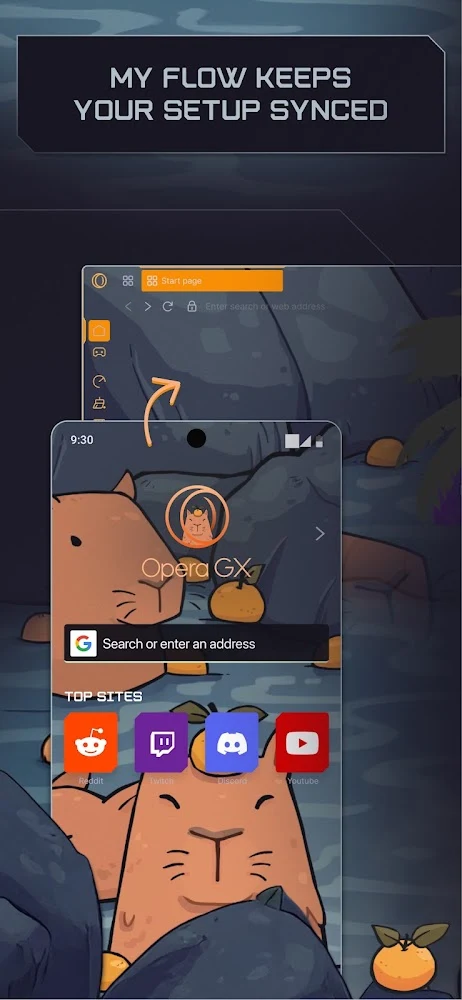
Send a link through My Flow when you want to finish reading it at your computer. A note can sit beside the URL. For instance, if you are keeping two trailers from the same event, note which one contains the release date you want to verify. The note travels with the link to your other device.
To use My Flow between a phone and a computer, the two browsers need to be paired first. The mobile app pairs with the QR code shown on the computer. Have both devices ready when you set up that connection.




Leave a Reply