
MobiSystems OfficeSuite suits project coordinators and other Android users who receive a draft, a budget, and a slide deck for the same job. It opens editable Word, Excel, and PowerPoint files in one app. A coordinator can mark a correction in a DOCX report, check the figures in the XLSX budget, and prepare the PPTX slides before a meeting.
Drafts with several authors
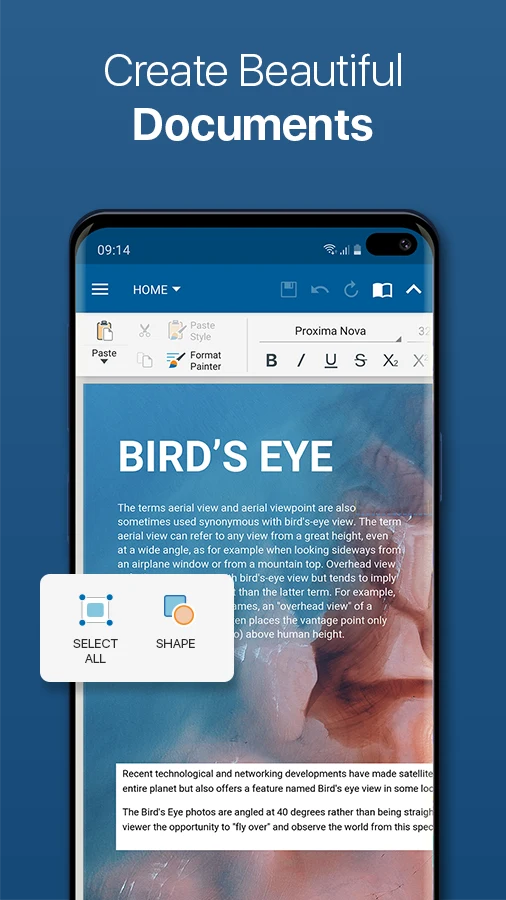
Track Changes can identify edits by different authors in the same Word document. A colleague reviewing a revised proposal can distinguish a wording change made during an earlier pass from an update added by the next person. For formatting corrections, Format Painter can apply an existing style to another part of the document, such as a heading that came in with a different font.
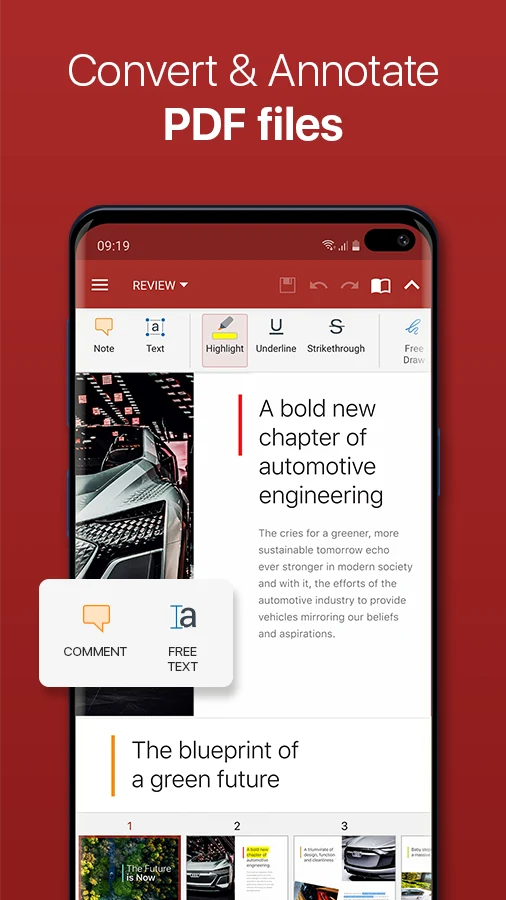
OfficeSuite Premium Mod Apk can also open a password-protected proposal once the supplier shares the password with the reviewer. Keep the proposal in its editable format for another review. When the wording and layout are settled, PDF export creates a separate copy for readers who only need the finished pages.
Budget exceptions and charts
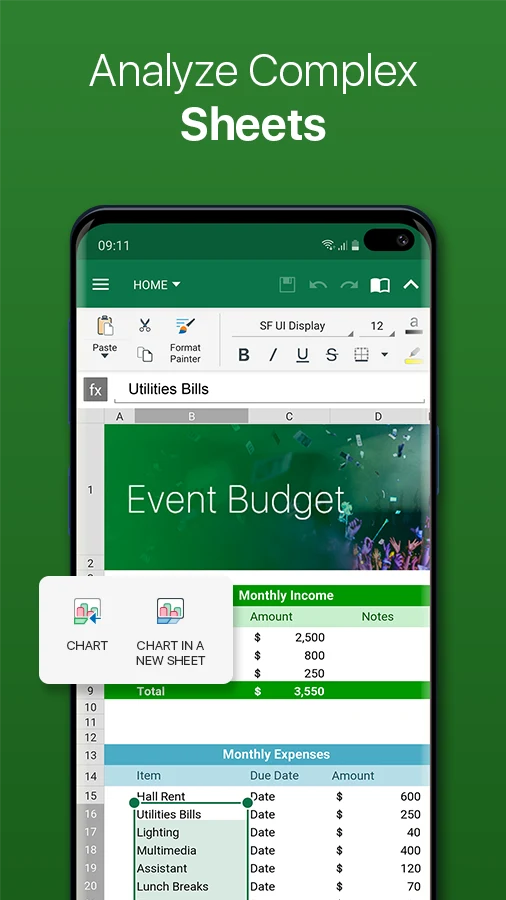
In Excel files, filters narrow a worksheet to rows that match the values you choose. Conditional formatting can flag cells that meet a rule, so an over-budget line can remain visible in the full sheet as well. Define Name lets you label a specific range, such as the cells used for a monthly total, for reuse in a formula. Individual sheets and cells can also be protected. That makes sense for a budget template where other people enter expenses around formulas that should stay in place.
OfficeSuite can edit charts in the workbook. If the chart is meant to explain a single month, check the cells it uses as well as the labels a reader will see. CSV export is available for spreadsheet data that needs to pass into another tool.
From worksheet to meeting
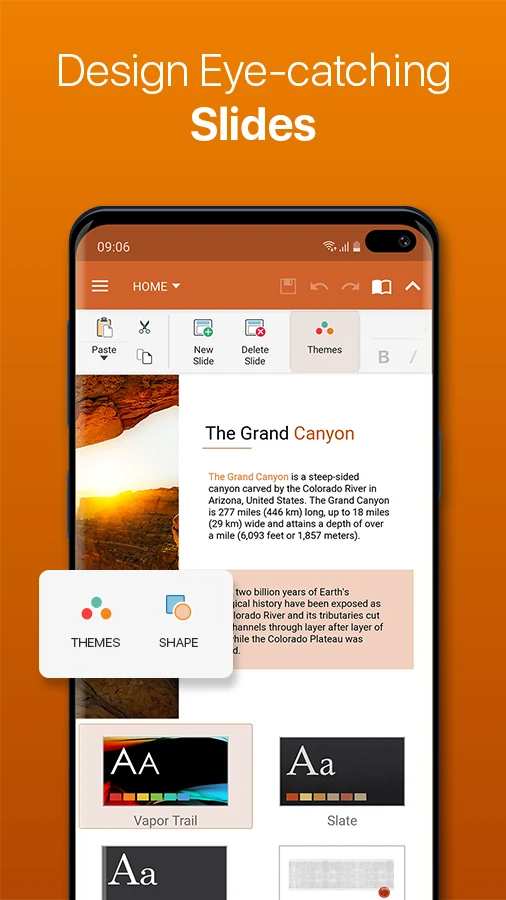
In Slides, you can select a theme for the deck and start the slideshow from the current slide. That is handy when revising a budget presentation and checking the transition into one changed slide. Slides can advance manually, so you can pause on a table or chart while someone checks the numbers.
Share Cast can display the presentation on other devices through OfficeSuite. To use it in a meeting, connect the presenter and the receiving devices to the same network. People watching on other devices can join through the presentation option in their app.
Not really premium !
wait for next update
Hey why it won’t install in my device ,I downloaded it successfully but the problem is during the installation process !!! Pls help me
Hi. what is the error ?