Download Niagara Launcher Pro APK (Mod)
Overview
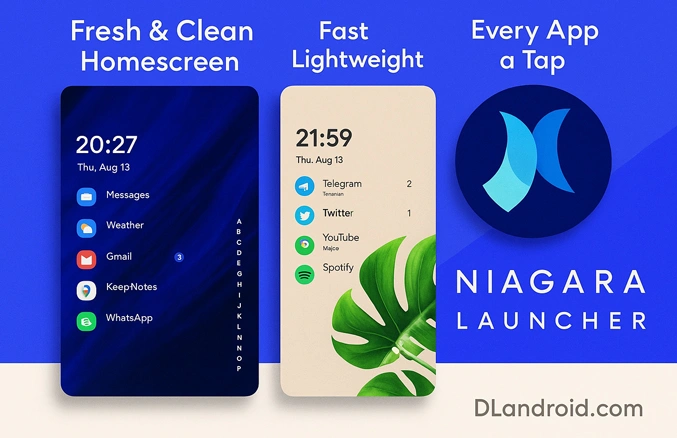
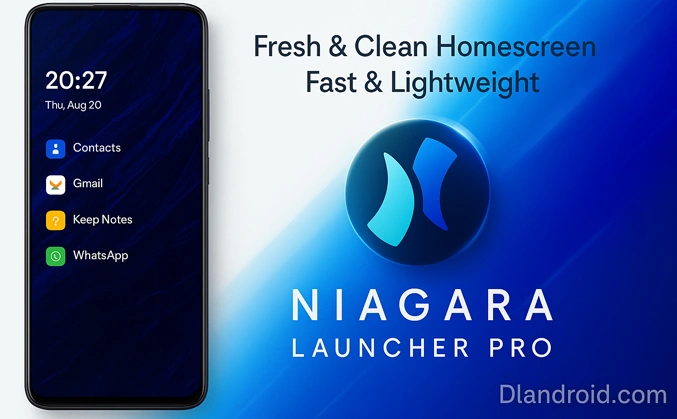
Niagara trims clutter, replaces folders and heavy grids with a smart alphabetical list, and keeps the stuff you use most within thumb-reach. The result is a home screen that stays fresh and clean while remaining fast on older hardware.
Key features
- One-hand navigation: The adaptive list sits where your thumb naturally rests—no stretching, no drawer diving.
- Wave alphabet: Flick along the alphabet strip to the letter you need and jump straight to the app.
- Embedded notifications: Read, answer, or clear messages on the home screen and keep moving.
- Lightweight performance: Small install size, smooth animations, and quick indexing.
- Focus, not noise: Hide bloatware and rarely used tools so only essentials stay visible.
- Clean personalization: Icon packs, a simple typeface, and subtle theming preserve the fresh/clean vibe.
What’s improved recently
- Better gesture handling on Android 14/15.
- Smoother list animations and faster app indexing.
- More reliable notification actions for popular messengers.
- Small UI touches that make alphabet swipe and search feel instant.
Download & install (Android 14/15 ready)
- Allow the install: Settings → Security/Privacy → Install unknown apps → enable your browser or file manager.
- Download the Niagara Launcher Pro APK (Mod) and open it. If you already have a build with a different signature, uninstall that one first.
- Finish the install, press Home, pick Niagara Launcher, then choose “Always” to set it as default.
- Grant Notification Access so in-place replies and actions work as intended.
Set as default later
Settings → Apps → Default apps → Home app → Niagara Launcher
Quick setup tips
- Pin 7–10 everyday apps at the top of the list for muscle-memory speed.
- Use the alphabet swipe instead of folders; it’s faster than any app drawer.
- Hide preinstalled or rarely used apps to keep the list tidy.
- Pick a clean icon pack and a simple font to keep the layout fresh and distraction-free.
- Handle notifications on the home screen: reply, mute, or dismiss without app-hopping.
Troubleshooting
- Can’t set it as default? Clear defaults from the previous launcher (Settings → Apps → [old launcher] → Clear defaults) and try again.
- An app is missing? Pull down to refresh the list or open that app once so Niagara can index it.
- Notification actions aren’t showing? Re-enable Notification Access for Niagara and reboot.
Why choose Niagara over classic launchers
Tall screens made old grid layouts feel clumsy. Niagara’s single list and alphabet jump cut the friction: open what you need with one thumb, see fewer distractions, and keep the phone quick. That’s the whole idea behind “fresh/clean.”
Safety and permissions
For the best experience, Niagara needs Notification Access and to be set as your default launcher. Only install from sources you trust. If you’re moving from a different signature, uninstall the old build first to avoid conflicts.
Wrap-up for downloaders
If you want a minimal setup you can run with one hand, Niagara Launcher Pro delivers. Grab the latest Pro Mod APK, install it, set it as default, and enjoy a home screen that’s light and focused.


Weather doesn’t work.