
A graphic can respond to a bass line while a second layer keeps a photograph still. That combination is the main appeal of Avee Music Player (Pro), an Android player that also builds a video from a track and an audio-reactive design. Its visualizer templates supply a starting composition. The editor changes how its parts look and how they move with the audio.
Audio with a separate visual reaction
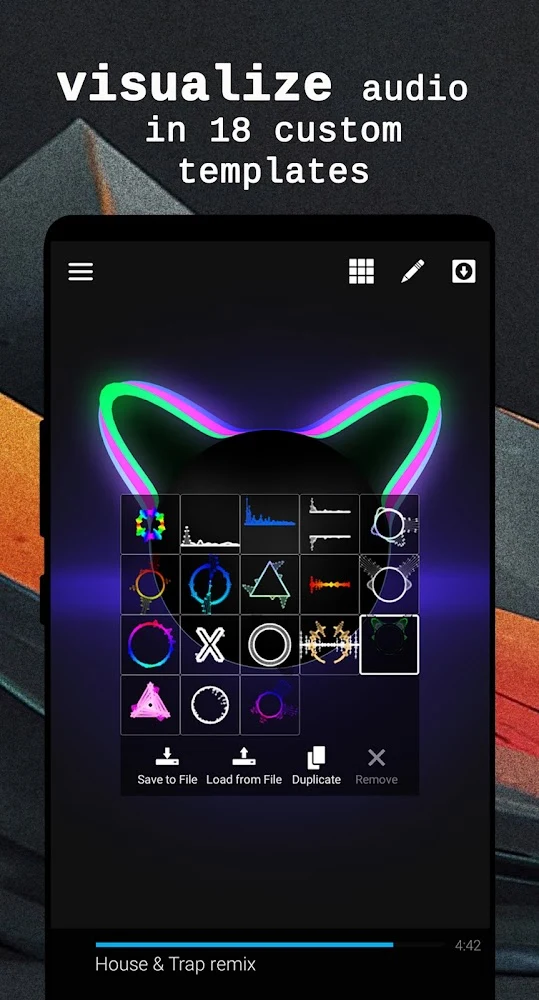
A template can have bars, a wave or a shape you can see change with the beat. The stock design already has properties for color, size and movement. Focus on one element first. A slow song might need space between visible movements, while a track with a strong pulse makes it easier to notice a change as you preview the template. Adjusting the audio response changes the relationship between the artwork and the track.
The audio equalizer serves a different purpose. It alters what you hear during playback. Avee’s documented video export uses the levels from the source audio, so a bass adjustment made for listening does not become a change to the exported soundtrack. A preview can therefore look the way you intend even when the exported audio sounds different from the player’s presentation.
Images as their own layers
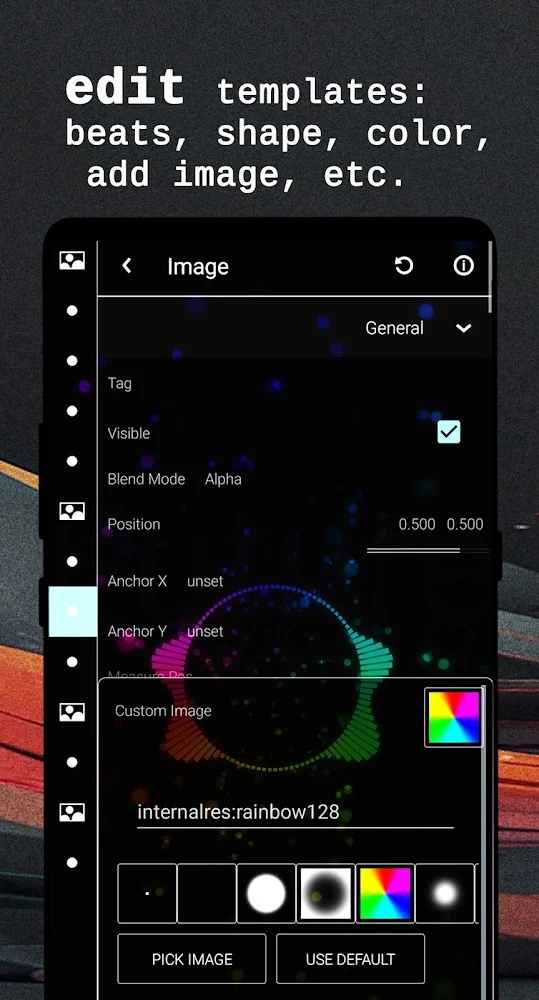
The editor can add a photograph or an animation as an art layer. A cover image can stay recognizable behind a changing spectrum, with the movement concentrated in another layer. GIF support also allows the image itself to move. A design can balance those motions by keeping the spectrum smaller when the art already has a lot happening in it. Position and size matter because some of the frame may contain type or an image you want people to see.
Templates can be saved, imported and exported. If you work with several tracks by the same artist, a saved template can retain their shared visual layout between projects. A replacement image or a different audio response can then distinguish the next clip while the overall placement stays familiar.
Frame size and the video export
Avee can render at several resolutions and frame rates, with hardware affecting which combinations the phone can handle. The export controls in Avee Music Player (Pro) Mod Apk are worth considering before doing detailed placement work. Changing the aspect ratio changes the space around the visualizer. A spectrum that occupies only the lower edge of a wide frame will take up a different part of the picture after the shape of the frame changes.
Avee can export video in either tier. Daaw’s paid tier adds finer export controls and the Always Hide App Logo setting. On the free tier, a rewarded ad can hide the logo on one export. The official help suggests a lower-resolution preset if rendering is difficult on older hardware. If a long export keeps failing after the preview has played, a smaller frame reduces what the phone has to render. Available codecs and storage still matter to the export.
Named folders for everyday listening
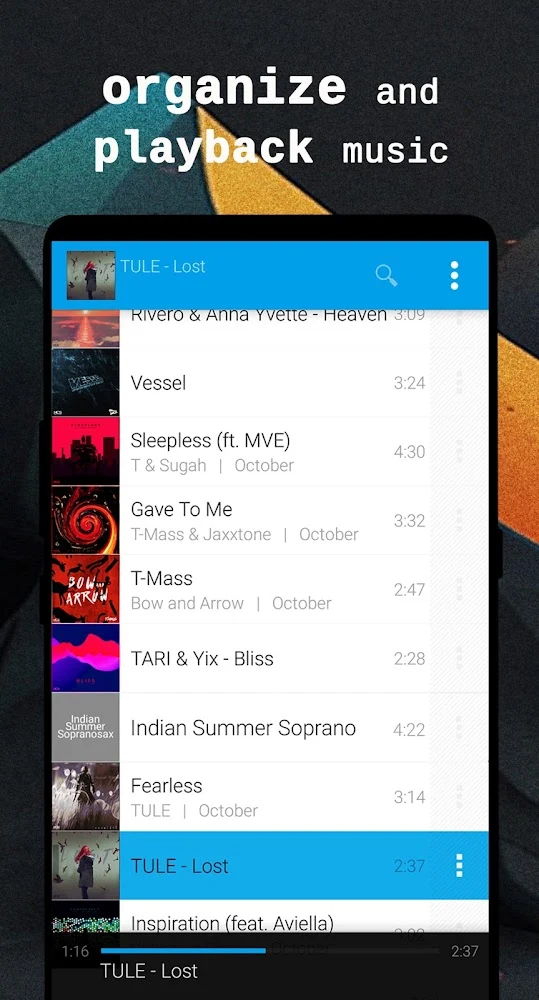
Avee also keeps a separate route into a music collection through albums, artists and folders. A folder shortcut can point to a group of recordings you return to for editing. Playlists can put individual tracks in a chosen sequence without treating them as part of the same existing album. The two tools suit different kinds of collection.
Work suited to a spectrum player
The editor makes sense for a creator whose clip follows one music track and builds its identity from a moving design. An edit that needs footage from several cameras is a different job. A dedicated video editor is better suited to arranging those shots on a timeline, while Avee is designed to place the visual action around the music.




Leave a Reply