Multi View Browser Mod APK (Premium Unlocked) turns your phone into a tidy control room for the web. Open several sites at once, give each one its own mini-browser, and keep video, news, charts, and tools visible together without bouncing between tabs. This build removes ads and unlocks the full multi-panel layout, auto-refresh, and preset features.
Your pocket control room
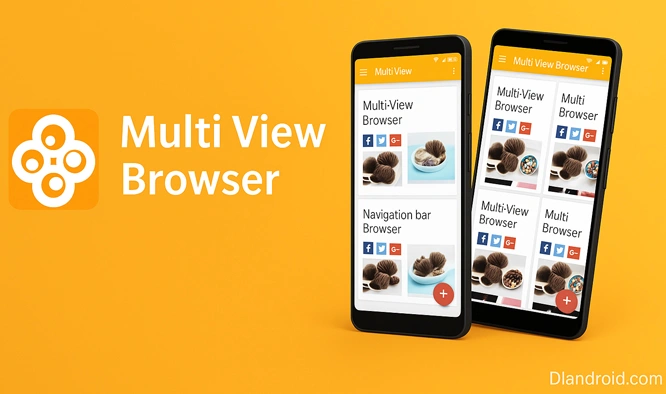
Arrange two, three, four, or up to six panels in a clean grid. Every panel has its own navigation and history, and you can drag the dividers to make the important view larger. Keep a stream playing on one tile while another tile shows headlines, a third follows mail or docs, and a fourth keeps a market chart in view.
Refresh rhythms per tile
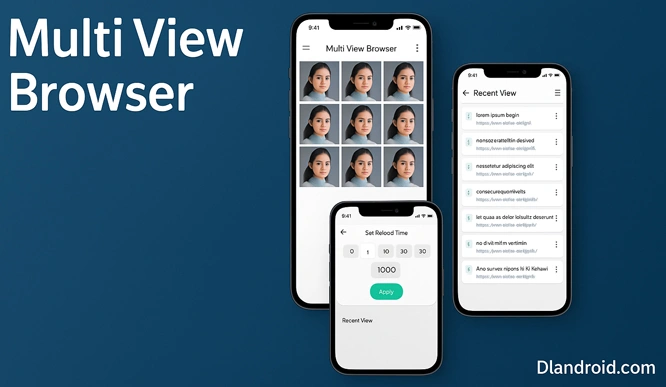
Set individual timers so fast-moving pages stay current while long reads stay still. A quick rhythm suits tickers and live scores; a slower beat fits news dashboards; static pages can be left off entirely. Because each tile follows its own schedule, everything on screen updates the way you expect.
Workspaces you can summon
Save a layout—with URLs, panel order, and grid size—as a reusable preset. Create a “Morning Brief,” a “Markets Watch,” or a “Match Day” setup and bring it back in one tap whenever you need the same arrangement.
Stay tidy and fast
The built-in ad blocker cuts noise and speeds loading. Redirect Lock keeps a panel anchored on the page you chose, useful on sites that try to push you elsewhere. On slow connections, the image-replacement option swaps heavy graphics with placeholders so scrolling stays smooth across all panels.
Jobs it nails
- Markets & crypto: two exchanges, a live chart, and breaking headlines visible at once.
- Live events: scores, commentary, and stats together, no app switching.
- Research & monitoring: open several sources side by side for quicker comparisons.
- Social + media: watch a stream while replying on X/Reddit/Telegram in a neighbor tile.
- Shopping comparisons: product pages from different stores lined up for instant spec checks.
Quick start
- Download the Multi View Browser Mod APK from this page.
- On Android, allow installation from this source in Settings → Security.
- Install the APK; if a previous signature exists, remove that version first.
- Open the app, choose a grid, add your URLs, and save a preset for next time.
Helpful tweaks
- Begin with a 2×2 grid; add more panels only if performance stays smooth on your device.
- Try 10–20 s timers for charts, 60–120 s for headlines, and Off for tools or docs.
- Keep the video in its own tile and exclude the app from battery savers for uninterrupted playback.
- Turn on Redirect Lock for ad-heavy pages so the view doesn’t jump.
- Use image replacement on weak networks to keep every tile responsive.
Fix small hiccups
- Auto-refresh not triggering: check the timer on that tile and confirm the site allows reloads.
- Preset loads out of order: place the panels the way you like, then re-save so layout + URLs are stored.
- Playback pauses when switching tiles: keep the player visible and disable power optimization for the app.
Why it stays installed
Less app-switching, more information at a glance, and repeatable workspaces that match your day.
Download Multi View Browser Mod APK for Android — Premium Unlocked.



Leave a Reply