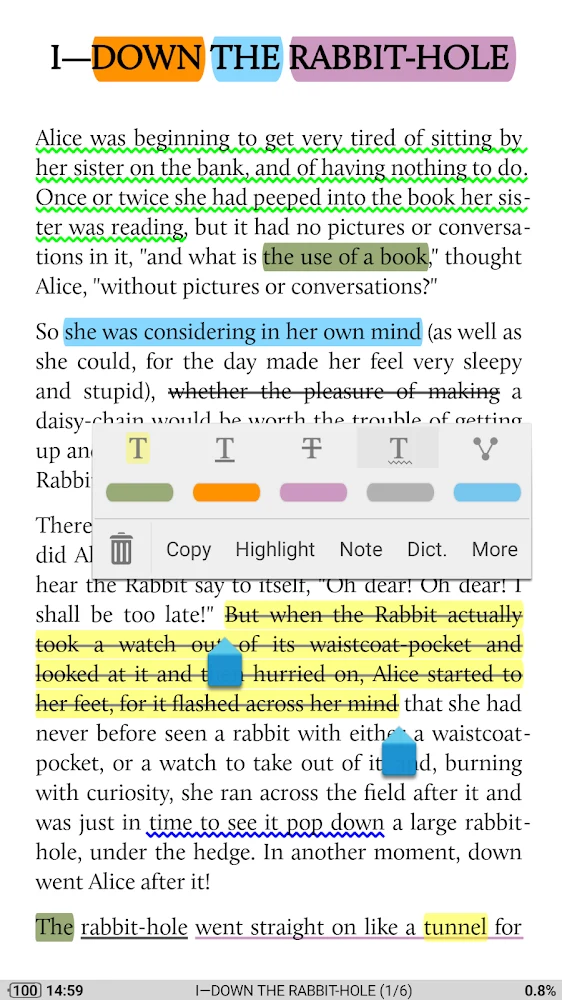
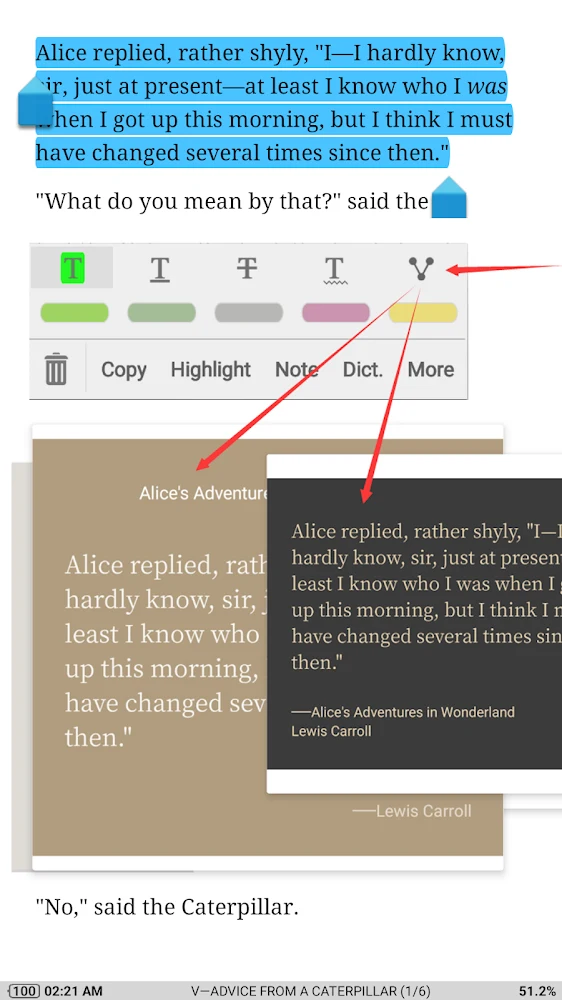
A passage marked in Moon+ Reader Pro Mod Apk can carry a note about why you picked it. If you return to a chapter a week later, the highlight brings you back to the words and the note gives you the context you need. The reader also has bookmarks for places you want to revisit without selecting a particular sentence.
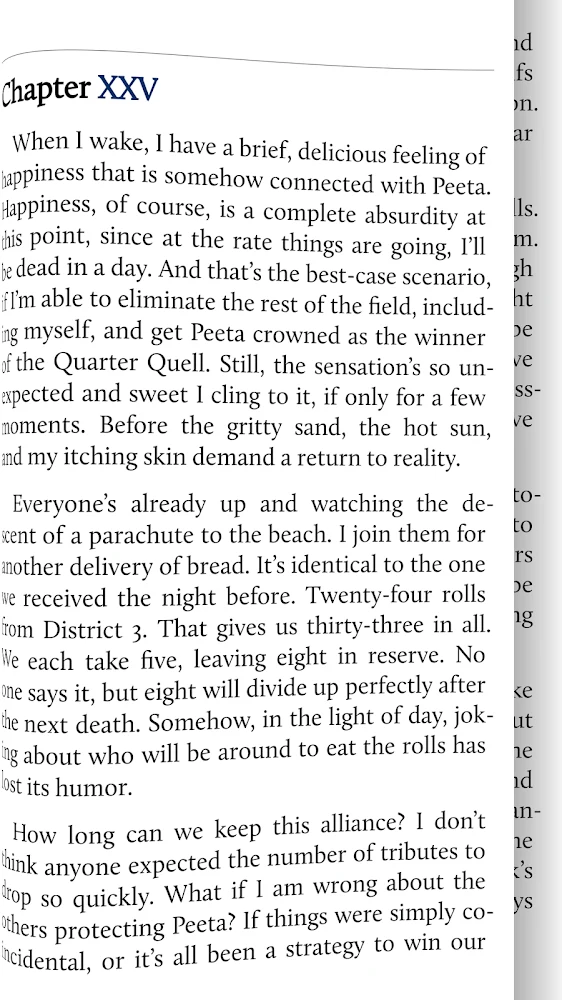
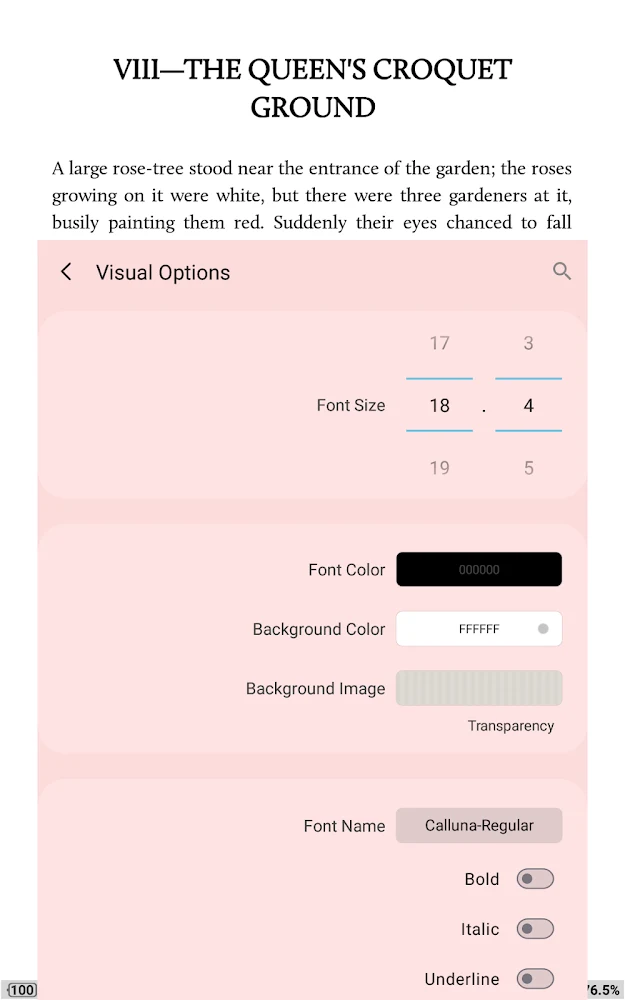
Open an EPUB you have access to and set up the page before reading. Increase the text size if the lines are crowded, or give the paragraphs more space to make them easier to follow. Font and spacing settings let the text flow into more or fewer lines on the same screen. If the publisher’s layout matters, as it might for a table or unusual indentation, the reader offers a preview mode that preserves the publisher’s formatting.
A PDF is useful when a class handout or an illustrated page needs to keep its layout. The Pro edition can highlight text, add annotations and record handwritten marks in PDFs. For a margin note, the fixed page gives the handwriting a specific place beside a diagram or heading. On a wide screen, the landscape two-page view can keep the facing page in sight when you need to refer back to it.
When you want to listen, the Pro edition can hand supported text to a text-to-speech engine. That can keep you following an EPUB during a task where you cannot keep looking at the screen. The same book can hold a bookmark for your return to the page, and the reader’s statistics show how much time you have spent with it.
For a first highlight, choose a passage you expect to quote or discuss. Attach a short note directly to that highlight and name the point you want to remember. Later, open the marked passage again to read your note beside the words that prompted it.


Leave a Reply