MaterialWho for KWGT Mod Apk: This app is not an independent application.
You will need these other apps
KWGT: https://play.google.com/store/apps/details?id=org.kustom.widget
KWGT PRO: https://play.google.com/store/apps/details?id=org.kustom.widget.pro
You may find a custom launcher to be more enjoyable (Nova Launcher Lawnchair …)).
Follow the instructions below to have a more enjoyable experience.
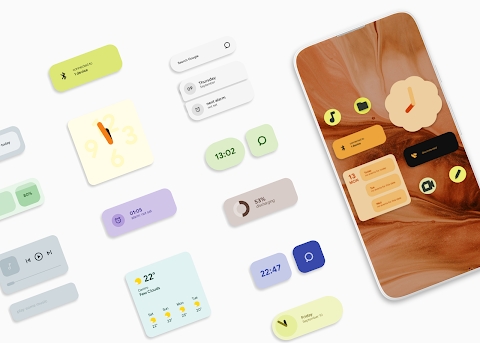
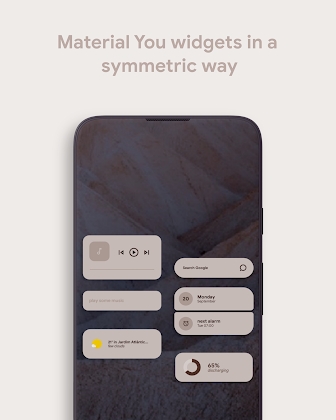
Material Who is 70 widgets that are inspired by Material You’s design guidelines. You can even change any widget by adding a color palette widget.
How to
The recommended launcher grid size is 8×4 without a dock and 7×4 with a dock.
– Every widget has its padding attached to its name (mtr001 2×1 and mtrl003 2×2 …)).
You can place a widget of 2×1 or 2x2KWGT on your home screen. Then, select the MaterialWho widget you want.
Enable Dynmode global variable for dynamic widgets if you are on Android 12. This variable can be disabled if you are using an older Android version. You may customize the colors in the global variables below.
PALETTE WIDGET INSTRUCTIONS
Add a widget on your home screen that is full-screen and choose the palette widget. Copy the HEX code found on Google’s page and click on the desired color. Add another MaterialWho widget to your home screen. Copy the color and then paste it into the Global Variable.



Leave a Reply