
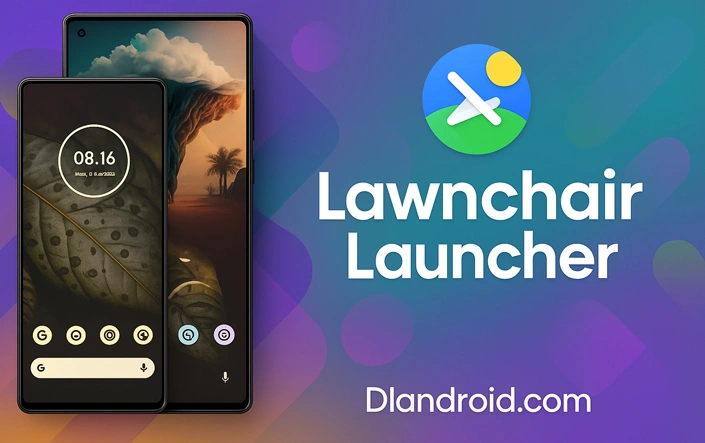
Lawnchair Launcher brings a simple and clean home screen experience to your Android device, with the freedom to change things just the way you like. It’s quick to use, doesn’t get in your way, and keeps things running smoothly. Whether you’re into minimalism or enjoy adjusting every detail, this launcher gives you options without making things complicated. You can grab the latest version directly from dlandroid.com.
Core Features
Custom Icon Support
You can replace app icons using any pack you like. A built-in search feature helps you find alternatives quickly so your apps look exactly how you want them to.
Adaptive Theming
The launcher automatically adjusts its color palette to match your background image. You can also choose when dark mode turns on—either manually or based on the time of day.
Gesture Mapping
Set gestures like swiping or tapping to open apps, show notifications, or carry out other actions. It helps you do more while keeping your screen organized.
Flexible Grid Control
Arrange the home screen in a way that feels right for you. Adjust icon sizes, label positions, or even remove labels altogether. There are also options to tweak font size and colors.
Advanced Folder Options
Folders can have multiple pages, custom visuals, and adjustable swipe actions. You can sort your apps by how often you use them, by purpose, or however makes the most sense to you.
Performance and Security
Lawnchair is constantly updated by contributors on GitHub. These updates focus on smooth performance, support for new Android versions, and small improvements that make everyday use better. The APK files available at dlandroid.com are verified before publishing and include a SHA‑256 code for extra peace of mind.
Compatibility
This launcher works on phones and tablets running Android 6.0 or newer. It’s designed to be light on resources and stays out of the background when you’re not using it. It doesn’t include any kind of tracking, there are no pop-ups, and it avoids running unwanted background tasks.
How to Set It Up
To install Lawnchair, head over to dlandroid.com and get the newest version of the installer. Then, go into your device’s settings and make sure it allows apps from unknown sources. Once that’s done, find the file you just downloaded—usually in the Downloads folder—tap it, and just follow whatever on-screen steps show up. When installation wraps up, press Home, select Lawnchair, and confirm that you want it as your default launcher.
Getting Started
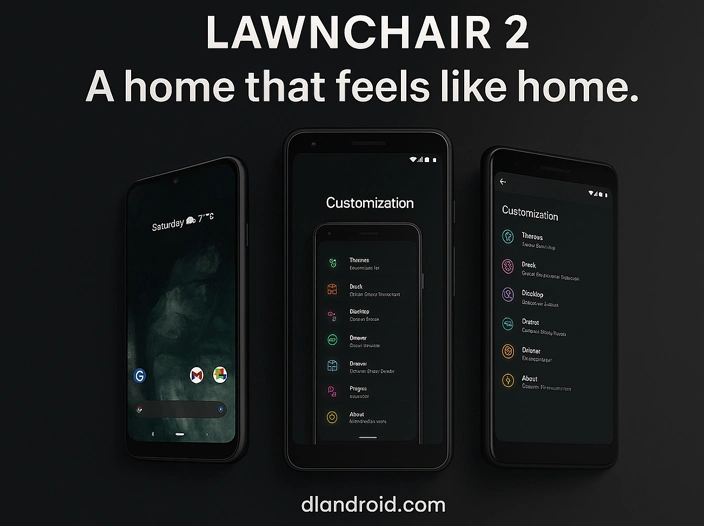
The first time you launch the app, a brief setup wizard helps you select layout, preferred colors, and gestures. To explore extra options, long-press on the home screen to open the settings panel, where you can adjust icons, folders, labels, and more.


Leave a Reply