
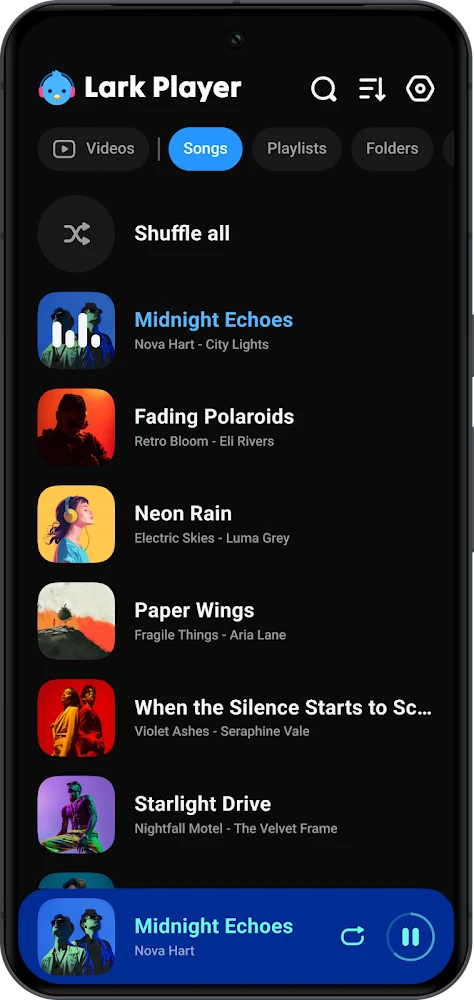
Lark Player suits Android listeners who keep music and videos on the same phone and want one place to play both. Someone with saved albums and rehearsal clips, for example, can move between a playlist and a video without leaving the app. The music library sorts tracks by artist, album or genre. That is useful when you remember who recorded a tune or which album it was on, but cannot recall the track name.
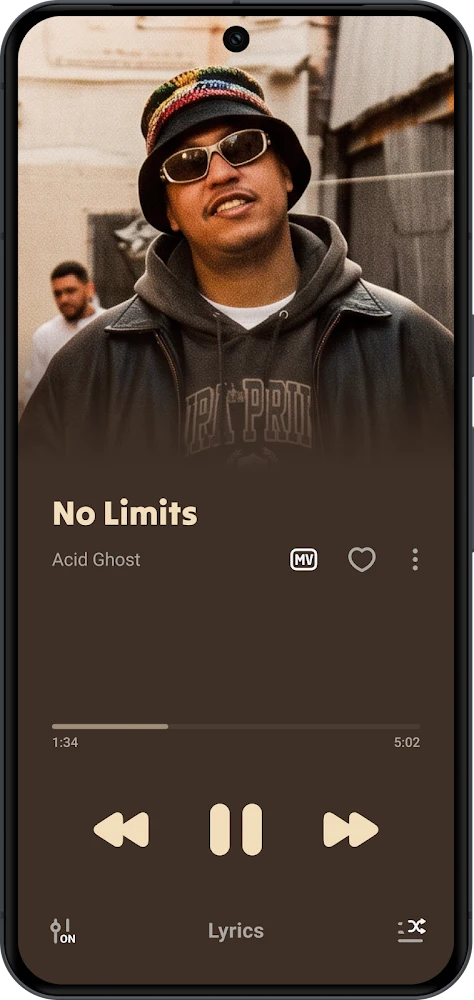
The Android library keeps music and video in different tabs. In Lark Player Mod Apk, those tabs separate an album from a set of clips even when both are stored on the same phone. That split matters if some files are recordings you want to revisit by name and others are clips you recognize by sight. The player supports common local formats such as MP3 and FLAC for music and MP4 and MKV for video.
Two approaches to a local library
Musicolet focuses on local audio and lets you resume separate song queues. That is a useful comparison if your audio library includes both albums and recordings you listen to in parts. Lark Player puts local audio and video in one app. A listener who alternates between a live album and clips of the same performance can use the Songs tab for the album and Videos for the clips.
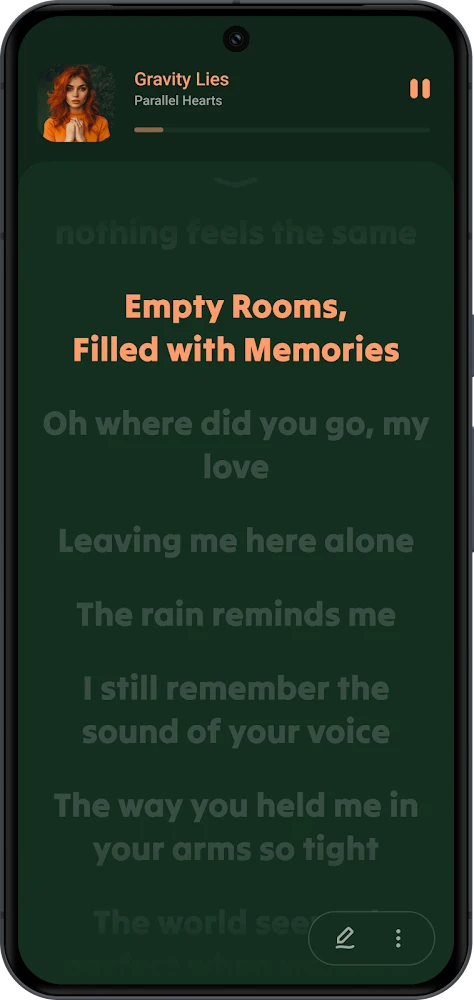
Both apps offer ways to read lyrics. Musicolet documents embedded lyrics and accompanying LRC files. Lark Player offers to match lyrics to music stored on your phone. If you already maintain your own lyric files, Musicolet’s documented LRC support may matter more. If your local collection arrived without separate lyric files, Lark’s matching tool looks for words associated with a song. Look up a track by name in the library, then use the lyrics view while it plays.
Playback outside the main screen
Lark Player can shrink the media player into a floating window that you can move and resize. Say you’re following a short guitar lesson saved to the phone and want to open a note beside it. The window can stay visible while you switch screens. Its size and placement matter more on a small phone, where the controls can otherwise cover the line you are trying to read.
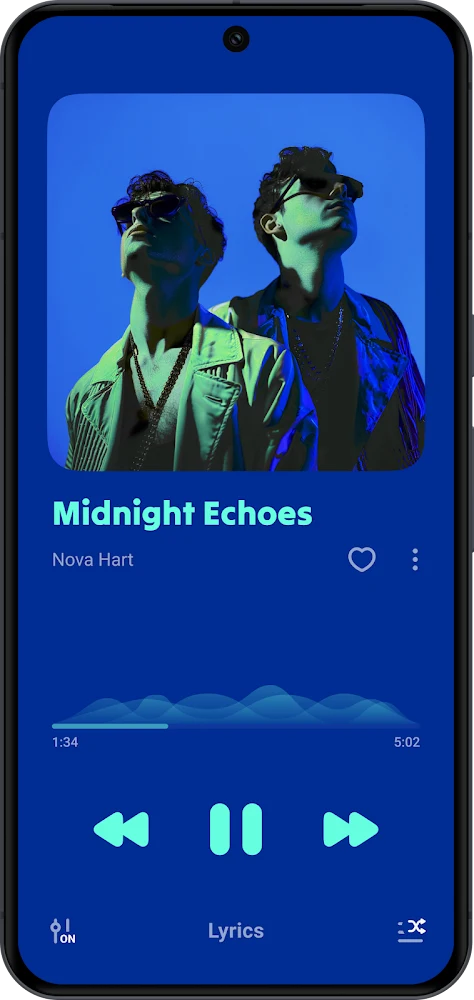
In the regular music view, you can pick an equalizer preset or adjust the sound manually. The Flat preset is a useful baseline for a rehearsal recording when you want to compare the sound before raising the bass. Reverb is a separate adjustment. It changes the sense of space around a voice or instrument, which is a different listening decision from how much low end to add. If you listen at night, the sleep timer can stop playback after the interval you set, useful when an album is longer than you want the music to keep playing.
Media stored on your device
The offline library depends on compatible files saved in a location the app can access. If you’re setting up a new phone, transfer the actual tracks and videos you want to use. An index of track names from another app is only useful for finding those recordings again, since the player needs the media itself to play them. A playlist you create in Lark can then group those files around a listening session or a project.
A saved FLAC track or MKV clip also needs to be in shared storage that Lark Player can read. A video marked for offline playback inside a separate service can still be tied to that service. Files saved in that service’s private storage may remain playable only inside that app.



Leave a Reply