
LADB – Skip the Cables. Just Use Your Phone.
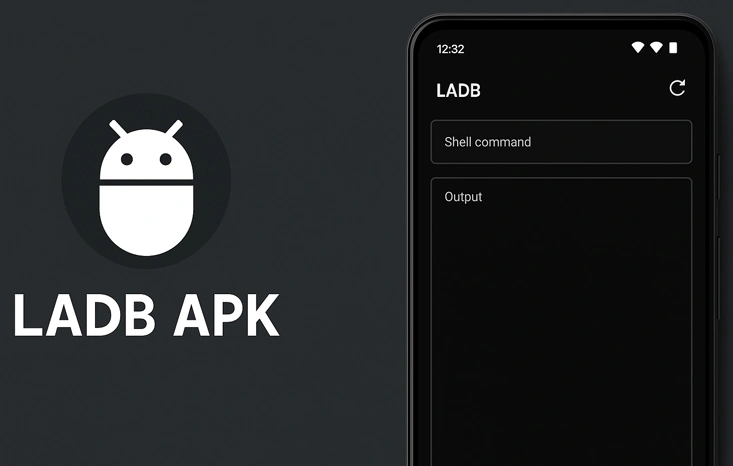
Normally, messing with ADB means plugging stuff in, typing commands, hoping everything connects right. With LADB, none of that. You open the app, and your phone handles it — like having a tiny command center in your pocket.
What’s It Even Good For?
People don’t just install this for fun — it actually helps. Some remove those annoying system apps that refuse to go away. Others tweak stuff under the hood, like hidden flags or permission settings. If you’ve ever needed to run quick ADB commands and didn’t want to boot up your computer, this does the trick.
You don’t need to be a developer to use it — but if you are, even better.
Will It Run on Your Phone?
If your phone is fairly new and not some ultra-budget model from years ago, you’re probably good. It needs to be 64-bit and running Android 11 or later. Older or 32-bit devices? Sorry, won’t work — they just don’t support local ADB pairing.
How to Get It Running
- Open Settings > About Phone and tap Build Number until you unlock developer mode
- Go to Developer Options and enable both Wireless Debugging and ADB Debugging
- Unplug any cables
- Turn on Airplane Mode
- Launch LADB — it should pair on its own
What If It Won’t Connect?
- Close LADB
- Turn off both debugging settings
- Revoke USB debugging permissions
- Restart your phone
- Turn the toggles back on
- Enable Airplane Mode
- Open the app again
Mod Version Perks
- No patching tools or Google Play tricks
- Everything unlocked
- Works without root
- After setup, runs fully offline
- Lightweight and no ads
LADB – Quick Info
| Feature | Details |
|---|---|
| App Name | LADB – Local ADB Shell |
| Version | 2.3.1 (Modded) |
| Root Required | ❌ No |
| Requires Android | Android 11 or newer |
| Architecture | 64-bit only |
| Internet Needed | ❌ Only for the APK download |
| Offline Support | ✅ Yes, after pairing |
| File Size | Around 2–4 MB |
Download the latest LADB APK below and try it for yourself.

![FastTap (automatic clicker) [ROOT] or [ADB] 1.0.2.root Apk Pro icon](https://dlandroid.com/wp-content/uploads/2018/10/FastTap-(automatic-clicker)-ROOT]-or-ADB]-3.jpg)

Leave a Reply