
Your Widgets Are Boring. Kombine Mod Apk Can Fix That
Let’s face it — most widgets are about as exciting as a bowl of plain oatmeal. Sure, they work. But do they make your phone pop? Nope.
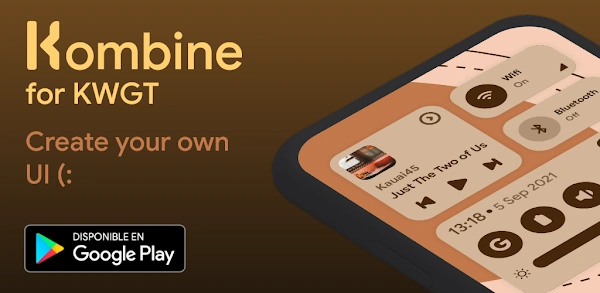
Enter Kombine: the app that swoops in like a home screen fairy godmother, turning your mismatched, outdated widgets into sleek, modern beauties that actually match your wallpaper.
Why Kombine is the Upgrade You Didn’t Know You Needed
- Color Magic – Your widgets automatically dress in colors from your wallpaper.
- Widget Buffet – Clocks, weather, calendar, battery — all stylish and ready to go.
- Zero Drama – No heavy battery drain, no lag, no random crashes.
- Slick Personality – Everything feels like it belongs on Android, not like an awkward add-on.
A Day in the Life of My Home Screen (Before & After)
Before Kombine:
My home screen was a disaster — a neon clock clashing with a dull weather widget, a battery indicator that looked like it came from 2013.
After Kombine:
Everything matches. The clock is elegant. The weather widget blends in like it was born there. The battery indicator? Minimal, clean, perfect. It’s like my phone went from wearing mismatched socks to a tailored suit.
How to Make Your Home Screen Fabulous with Kombine Widgets (and a Bit of KWGT Magic) 🎨✨
So, you want a home screen that makes people say, “Whoa, what app is that?!” instead of “Wow… you still use that default clock?”
Good news — with Kombine Widgets and a dash of KWGT wizardry, you can make your Android look like it belongs in a tech magazine.
What You’ll Need (a.k.a. The Shopping List for Your Digital Glow-Up) 🛒
- KWGT – Your magic widget creator.
- KWGT Pro Key – Unlocks the good stuff.
(Optional but fun extras if you’re feeling fancy):
- KLWP – For live wallpapers.
- KLWP Pro Key – Because who doesn’t want more power?
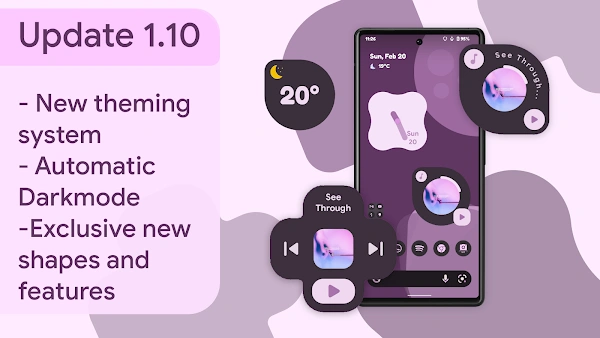
The “Not-Boring” Installation Guide 🛠
- Download Kombine Widgets (because step one of looking cool is… getting the thing).
- Download KWGT + KWGT Pro Key — trust me, the pro version is where the magic happens.
- Add a Widget to Your Home Screen – Long press, pick “KWGT Widget,” and drop it like it’s hot.
- Tap Your Widget – KWGT will open like a backstage door to your customization concert.
- Find Kombine Widget Pack – Scroll until you see the beauties you want.
- Choose Your Champion – Scroll through the Kombine collection until one jumps out and says, “I’m the widget you’ve been looking for.” Trust your gut.
- Lock It In – Tap save, close KWGT, and bam — your home screen just went from “okay” to “whoa.” It’s the same feeling as getting a fresh haircut and catching yourself in a store window.
☕ Moment of Glory: Hold your phone out at arm’s length, tilt your head like you’re judging fine art, and give yourself a little nod. You did this. And yes, it looks amazing.
💡 Sneaky Style Tip: Match your widget colors to your wallpaper for instant “Wow, did a designer do that?” energy.
📲 Once it’s done, try not to smile too smugly when friends ask, “How’d you make your phone look like that?” You can tell them about Kombine… or you can just raise an eyebrow and say, “Trade secret.” 😏



Leave a Reply