
Instagram gives the same photo several places to go. A finished picture can belong on your profile, a quick update can run in Stories for a day, and a shared joke can go straight to one person. That choice matters as much as what the picture looks like. The people following your account and the people you want in a conversation may be different groups.
In Instagram Mod Apk, the posting tools make more sense once you know who will see what you share. A single afternoon working on a garden, for example, could produce a photo for your profile, a short clip of the work for Reels, and a Story asking a few friends what to plant next. Each format serves a different part of that afternoon.
Feed, Stories and Reels
- Feed suits photos you want people to find again on your profile. A carousel can put several pictures in one post, so a garden update can include both the whole bed and a closer look at a new plant.
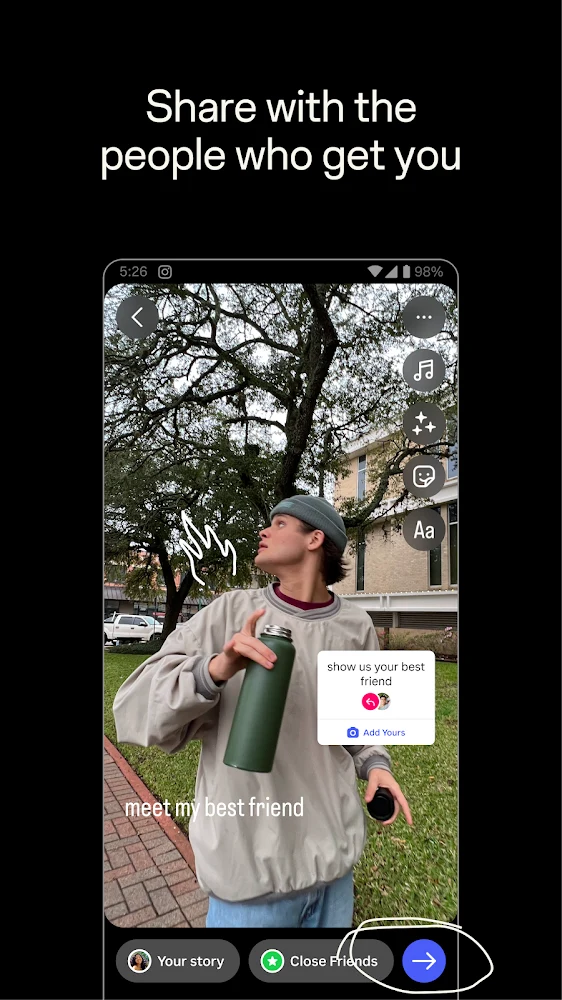
- Stories suit short updates that normally disappear after 24 hours. Add a question or poll sticker when you want a response. If the update is for a smaller circle, share it with your Close Friends list.
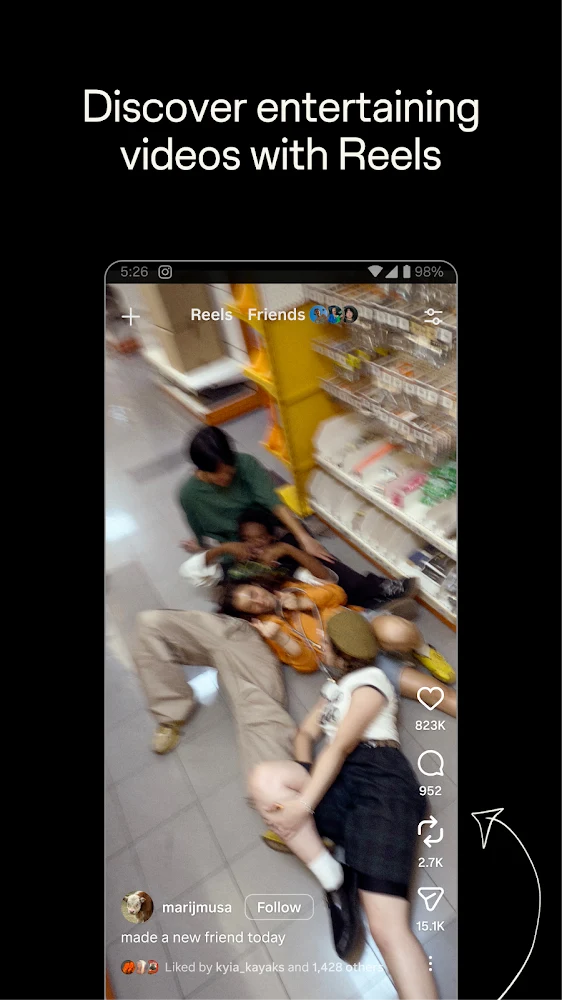
- Reels give short videos a place of their own. A clip can show a task in motion, and tools such as music or text can help it make sense when someone sees it in their Reels feed.
Stories also give you a way to keep useful clips after the day is over. Add one to a Highlight if it belongs with other updates on the same subject. A profile can keep one Highlight for plants you are growing and another for jobs you have finished, while day-to-day updates come and go.
Keeping a conversation in Direct
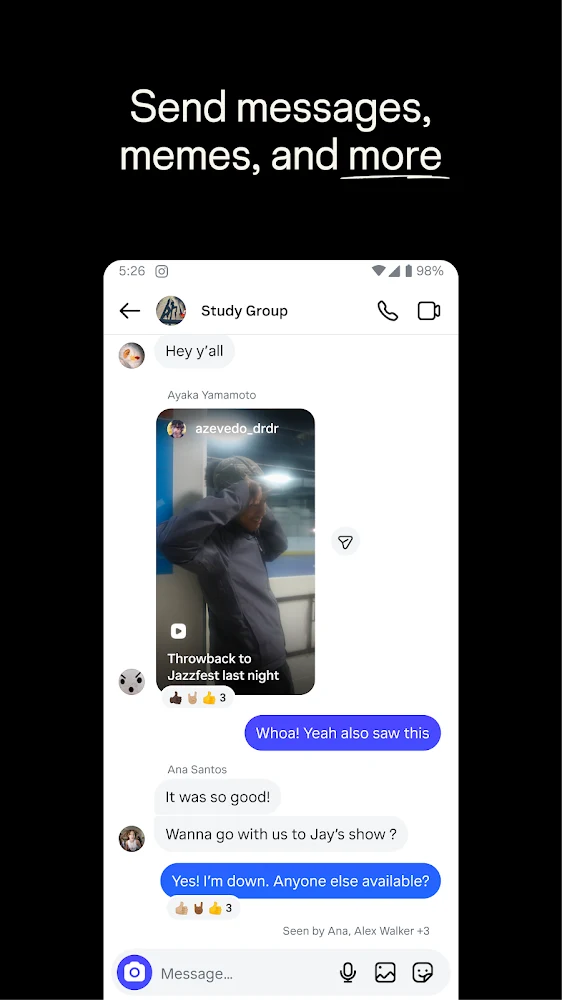
Send a post or Reel to a friend through Direct when it is the start of a conversation. Group chats are useful when several people are deciding what to do. A shared clip can give everyone the same reference point, and follow-up messages stay in that conversation while the original post remains where it was shared.
A post from a private account keeps that audience when you share it in a message. People in the chat still need to be approved followers of the account to see the post.
For your first carousel, put a wide shot first and follow it with a detail photo from the same scene. The wide shot shows people where they are, and the second picture gives them a reason to swipe.



Crush , can’t upload at samsng J6