Three tracks give Geometry Dash SubZero three different obstacle courses to learn. The block moves forward while you time jumps and flights through each level. Once you know part of a route, the soundtrack can help you remember where a change of pace comes, but the position of the obstacle still tells you when to tap.
Three stages with different tempos
Press Start and Nock Em
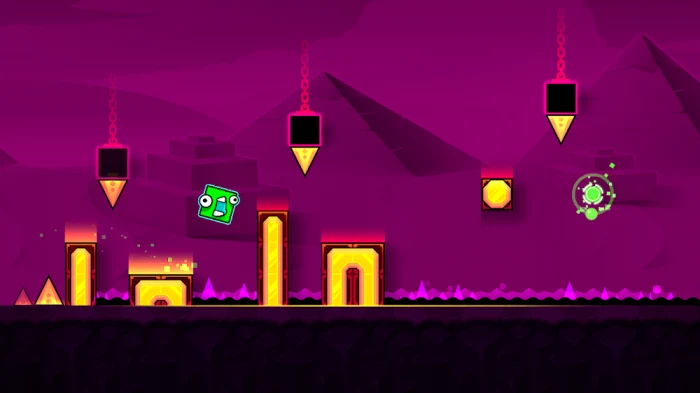
Press Start uses a track by MDK and is rated Normal. It is the natural first stage for getting used to the rhythm of a jump followed by a quick transition into another movement. Nock Em uses Bossfight’s music and is rated Hard. Its darker passages leave spikes and the edges of blocks in view, so watch those outlines when the camera changes position.
Power Trip
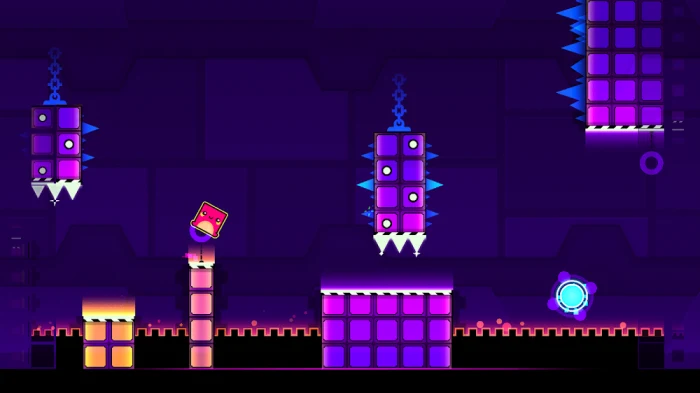
Power Trip uses Boom Kitty’s track and is the Harder stage of the three. It is useful as a separate challenge once you have a feel for how the earlier levels signal their changes. SubZero also has its own character icons, so progress can change the appearance of the character you take into the next run.
Practice Mode before a full run
Practice Mode in Geometry Dash SubZero Mod Apk lets you restart at a checkpoint and repeat the obstacles after a transition. One modified edition lists all levels as open. The official Android game also offers all three courses, so players can choose which route to practice.
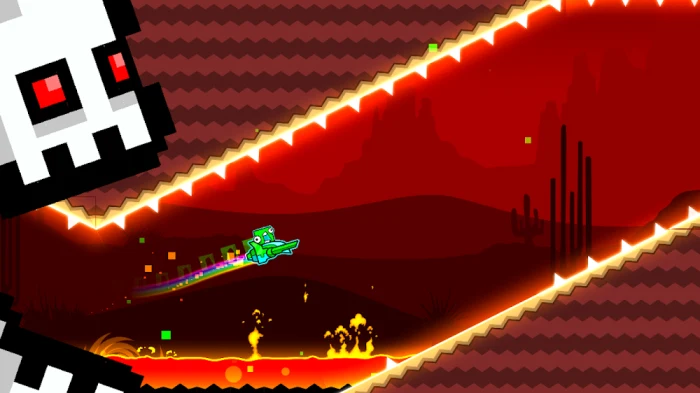
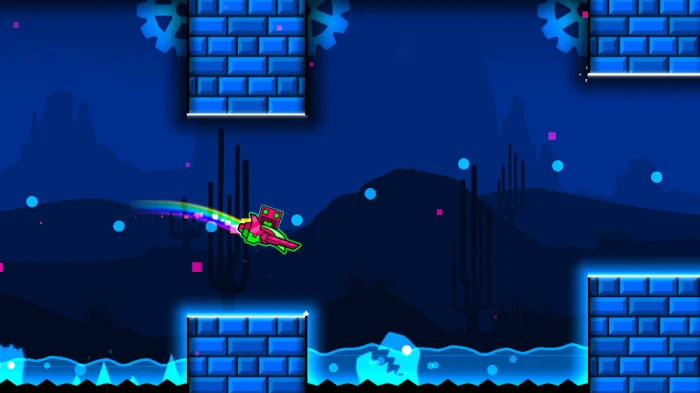
In Practice Mode, use a glowing launch pad as a landmark for a checkpoint in Press Start. Repeat the next transition until you can connect the musical cue to the tap you need. During the flight section, small taps help keep the ship’s nose up. Returning to that checkpoint makes it easier to recognize a late tap before attempting the opening again in normal play.


Leave a Reply