
Fortnite suits players who like deciding how to get out of a bad position. One squad might throw up cover when it reaches the edge of the Storm. Another might enter Zero Build and make the same crossing by moving from a building to a ridge. On Android, both approaches carry the same objective in Battle Royale. Stay in the match longer than everyone else, using whatever you pick up on the island.
The Storm and the build fight
The Storm puts a time limit on your position. A quiet landing can leave room to search for equipment, but the eventual move toward safer ground can bring you into contact with players who landed elsewhere. The next safe circle sets a destination. How you get there depends on what you find and which parts of the island still offer cover.
In standard Battle Royale, building changes what counts as cover. A wall can shield your position as you move, and a ramp can open a route over a height difference. Starting a fight against another builder can therefore mean dealing with a structure that appeared only a moment earlier. Building is part of the contest for position from the first approach to the last exchanges near the Storm.
Zero Build and the Overshield
Zero Build trades player construction for a recharging Overshield. It provides the first layer of protection, and breaking contact gives it time to return. A rock or building is valuable for the length of time it can keep you out of sight. Mantling also lets you climb onto ledges already on the island, so terrain still determines which angles you can reach.
Reboots in Reload
Reload raises the pace with a smaller match of 40 players. An eliminated squad member can come back while the squad is still active. That changes the job of the surviving teammates. Keeping one player in the game can allow the others to return, and eliminations can bring that return closer. As the match approaches its final stretch, the squad has to think beyond getting back on its feet and start holding a position together.
Touch controls and layout
The HUD Layout Tool is one of the Android controls worth checking in Fortnite Mod Apk. Move or resize the on-screen controls to keep actions such as firing and building within reach. Auto Fire can handle supported weapons when the player aims at a target. A dedicated fire button lets the player decide exactly when a shot begins. Epic’s mobile guide also describes Tap Anywhere, which lets you shoot without reaching for a particular spot on the screen.
Chest and loot interactions have a separate touch setting. Easy Interact makes the icons easier to tap, while In World lets a player use the dedicated button or touch the item on screen. That difference matters when a squad is looting quickly and the screen is busy. Android crossplay also means the players in your squad can be using other supported platforms.
Players who will enjoy the island
The main matches suit players who enjoy improvising when the Storm sends them across the island. Squads that like regrouping under pressure have a place in Reload, and players who would rather concentrate on terrain and the Overshield have Zero Build. Anyone seeking a solo campaign with a fixed story should choose a different game. These matches revolve around the island, the other players and a single surviving player or team.
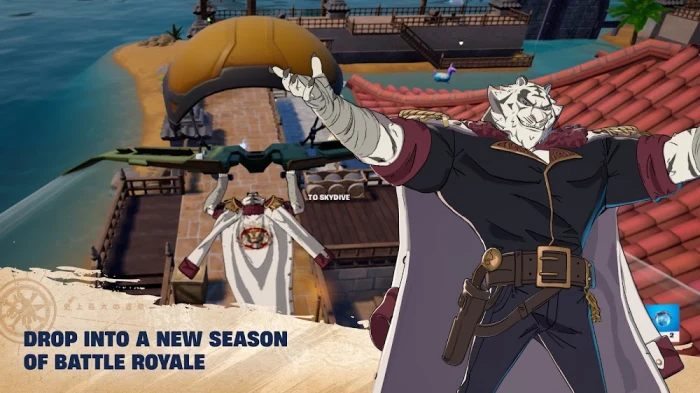
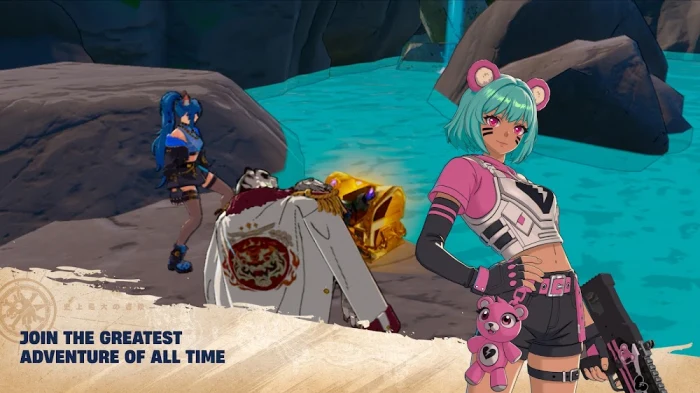
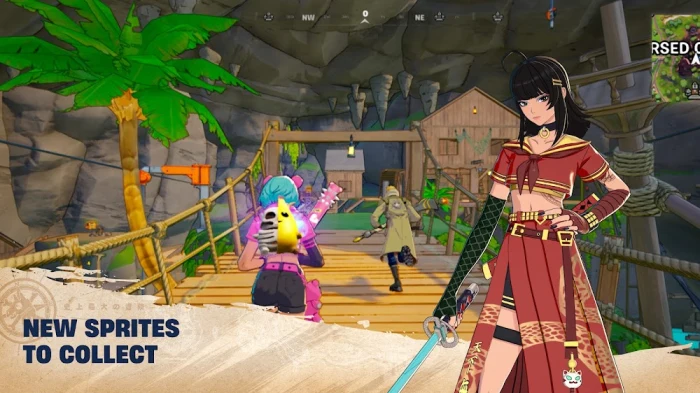
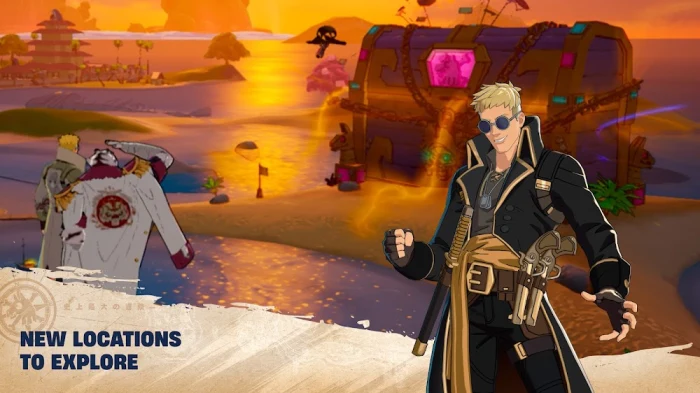



Fortnite on Verizon phone download
I liked fortnite
It will work guys please say me because i am wasting my internet
We need updates