
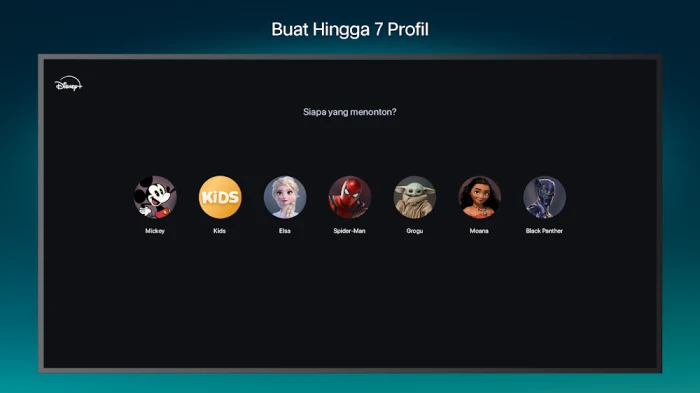
On the original Disney+ Hotstar TV app, a family’s first decisions came before choosing a film. The app asked viewers to sign in and pick the profile under which they wanted to watch. In this look back at Disney+ Hotstar Mod Apk, those separate profiles matter because a person’s selections shaped their own recommendations.
In Malaysia, the legacy app was discontinued on 5 November 2026. The switch moved viewers to the supported Disney+ app or to their provider’s updated app on a compatible TV box.
The first few minutes on the old TV app
The Android TV layout kept Home, Search and My Space within reach of the remote. Home was useful for browsing the service’s mix of films and series. Search was more direct when someone already knew the title. My Space held the profile switcher, handy after a family member had been watching earlier in the day.
- Use the account tied to the subscription. With a provider bundle, the phone number used to activate access mattered. For example, Astro’s older set-top box flow asked for the mobile number associated with the activated account and then a one-time code.
- Give each viewer a recognizable profile. The TV setup offered an avatar and a name. Distinct pictures were especially useful across a room, where reading small profile labels from the sofa could be awkward.
- Check the rating controls before sharing the remote. The older TV profile screen offered a kids profile option and displayed available maturity ratings. An adult could pick the highest rating permitted on a profile, which set the limits for the titles available there. Some parental-lock changes directed viewers to the mobile app or website, so it made sense to set those up before handing over the TV.
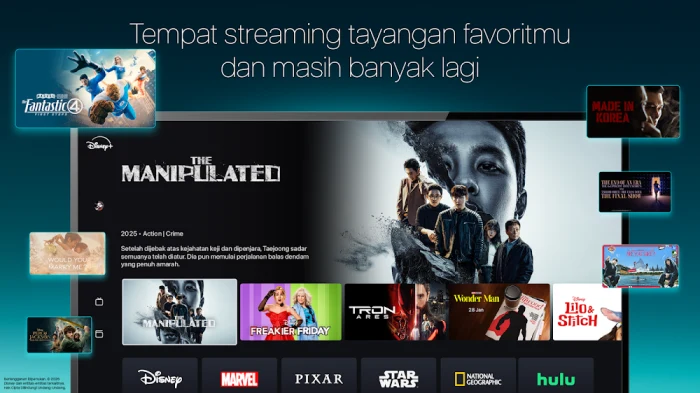
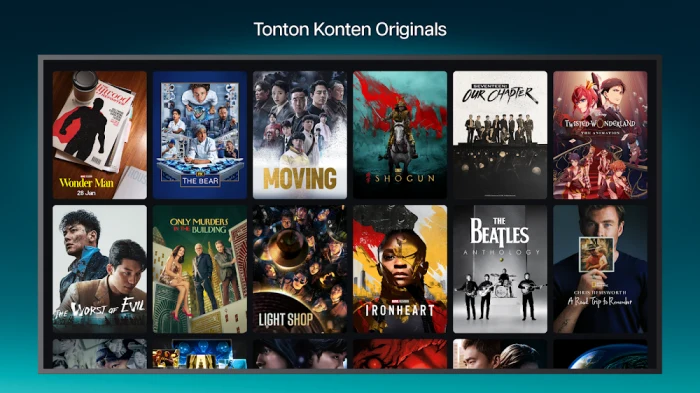
Between those setup screens, the historical catalog gave families several starting points. Disney and Pixar titles sat alongside programming from Marvel, Star Wars and National Geographic. The Malaysian service also carried films and series from other studios and parts of Asia. A search for a particular show was a better measure of what you could watch locally than a headline about the service’s entire library.
Watching on a TV today
In Malaysia, subscribers can sign in to the supported Disney+ service with the details associated with their existing account. CelcomDigi, for example, advised customers with an active subscription to sign in with the existing mobile number. Previously created profiles did not carry over for its customers, who needed to recreate them within the new service. If other people use that television, set up their profiles before settling down to watch.
The catalog and available playback options depend on the market, subscription and device. For a family choosing something together, it is worth opening the title on the television that will actually play it. Available subtitles and audio tracks for the movie matter more than the language of the app’s menus, especially for a film everyone plans to watch together.
One small detail from the old TV setup was easy to miss. After a new profile was created, it could ask which languages you liked to watch. That was a preference for recommendations. If you wanted to hear the original dialogue and read captions in another language, you still needed to choose the audio and subtitle tracks for that title in the player.


Leave a Reply