
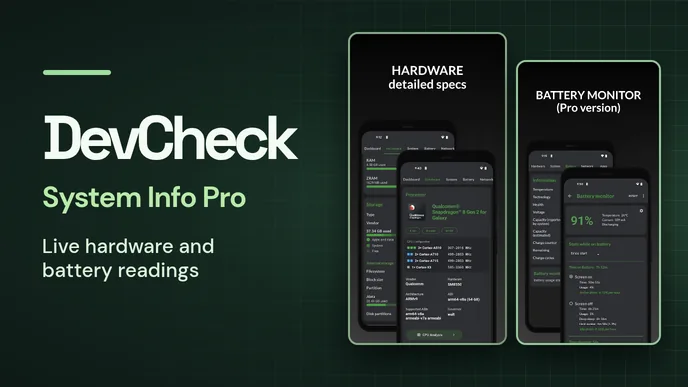
DevCheck shows both what’s inside an Android device and what its hardware is doing right now. CPU frequency, memory use, battery statistics and uptime are visible on the Dashboard. Pages for individual components identify the processor, graphics chip, camera and sensors. DLAndroid lists the download as Pro Paid.
Specifications and live readings
- Hardware
- The system-on-chip, CPU core layout, display specifications and storage capacity are reported here.
- System
- The software side includes the device codename, Android version, security patch and kernel.
- Battery and sensors
- Charge, temperature and voltage update live. The Sensors screen graphs readings from hardware such as the accelerometer, gyroscope and light sensor.
- Network and camera
- DevCheck reports Wi-Fi and mobile connection details, including dual-SIM information. Camera information can include focal length, image formats and RAW support where the device exposes it.
Tracking a reading over time with Pro
Pro adds ways to keep a reading visible. Home-screen widgets can show stats such as RAM use, and floating monitors can display CPU frequencies, temperatures or battery status over an open app. Battery Monitor breaks down battery use by whether the screen was on or off. Farsroid lists its 6.65 package as an unlocked Pro edition. Its release history dates the floating 3D FPS display to version 6.61 and lists Shizuku or root as a requirement for that display.
The official app includes general performance benchmarks for the CPU, GPU, memory and storage. Pro adds Benchmark Labs for individual tests as well as extra device tests and tools. The developer also lists root and Shizuku support for access to additional information on compatible devices. The available readings depend on which hardware and Android capabilities the device exposes.



Leave a Reply