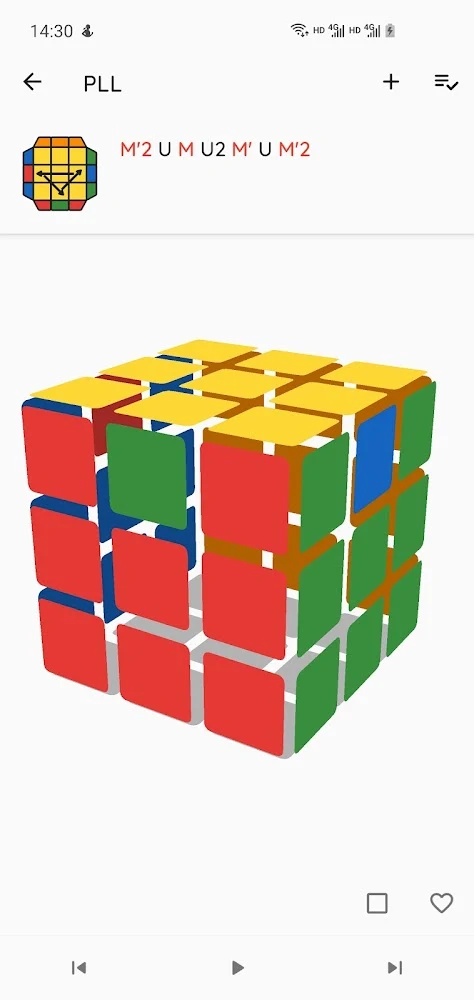
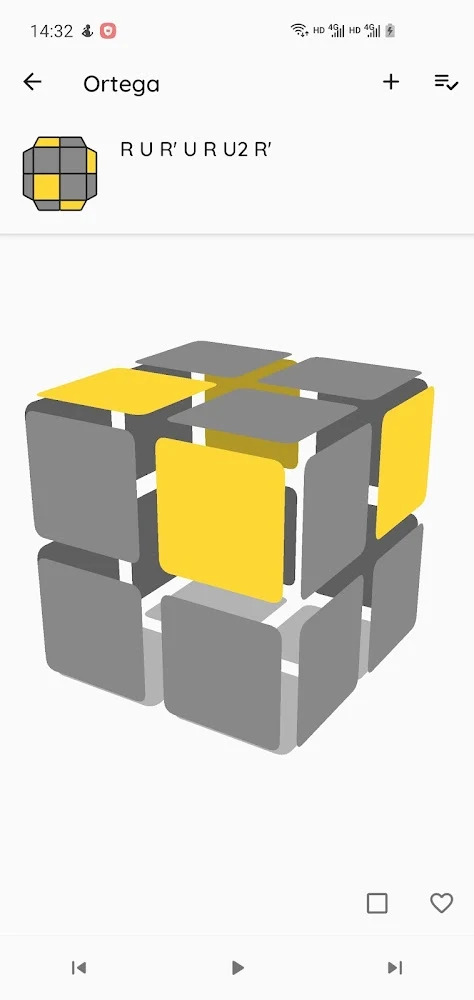
Open Cube Algorithms with a physical cube beside the phone and choose a case you have seen before. The screen shows the arrangement on a three-dimensional cube. Set your puzzle down with the same face toward you before you follow the animation. Matching the viewpoint makes it easier to see which parts of the real cube should move when the picture starts changing.
Recognizing the case on your cube
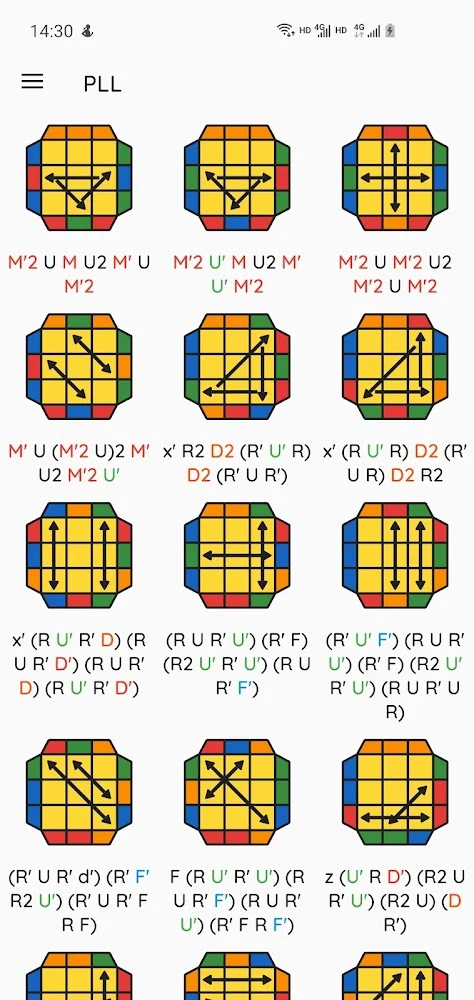
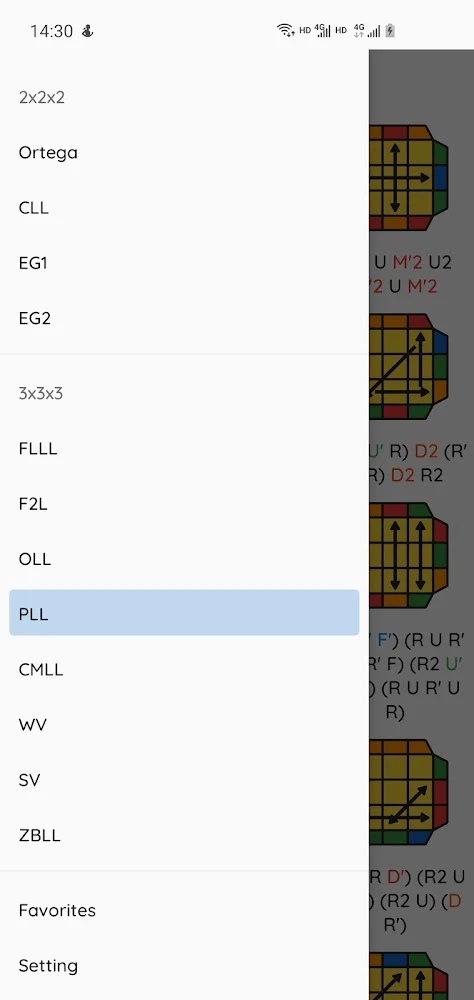
The developer separates the sequences into groups such as F2L, OLL and PLL. For someone already using CFOP on a three-by-three puzzle, those sections are places to look at different parts of a solve. F2L concerns the first two layers after the cross. In OLL you work on the orientation of the last layer, and PLL is about moving the last-layer pieces to their final places. Choosing the relevant group helps you compare a few similar patterns instead of searching the entire catalog.
Once you choose a case in Cube Algorithms Mod Apk, compare the pieces shown in the preview with what you have in front of you. The app lets you assign colors to all six faces. If you are using a cube with an unfamiliar palette, set the colors to match before you compare a case. You may recognize the shape of a last-layer pattern while still holding the wrong side toward you. The colors on the adjacent faces help you check which way the cube should be turned.
Watching the sequence and trying it by hand
In the animation, watch a piece you can identify before the first turn. Pause your own hands until you have seen where that piece goes. Then apply the same turn on your cube and compare the two positions. This makes one movement easier to isolate before you follow the rest of the sequence. The app also lists CMLL and groups such as CLL, EG1 and EG2, so there are other sections to consult as your practice moves beyond the cases you started with.
Cube Algorithms also lets you add and share a sequence you use yourself. Keep the alternative for a case if you want to compare it with the animation. If you share it with a practice partner, agree which face will point forward at the start. For a first session, use one OLL pattern you already recognize. Turn the same face on your physical cube and check whether the relevant last-layer pieces still match the screen before you continue.



Leave a Reply