
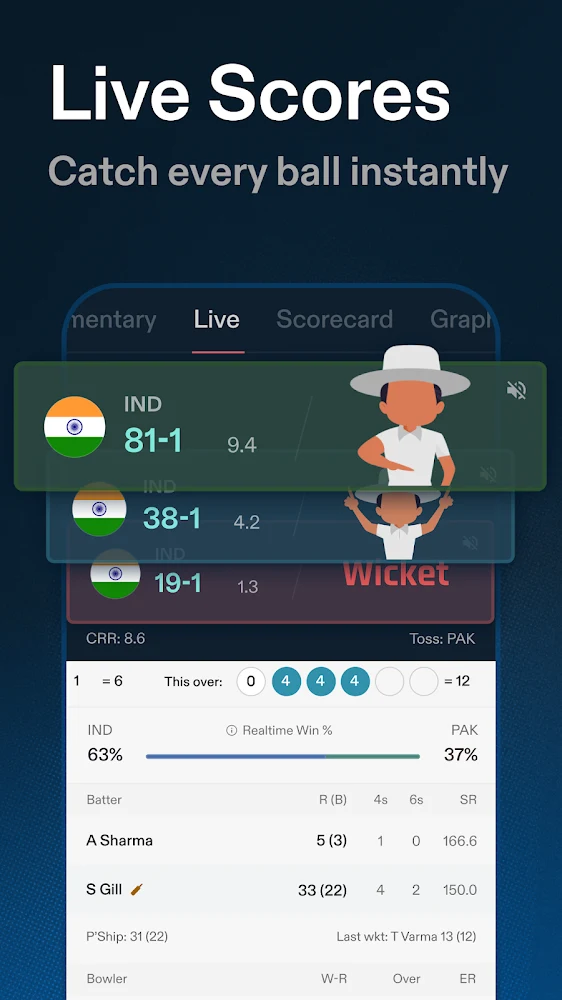
The difference between a score alert and a score you can keep in view matters when you’re following the last few overs of a chase. CREX is a cricket scores and commentary app with a feature called Pin Live Scores that keeps the current score on the screen while you do something else. Cricbuzz also covers deliveries as they happen and offers match alerts. A pinned score is useful in the stretch between those alerts, when a couple of singles can change what the batting side needs from the next over.
A chase on the live score and scorecard
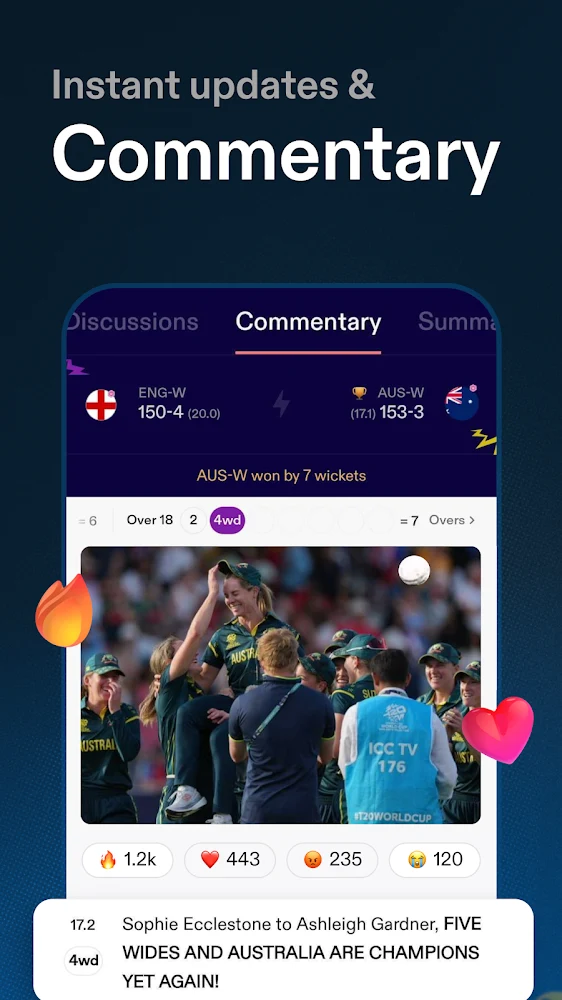
The live view answers the immediate questions: who is batting, where the innings stands and what happened on the latest ball. Ball-by-ball commentary in CREX Mod Apk adds the sequence behind the total. Say you come back to a match after three overs. Reading those entries in order makes it easier to tell whether a run of boundaries came before or after a change of batter. The score itself can’t tell you that.
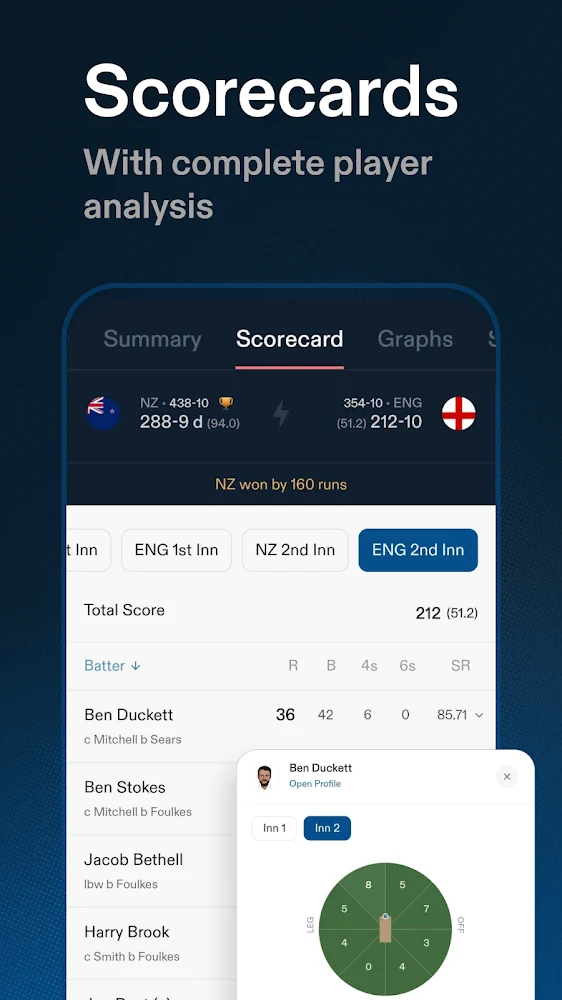
The scorecard is better for a different sort of catch-up. Look at the fall of wickets for the team score and over at each dismissal, then at the partnership table for the runs and deliveries shared by a pair. In CREX’s scorecard for the Gujarat Titans chase against Rajasthan Royals in the IPL qualifier, for example, the first wicket fell at 167. The partnership table shows that Sai Sudharsan and Shubman Gill had been together for 77 balls. Gill’s own wicket appears farther down the fall-of-wickets column, so it’s easy to distinguish the end of the opening stand from the end of his innings.
The bowling table has another view of that same chase. The overs and economy figures sit alongside wickets, which helps when the bowler who made the breakthrough also conceded runs quickly. If the question is where the chase changed pace, CREX also provides match graphs. The commentary is where you can read about the ball that ended a stand, while the graph and partnership figures show the passage of play around it.
Fixtures by team and standings by series
On a day with overlapping competitions, open Fixtures by team if you only want one side’s schedule. The day view works better if you’re deciding what to follow next. The format filters help narrow the calendar before you look for a particular fixture. A Test and a domestic T20 can both be on the same day, and the women’s filter helps when you’re looking for a team that plays in more than one international competition.
Series is useful when the result has a bearing on later games. The points table puts a finished fixture in the context of the competition, while the squads and top-player sections help identify the names you saw on the scorecard. If you only remember a surname or part of a team name, Cricket Search accepts player, team and match searches. That also gives you a route back to a player’s figures after the live match has left the day’s schedule.
Highlights after the innings
The app carries cricket highlights and match videos alongside the score coverage. CREX lists live video for select matches in India. The Matches tab includes finished fixtures as well as live ones, so you can go back to a match after play ends. Match reports cover the result in prose, and series-specific news and highlights are grouped in the Series tab.




Leave a Reply