Sometimes the subject is right and the setting is not. A product may be sitting on the wrong table, or a portrait may include a crowded room. Background Eraser Mod APK is a focused Android editor from handyCloset. It removes the photo background and saves the remaining person or object as a transparent image. A collage or replacement scene comes later.
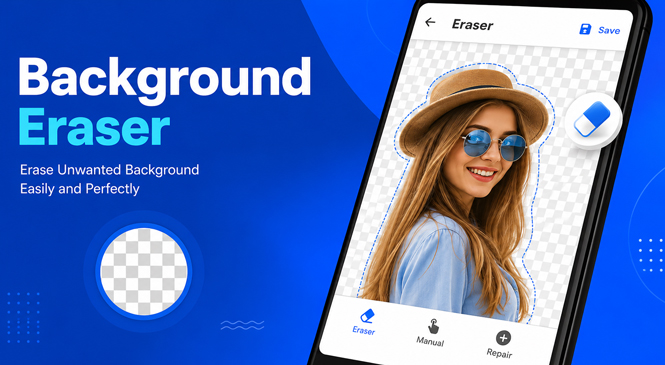
The available modified file lists one change: ads are removed or disabled. It does not list premium access, faster processing, or additional unlocked tools.
The real work is around the outline
Some photos are easier from the start. A dark object against a pale wall has an obvious boundary. Dark hair in a dim room may blend into the wall. Where that line fades, automatic erasing can enter the subject. Those sections usually need manual correction.
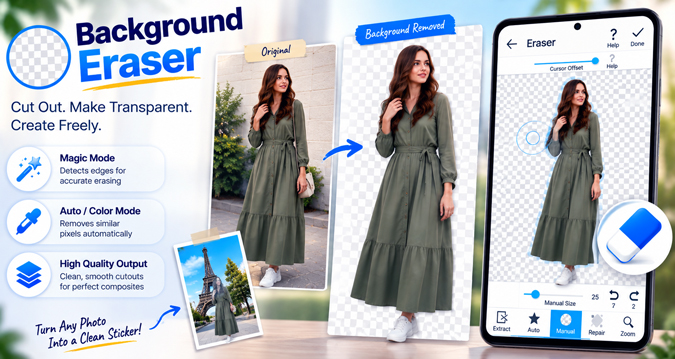
Large empty areas disappear quickly. Small details take longer, especially fingers, loose hair, thin straps, and gaps inside objects. Take the opening inside a mug handle. Manual mode can erase through the centre. If part of the rim disappears, Repair brings back that spot without undoing the rest of the cutout.
Color and Magic are mainly useful before this close work begins. After cropping the unused edges, Color mode can clear a large area filled with similar tones. A plain wall or sheet is straightforward. A beige sleeve against a beige wall is not. Matching colors can disappear on both sides of the outline because the tool cannot tell clothing from the background.
Magic mode follows a visible border instead. A phone against a plain wall gives it a clear route. Hair crossing a patterned curtain does not. Repeating the pass may take more of the hair, so finish that section in Manual.
Leave Smooth Edge until the border is right. A low setting can reduce jagged pixels left by finger editing. Push it too far and thin details soften as well. Hair, cables, or fabric fibers already erased will not return, so use Repair before this stage.
The cutout moves to another editor
Background Eraser prepares the isolated subject but does not assemble the final scene. handyCloset directs users to PhotoLayers for placing it over another picture and My Original Stickers for WhatsApp sticker use. Another editor can handle the next step as long as it preserves transparency. If it flattens the image onto a solid color, the rectangle around the subject returns.
Do not assume a black preview means the edit failed. Some Gallery or Photos apps display transparent areas as black. The developer’s support guide says the transparency may still be present. Load the saved image back into Background Eraser. If the empty area appears correctly there, the black belongs to the viewer, not the cutout.



Leave a Reply