
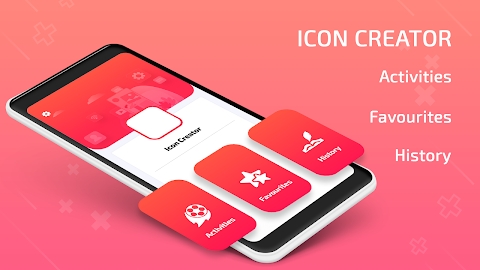
App Icon Changer & App Name Changer Mod Apk: In the realm of mobile customization, having the ability to personalize app icons and names adds a layer of uniqueness to your smartphone experience. The App Icon Changer & App Name Changer application is designed to empower users with two major tasks: changing app icons and modifying app names. This article will delve into the functionalities of this app and explore how it enhances your device’s aesthetics and personalization.
Tasks at Your Fingertips
Changing App Icons
Customizing Icons with Your Photos
App Icon Changer & App Name Changer offers a seamless solution for changing app icons. You can personalize your app icons by choosing any photo from your mobile gallery, adding a touch of your personality to each app’s visual representation.
Icon Editor Tool Features
The Icon Editor Tool included in the app brings a range of customization options:
- Brightness Adjustment: Tailor the brightness of your app icons to match your preferences.
- Contrast Modification: Fine-tune the contrast for a visually appealing icon display.
- Color Change: Explore a spectrum of colors and change the color of your app icons effortlessly.
Modifying App Names
With App Icon Changer & App Name Changer, you can also modify the names of your apps. This feature allows you to give your apps any name you desire, providing a personalized touch to your app drawer.
App Functionality
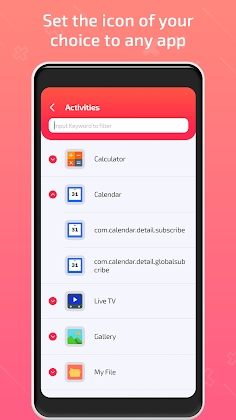
The application ensures that the original app icon remains unchanged; however, the shortcut now reflects the edited or changed icon along with the modified app name. This dual customization feature allows you to create a visual representation of your apps that aligns with your personal taste.
App Icon Changer & App Name Changer Mod Info
Unlocking the PRO features within the app opens up a world of possibilities. Enjoy an enhanced experience with features that were previously restricted. The modded version unleashes the full potential of the application, providing users with unprecedented customization options.



Leave a Reply