
Apk Extractor – Backup pro Mod Apk
*****************
LESS THEN 800 KB IN SIZE *****************
****************** NO INTERNET PERMISSION *****************
App Offline
Bluetooth Email, etc. – Share installed application Apk (.apk)
All applicationincludes systems applications can be extracted
Very fast extraction of the application
With root access, you can extract the PK.
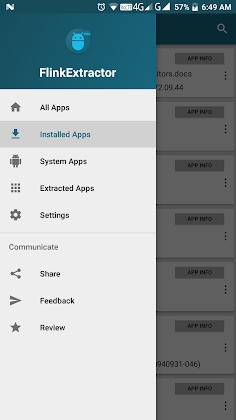
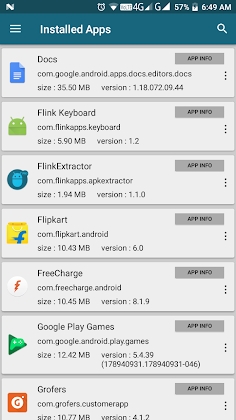
Search system/installed / extracted apps.
APK files are saved by default in the ‘Apk Extractor’ folder.
For saving the Extracted Apk file, you can select another folder.
App sorting option – Sort by name Sort by size Sort by install date
Automatic Extraction: When a user installs an app, Apk Extractor saves that apk file to storage.
One touch action (Extract app / Share app / Installed app / Uninstalled app / App info / App Details).
Backup files of apps installed in storage can be created.
Backup files can be used to restore installed apps.



Leave a Reply