
An open notebook gives the camera two pages at once. Book mode in Adobe Scan finds the binding and turns the facing pages into separate pages of a PDF. Start with the spread in front of you and work through the book in order. Google Drive’s Android scanner makes searchable PDFs from documents such as individual sheets, where there is no binding to divide.
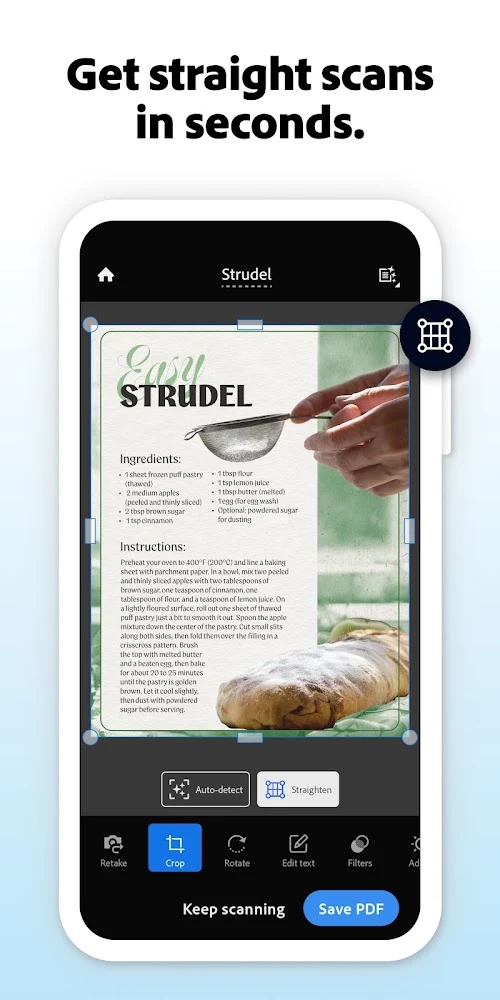
In Book mode, turn the phone sideways and line up the dotted divider with the binding. That alignment is the main Book mode step covered by Adobe Scan Mod Apk. Check the page order before you capture the spread. The capture screen has a control for switching which side comes first. You can then open the thumbnail to review each page separately. Look closely at the inner edge, especially when a line runs into the fold. The Straighten option in the crop tools can help flatten the appearance of a curved page. You can adjust it separately for each page if only one side needs correction.
Keep related spreads in the same scan so the pages can be checked together. If a map or diagram runs sideways across one spread, use the thumbnail to find and rotate that page separately. Adobe Scan saves the PDF in Adobe cloud storage, where you can reopen it from the scanning workspace to correct a page’s crop or rotation.
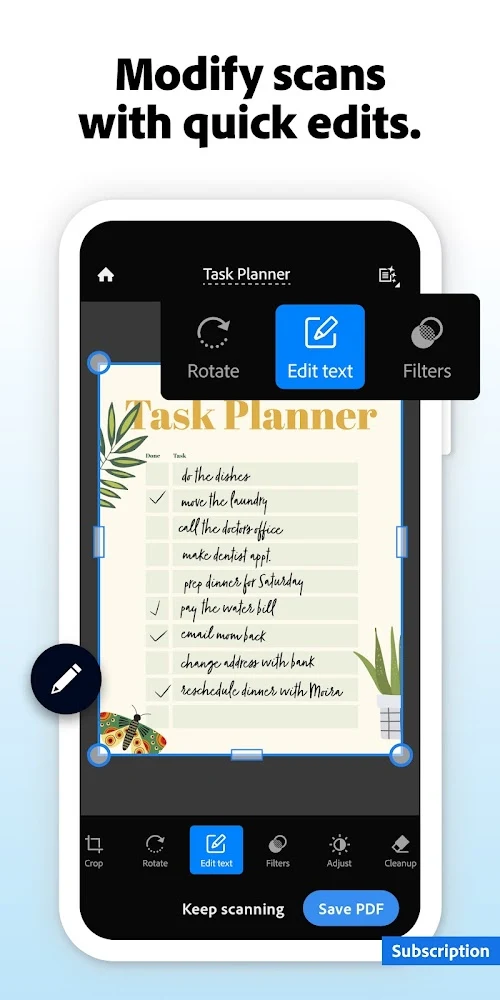
Adobe Scan can recognize text in a scan. After it does, you can press and hold on a line to select and copy it. That is handy for bringing a reference number or a short passage into a note. Check the selected text against the page when it contains similar-looking letters or digits.
If the automatic split cuts into the inner margin of a book page, open Adjust border. Adobe Scan shows the original image with both pages in that view. Move the center divider to the actual fold, then check the resulting pages before saving the PDF.




Leave a Reply