
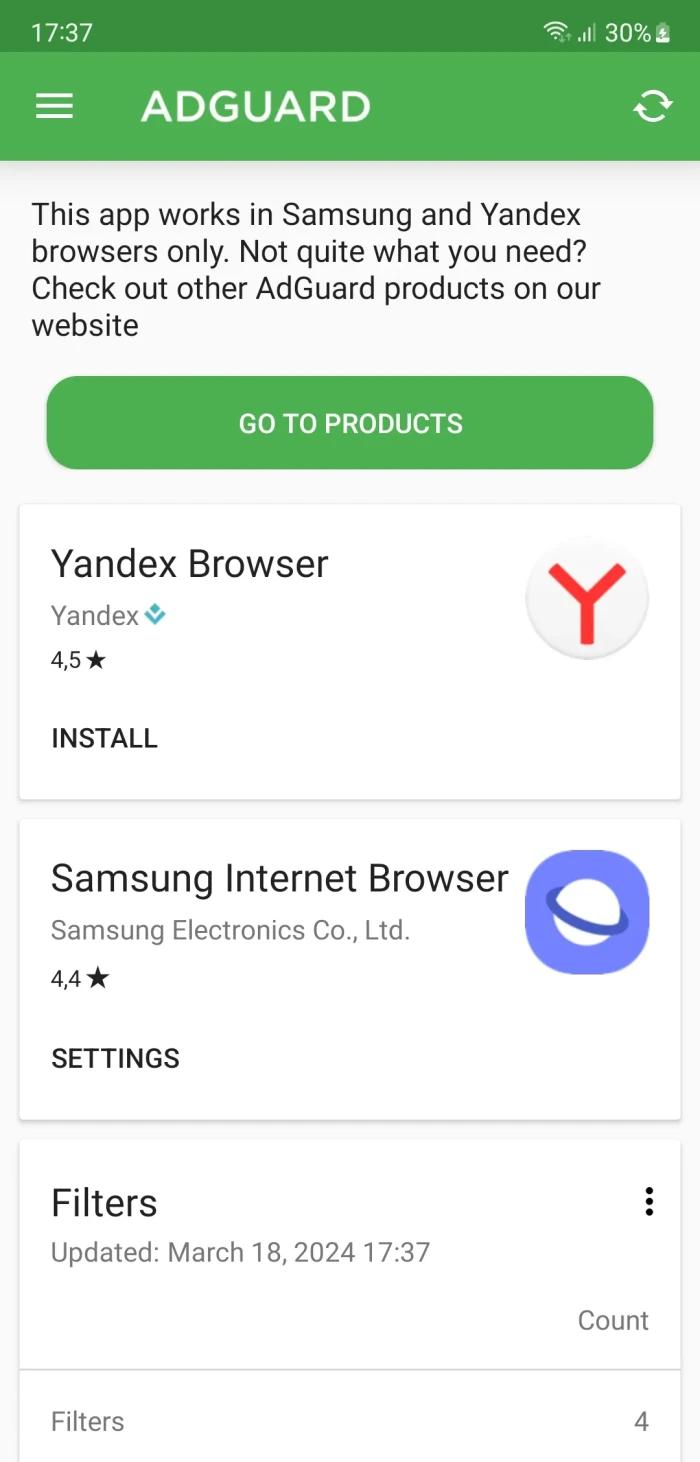
AdGuard Content Blocker helps when a page you browse in Samsung Internet fills up with ads. It works through the browser’s content blocking support. The older Android tool was also designed for Yandex Browser, where it serves the same purpose when that browser supports the blocker. The extension itself does not require root access on Android.
With AdGuard Content Blocker Mod Apk, the important question is which browser opens the page. The browser uses filter rules to decide which page elements to block. Opening the same site inside an unrelated app is a different case because the filter is attached to the supported browser.
Filtering inside a supported browser
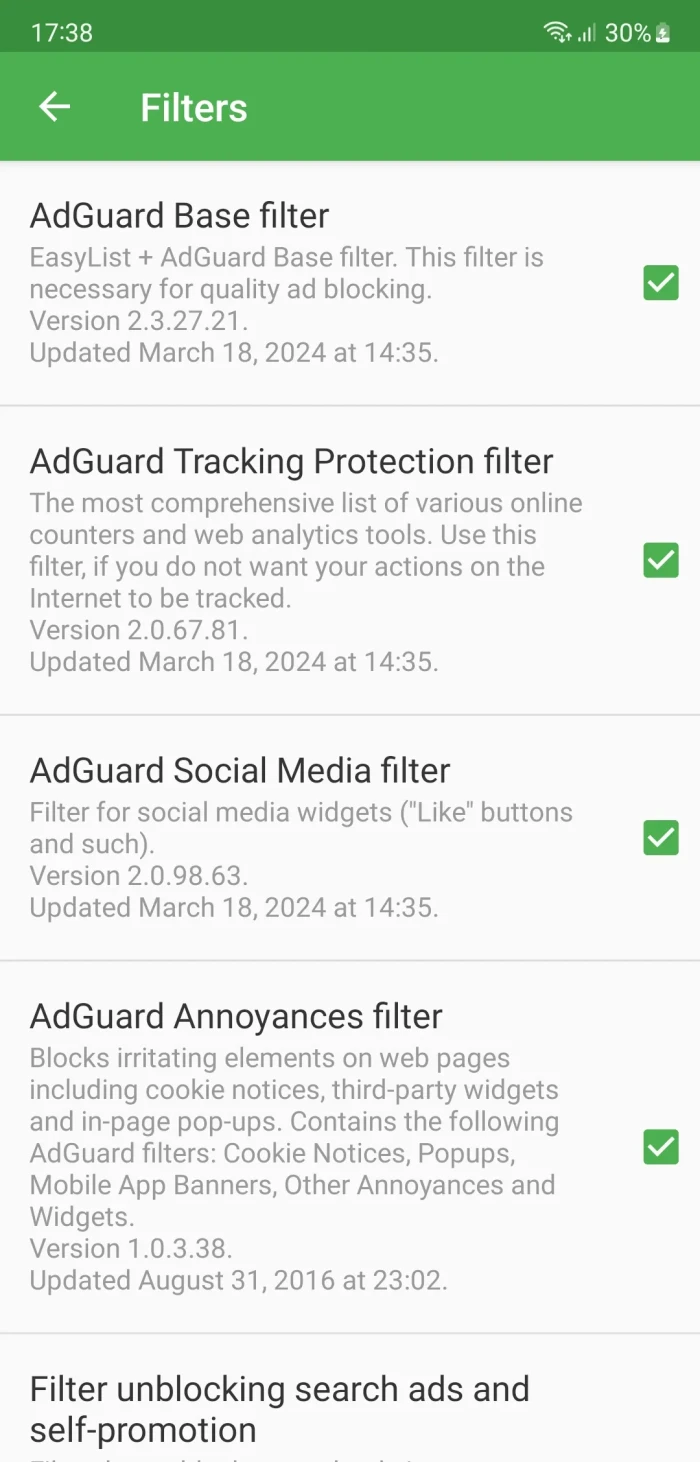
General and regional rules
The filter selection is useful when you read sites in several languages. A general advertising filter covers common rules, and a regional list can add rules for advertising used more often on sites in that language. For a reader who mostly browses local newspapers, it makes sense to pick the regional rules that match those sites rather than enable every language list.
Exceptions for a trusted page
Sometimes a site looks different with filtering enabled. The exception feature is there for a site on which you want to allow its normal page elements. A site-level exception changes filtering on that site while keeping the normal rules available for the rest of your browsing. It is useful when the site’s page needs something a rule is hiding.
Samsung Internet and Yandex Browser
The blocker is an open-source companion for Samsung Internet and Yandex Browser. Each browser has to make the blocker available through its content blocking controls. Those controls are where you can tell whether the filter is in use. If you switch from one browser to the other, check that the chosen browser has the blocker enabled before comparing how it displays the same site.



Leave a Reply